Reuse ready-made content from XTM Hub
Connect OpenCTI and OpenAEV to XTM Hub, deploy a dashboard, a playbook and a scenario in one click, adapt each one to your data, and let an XTM One agent find the next item.
At the end of this journey, your teams start from what Filigran and the community already built instead of from a blank page: a dashboard of the threats to your sector and a triage playbook in OpenCTI, a phishing scenario in OpenAEV, each deployed in one click from XTM Hub, adapted to your own data and checked before it goes live. XTM Hub is Filigran's library of ready-made content for the XTM platform, and an XTM One agent can search it for you. The CTI team lead drives it, with the validation engineer for OpenAEV and the administrator who connects the platforms. The steps below are the pages to follow, in order.
- Content library → Sector dashboard: one click
- Content library → Triage playbook: one click
- Content library → Phishing scenario: one click
- Next item found → Content library: searches
Who takes part
- Administrators connect OpenCTI and each OpenAEV tenant to the organization in XTM Hub, once (steps 1 and 2).
- CTI team leads deploy the dashboard and the playbook, point them at their own scope, test the playbook and start it (steps 3 to 5 and 8).
- Security validation engineers deploy the scenario, adapt its targets and its lure, and run it on a small team first (steps 6 and 7).
- Anyone who works with XTM One asks an agent for the next item to deploy (step 9).
Why it spans several modules
XTM Hub publishes content for each module, and each kind lands in its own screen: dashboards, playbooks, custom views, feeds and connectors in OpenCTI, scenarios and threat arsenal actions in OpenAEV. A deployment runs in the module, as the person who clicks, with that person's rights, so the content lands where that person works and nowhere else. An OpenAEV tenant connects to XTM Hub on its own: content deployed there reaches only that tenant.
The library is a starting point, not a finished setup. Its content refers to labels, statuses, users, asset groups and senders of the platform it was built on, and only your platform knows yours. What the library offers and what to check before you rely on it is in the XTM Hub content library.
What you need
- An XTM Hub account in your organization, for each person who connects a platform or deploys content.
- Both the platforms and your browsers reach XTM Hub,
https://hub.filigran.iounless your platforms are set to another address. - Playbooks from XTM Hub require OpenCTI 7.260811 or later.
- Capabilities:
- in OpenCTI, Manage XTM Hub to connect the platform; to deploy, Create / Update dashboards for dashboards, Manage Playbooks for playbooks and Manage ingestion for feeds and connectors. See Who can deploy content;
- in OpenAEV, Manage tenant settings in the tenant to connect, Manage assessment to change a scenario and Launch assessment to run it.
- For the last step, XTM One with the XTM Hub integration.
How it unfolds
The story: in April 2026, the CTI team of Grand Meridian Hotels needs a dashboard of the threats to the hospitality sector and a triage playbook for partner reports. The validation engineer needs a phishing scenario to replay Velvet Harbor's fake booking request on the front desks. Rather than build all three, they start from XTM Hub.
Connect the platforms
The administrator connects OpenCTI from the XTM Hub card of to the Grand Meridian Hotels organization in XTM Hub (step 1), then does the same in the Grand Meridian Hotels tenant of OpenAEV (step 2). Both cards read Connected.
Deploy and adapt in OpenCTI
The CTI team lead reads what the library offers and where each item lands (step 3). The team lead picks a dashboard of the threats to a sector and deploys it: OpenCTI imports it with the team lead's rights and opens it. Its widgets go on the hospitality sector and the countries of the hotels, and the dashboard goes to the CTI team: a widget can look empty to someone with fewer markings (step 4). The triage playbook arrives stopped: the team lead replaces the values it refers to that the platform does not have, such as the label hotel-sector instead of the author's, tests it on their own data with a Creator filter, then starts it (step 5).
Deploy and adapt in OpenAEV
The validation engineer deploys a phishing scenario into the tenant, then adapts it: the teams and players who receive the email, the asset groups the injects target, the sender and the content of the lure (step 6). The scenario runs once on a small team before it is scheduled (step 7).
Find what comes next
The XTM Hub news feed of OpenCTI tells the team when the library publishes new dashboards, playbooks or integrations, and each user chooses which kinds of news they receive (step 8). In XTM One, an agent with the XTM Hub integration searches the public catalog with nothing to sign in to: asked "Is there an OpenAEV scenario for phishing through booking requests?", it reads the resource and gives the XTM Hub page that deploys it. With a personal XTM Hub API token, it also reaches the private libraries of the organization (step 9).
Content deployed into an OpenAEV tenant stays there when you disconnect the tenant from XTM Hub.
The steps
Each step opens its page; the first one starts the journey, and every page of it then shows where you are.
- 1OpenCTIOpenCTIConnect OpenCTI to XTM HubConnect to XTM Hub · 9 minConnect OpenCTI to the XTM Hub to deploy its content in one click, then follow, repair or remove the connection, and know who may deploy what.
- 2OpenAEVOpenAEVConnect the OpenAEV tenantConnect a tenant to XTM Hub · 4 minConnect a tenant of OpenAEV to your organization in XTM Hub to deploy ready-made scenarios and threat arsenal actions in one click, and keep the connection alive.
- 3OpenCTIOpenCTIKnow what the library offersXTM Hub content library · 4 minWhat the XTM Hub library offers to OpenCTI, how one-click deployment reaches your platform, and what to check before you use the content.
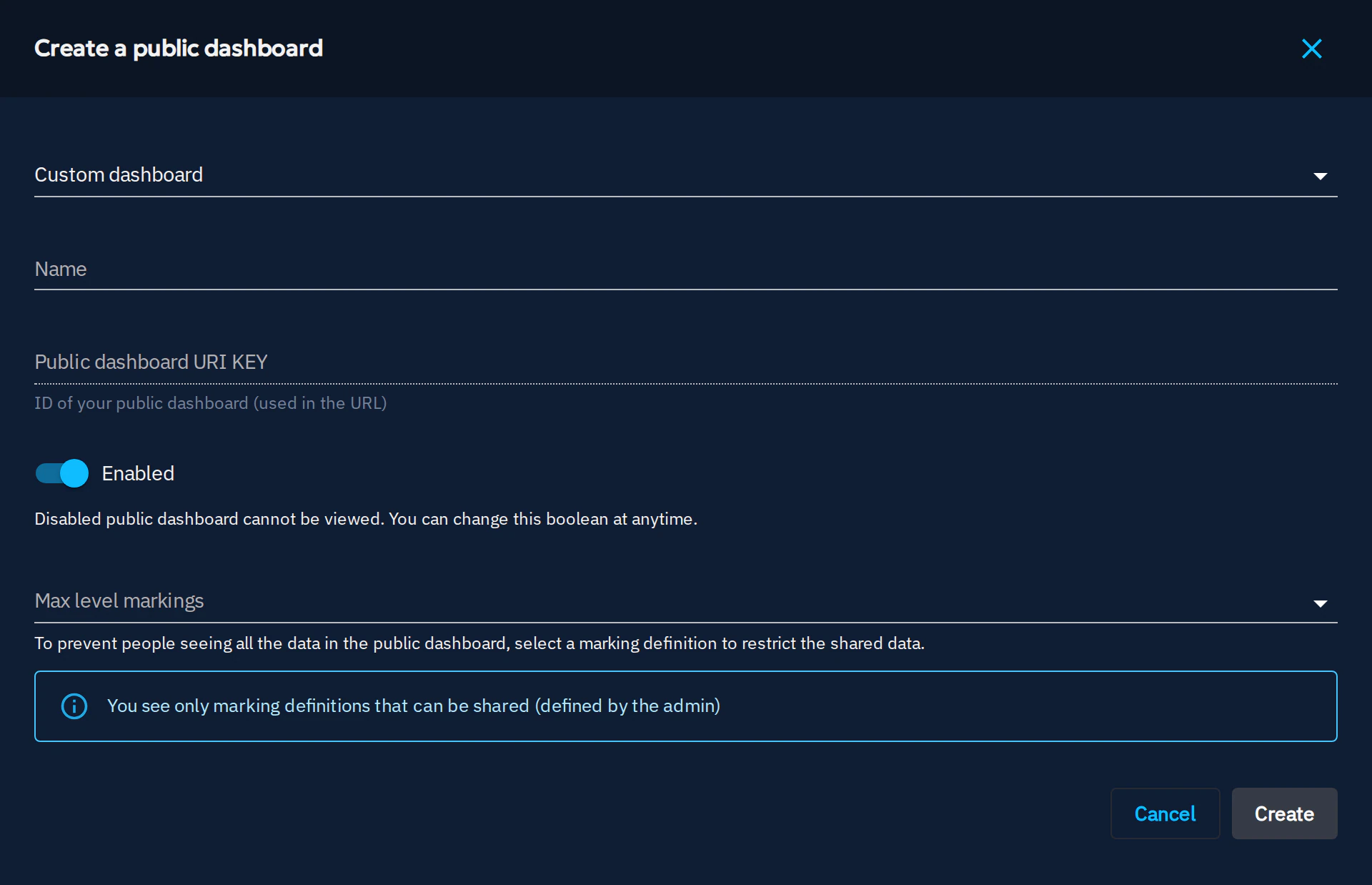
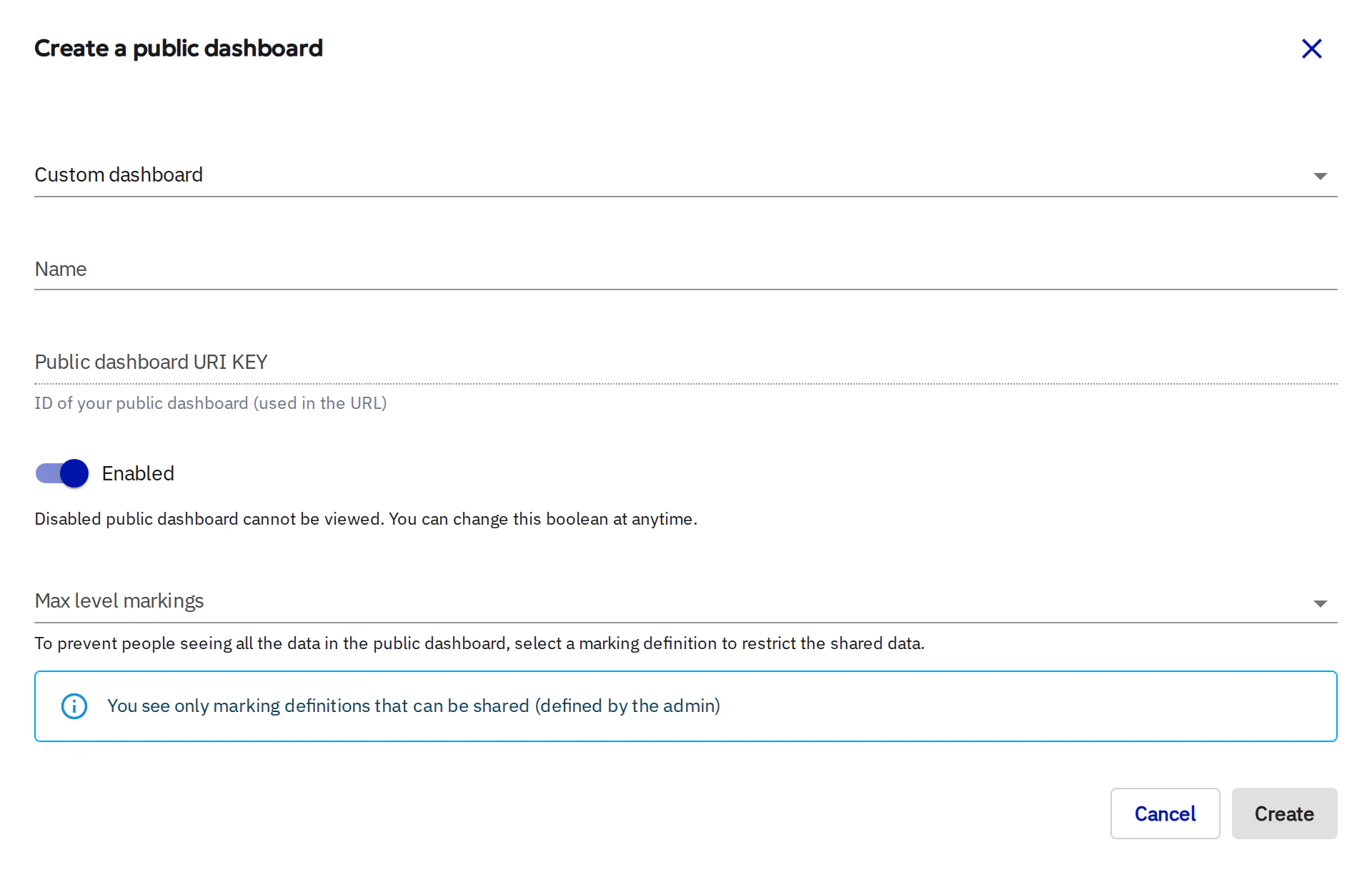
- 4OpenCTIOpenCTIDeploy a dashboardShare dashboards · 9 minChoose how to share an OpenCTI dashboard, publish it to people without an account under a marking cap, and move dashboards between platforms.
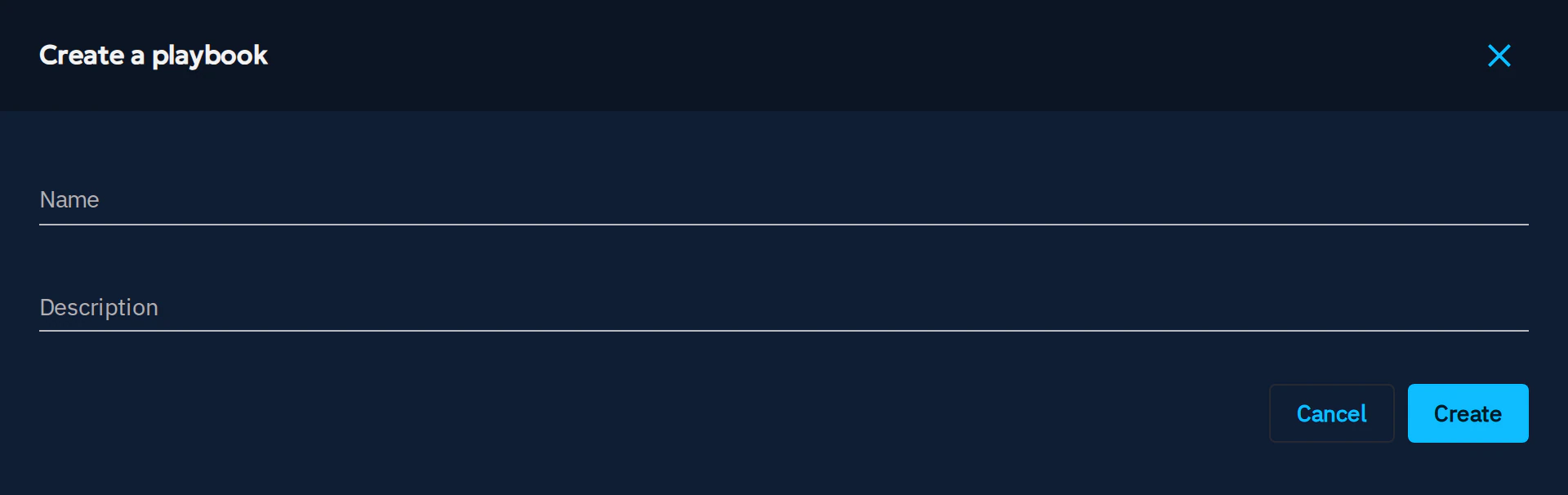
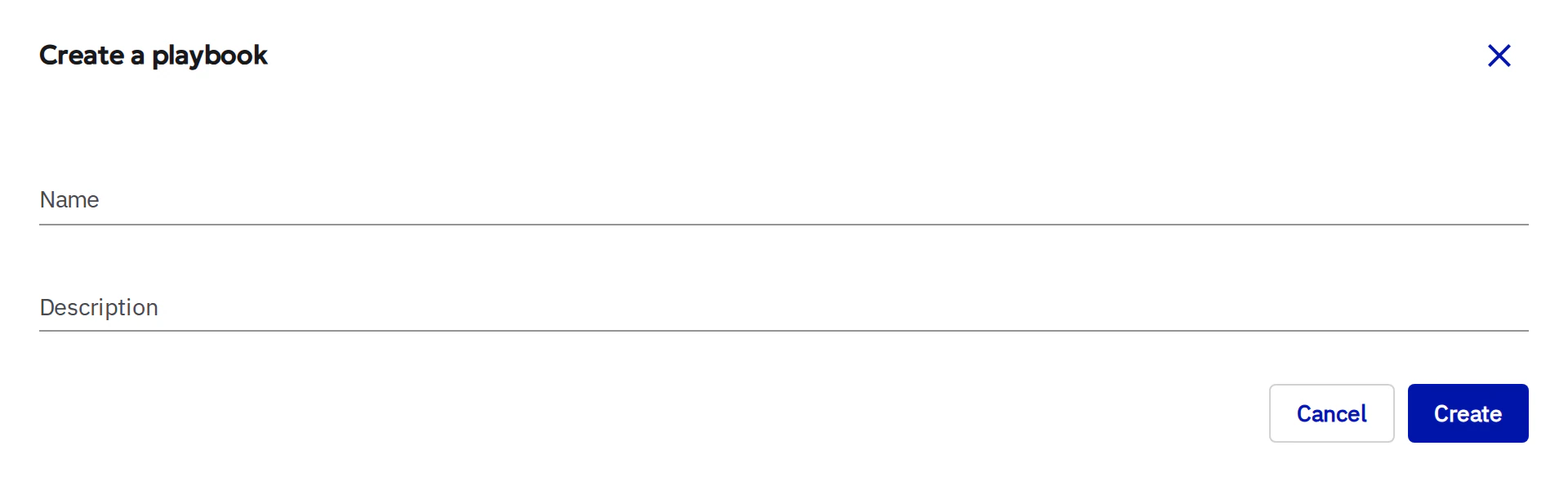
- 5OpenCTIOpenCTICheck and start a playbookCreate a playbook · 12 minBuild an OpenCTI playbook that triages new reports for the team, test it, offer it on chosen entities, and duplicate, export or import playbooks, including from the XTM Hub.
- 6OpenAEVOpenAEVDeploy and adapt a scenarioBuild a scenario that replays an attack · 9 minCreate a scenario, fill it with injects by hand or with the scenario assistant, aim it at your assets and teams, then launch it or schedule it to follow your posture.
- 7OpenAEVOpenAEVTry it on a small teamRun a simulation and read its results · 7 minStart a simulation from a scenario or on its own, follow it while it runs, and read which attacks your defenses prevented and detected and how your teams responded.
- 8OpenCTIOpenCTIHear about new contentFollow what XTM Hub publishes · 5 minGet notified in OpenCTI when the XTM Hub library publishes new dashboards, playbooks, custom views or integrations, and choose which kinds of news you receive.
- 9XTM OneXTM OneLet an agent find the next itemConnect agents to your tools with integrations · 19 minConnect a service such as Jira, Slack or Microsoft 365 once, bind it to an agent with only the tools it needs, and share it without lending more than you intend.
Where to go next
- Automate threat intelligence, to build on the playbook you deployed.
- Test whether your staff fall for the lure, to run the phishing scenario as a full exercise.
- Deploy integrations across the platform with XTM Composer, to deploy the connectors of XTM Hub from the catalog.