Administer
XTM One · Administer: every page of this part of the documentation.
For
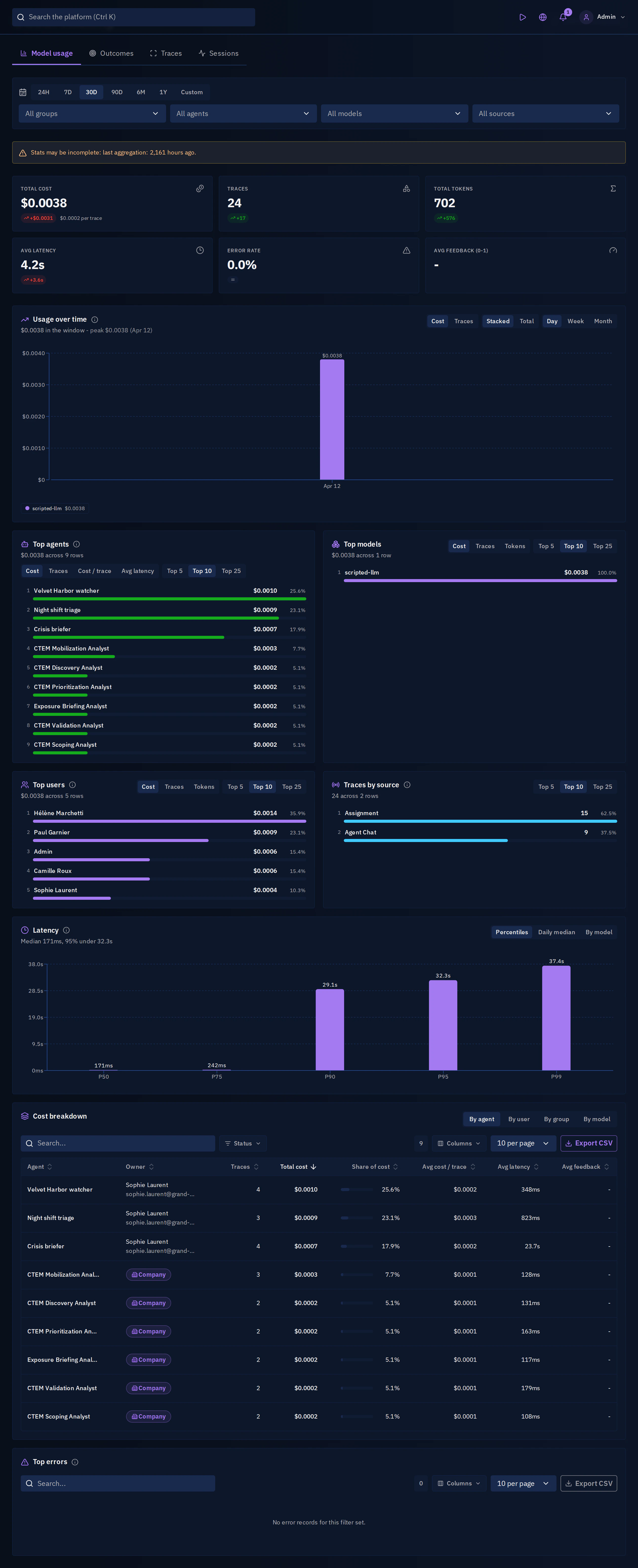
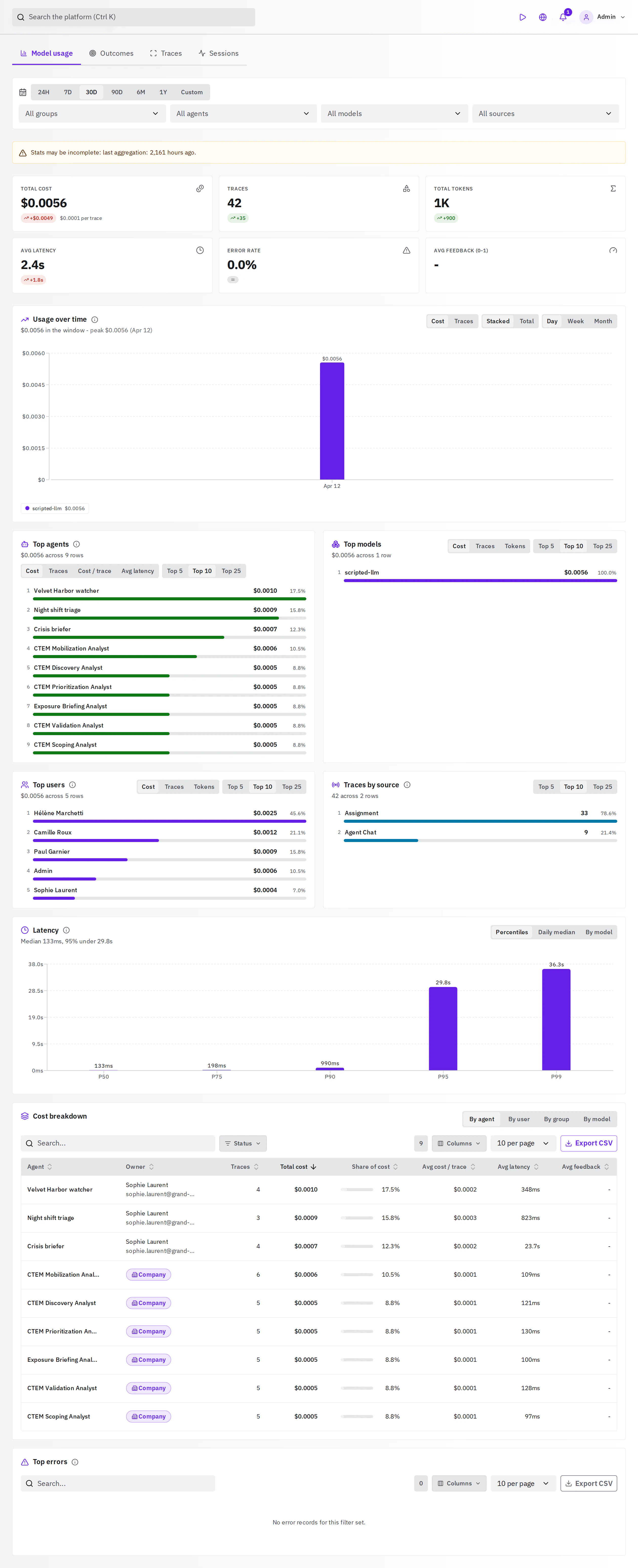 How-to guideFollow what agents do and what they costRead Model usage, Outcomes, Traces and Sessions in XTM One to see what the AI costs and what the agents' work is worth, and to follow a failing or costly agent's run step by step.XTM One16 min
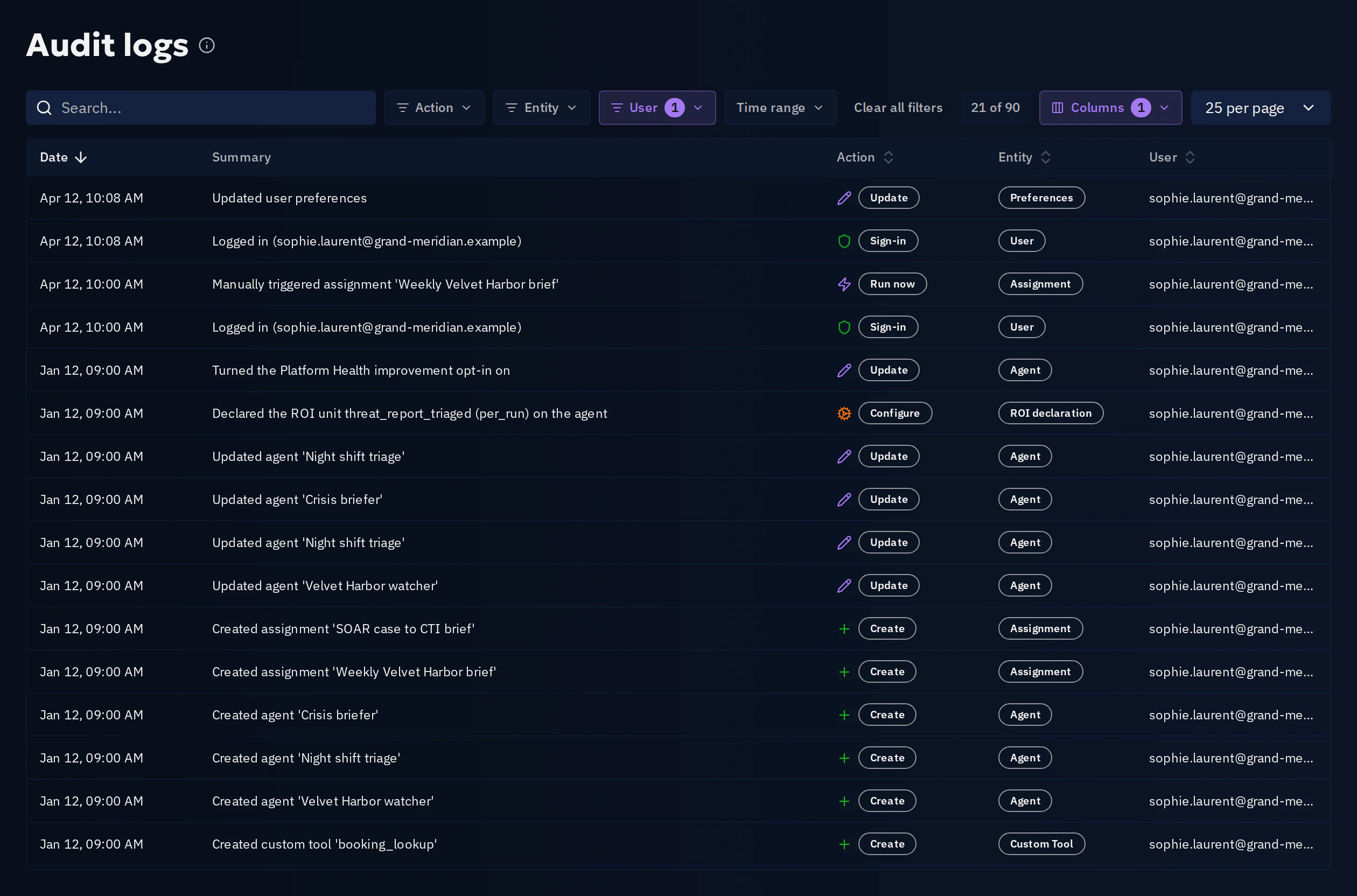
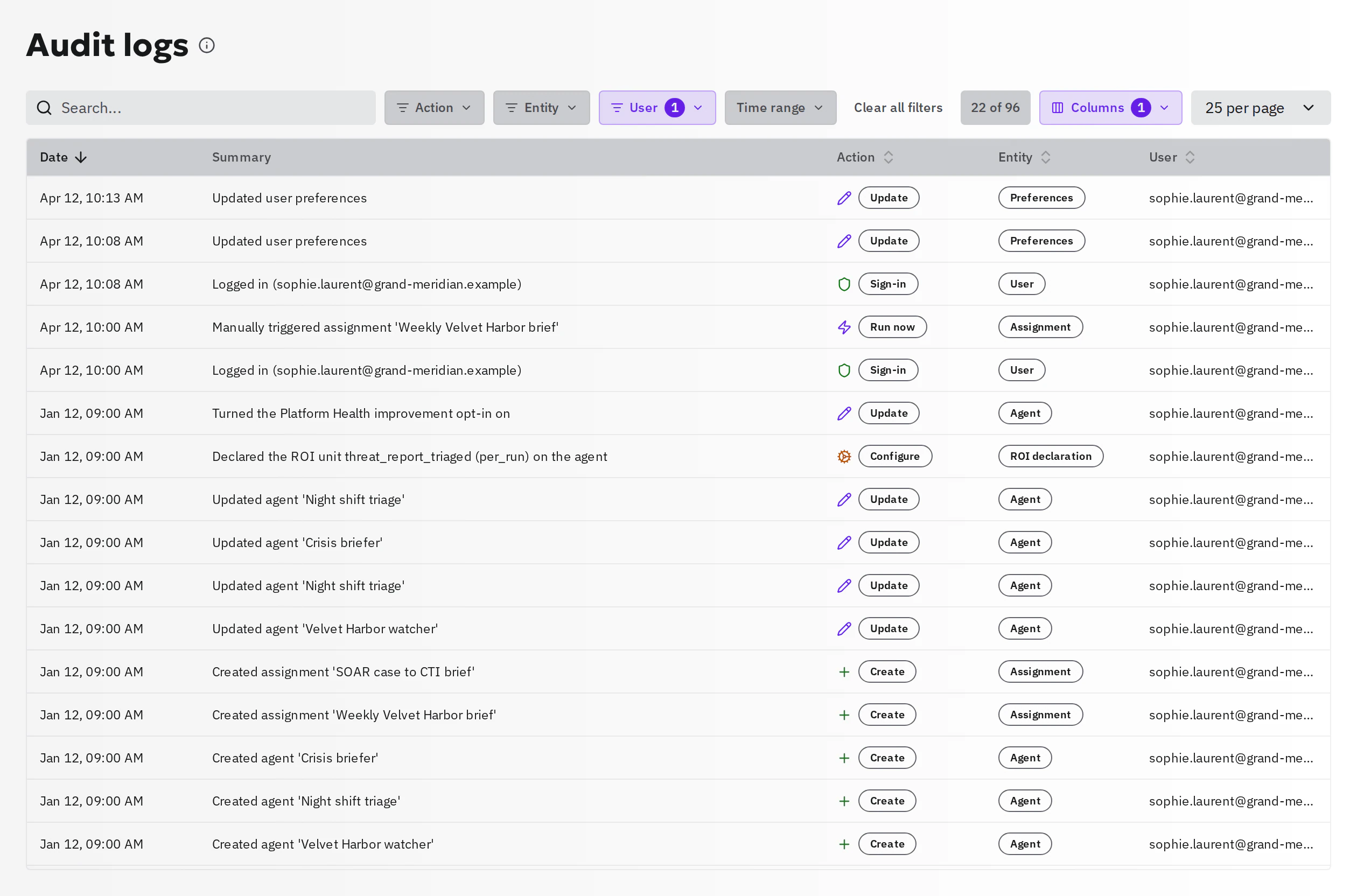 How-to guideReview who changed what on the platformRead the audit log of XTM One in Administration > Audit logs, find who created, changed, shared or deleted an agent or a setting, and keep the evidence of it.XTM One8 minHow-to guideSet up the platform in SettingsWhat each of the seven tabs of the XTM One Settings is for, in the order a first setup goes through them, and where each one is explained in detail.XTM One26 minHow-to guideConfigure single sign-onSign people in to XTM One through OpenID Connect or SAML, decide who gets an account and which role, map SAML groups, and keep local sign-in, two-factor and sessions safe.XTM One9 minHow-to guideChoose which agent answers each AI featureBind your agents to the intents OpenCTI, OpenAEV and OpenCRQ declare, per vertical and by priority, so that each AI feature of the XTM platform reaches the agent you chose.XTM One8 minHow-to guideProtect your data and approve what agents doWhat XTM One sends to an AI provider and keeps, how to scope what agents reach, and how to make agents ask a person before running a tool that changes something.XTM One9 minHow-to guideProtect agents from prompt injection with NovaConnect the Nova prompt guard, choose which detection rules log and which block, extend it to tool results and model answers, and review what it matched.XTM One6 minConceptWhat each edition of XTM One bringsWhat the Community Edition and the Enterprise Edition of XTM One give, the two ways to activate the Enterprise Edition, what a license carries, and what happens when the Enterprise Edition ends.XTM One7 minHow-to guideRun XTM One with AI switched offSwitch AI off on an XTM One platform so that no model is contacted and no AI work starts, know what keeps working and what waits, and switch it back on.XTM One6 minHow-to guideStop every agent at oncePress the XTM One emergency stop to cancel every agent's work and pause every assignment, for your own activity or the whole platform, prepare a token for when nobody can sign in, and lift the stop.XTM One8 minHow-to guideKeep secrets in your vaultConnect HashiCorp Vault, AWS Secrets Manager, Google Cloud Secret Manager, Azure Key Vault or 1Password, grant it, and let secret fields read from it instead of storing a copy.XTM One8 minHow-to guideCollect tool approvals in your own chat clientLet an embedded chat or your own application show the approval prompt of an XTM One agent and send the decision back, through a proxy that keeps the turn alive.XTM One6 minHow-to guideCheck or stop the usage telemetry sent to FiligranWhat anonymous usage data XTM One sends to Filigran, where and how often, and how to send it to your own collector or turn it off.XTM One3 minConceptTalk to agents from your messaging appsHow a channel bot lets your teams ask XTM One agents questions from Slack, Microsoft Teams, WhatsApp, Telegram, Discord or Google Chat, and what decides when it answers.XTM One+7 pages
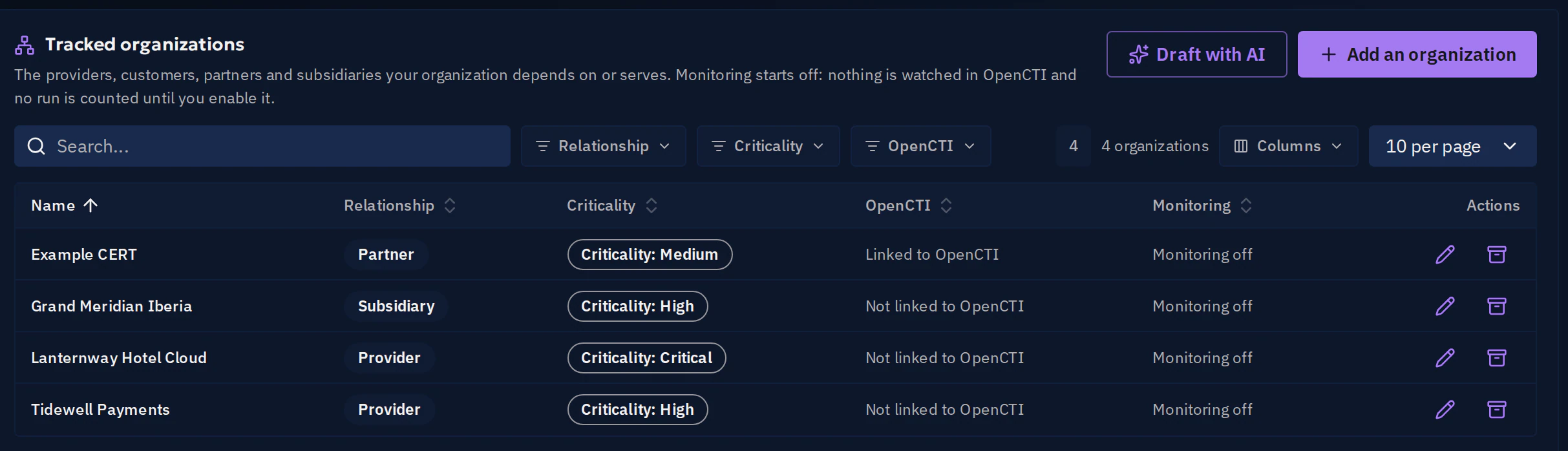
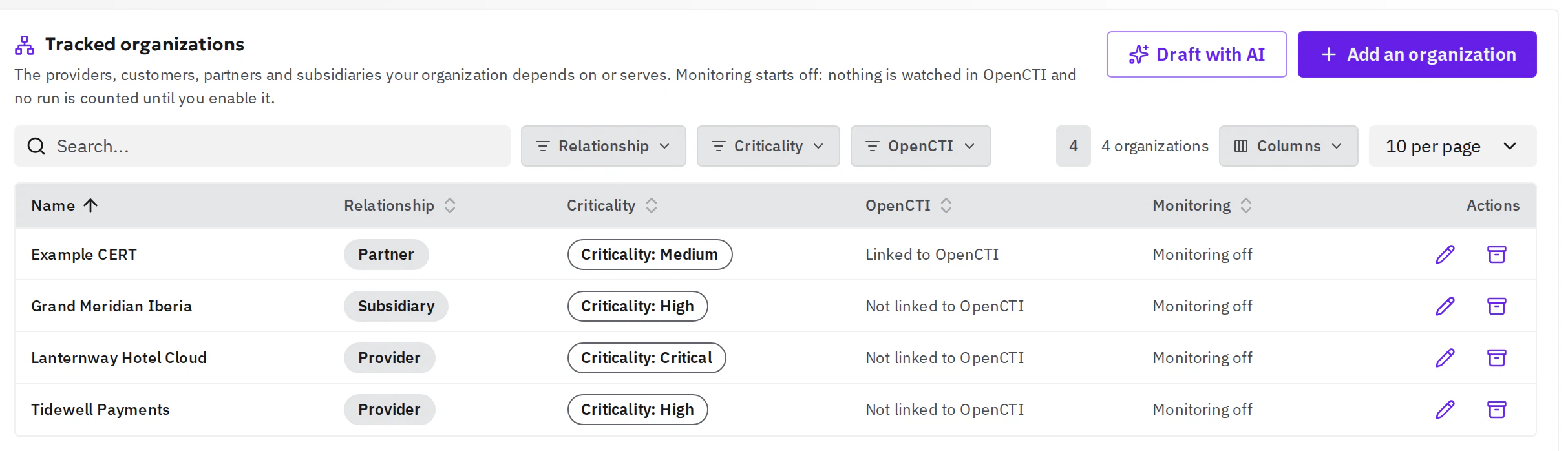 How-to guideTrack the organizations your company depends onList the providers, customers, partners and subsidiaries XTM One agents should know about, link each one to its organization in OpenCTI, and draft a long list with AI from names or a supplier file.XTM One8 min
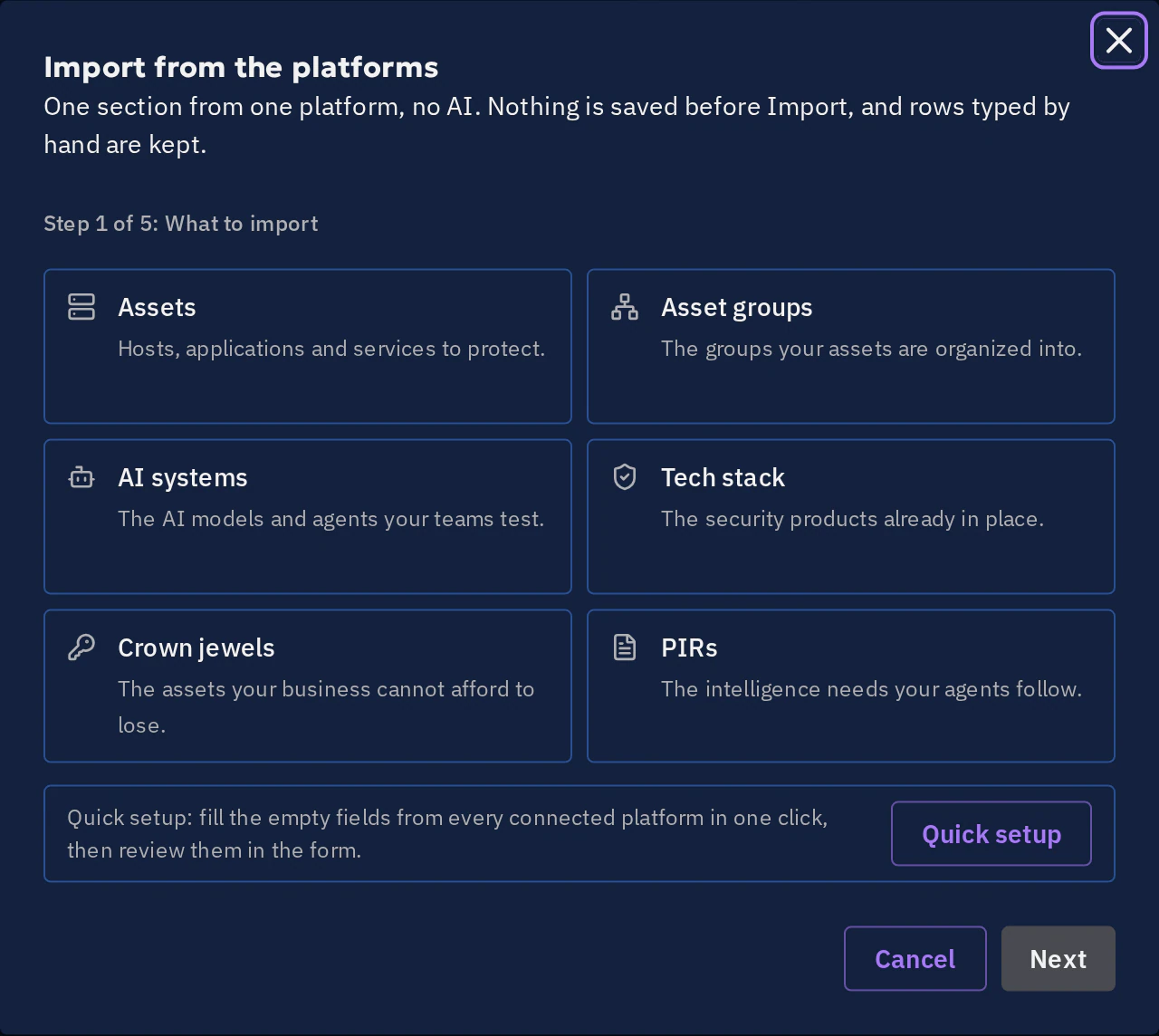
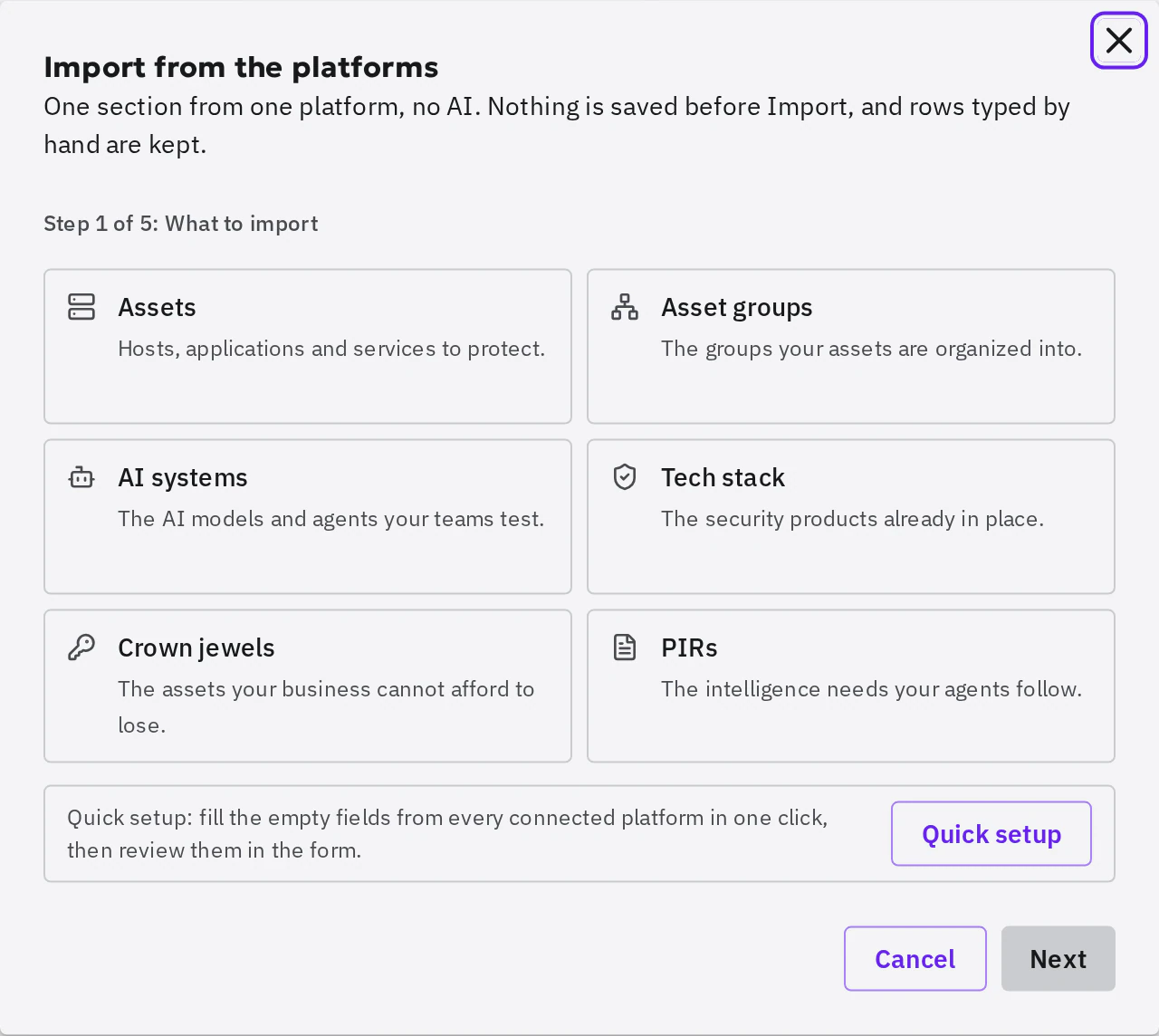 How-to guideSet up the organization profile agents readFill the organization profile XTM One agents read, import and sync it from OpenCTI, OpenAEV and OpenCRQ, list your assets, set the prioritization policy, and choose what every agent receives.XTM One13 minHow-to guideConnect XTM One to the XTM HubRegister XTM One with your organization on the XTM Hub, like OpenCTI and OpenAEV, keep the registration alive, and unregister it.XTM One6 min

 How-to guideReview what Platform Health finds and proposes for your agentsApprove or reject the improvements Platform Health proposes for your agents, and read the cycles it ran and the signals that started them.XTM One9 min