Use
XTM One · Use: every page of this part of the documentation.
For
Across the platform
ConceptXTM One in OpenCTIWhat the AI of the XTM platform does in OpenCTI, how OpenCTI hands each request to an XTM One agent, which data an agent reaches with whose rights, and who governs it.XTM OneOpenCTI18 minConceptXTM One in OpenAEVWhat XTM One does in OpenAEV, from Ask Ariane to generated TTPs, detection rules, phishing pages and autonomous attacks, with whose rights an agent works, and what each edition brings.XTM OneOpenAEV11 minConceptXTM One in OpenCRQWhat XTM One does in OpenCRQ, from Ask Ariane and its approvals to the CTEM Command Center and the MCP server, with whose rights an agent works, and what each edition brings.XTM OneOpenCRQ9 min
TutorialStart with XTM OneSign in to XTM One, find your way around its navigation, ask an agent your first question and see where its work is recorded, in about fifteen minutes.XTM One6 minHow-to guideGet answers from an agent in the chatAsk XTM One AI agents questions in plain language, bring several agents and earlier conversations into one message, get files back and continue the conversation in Slack or Teams.XTM One17 minHow-to guideFollow how agents hand work to each otherRead the Agentic Flow page of XTM One, the live map of how agents delegate, consult and transfer work to each other, and the schedule of everything that will run and when.XTM One11 minHow-to guideLet an agent act later, at a time you chooseAsk any XTM One agent to post a message or run a task once, at a later time, then follow, cancel or reschedule that scheduled work item.XTM One6 minHow-to guideStart an agent from another tool with a webhookLet a SIEM, a SOAR playbook or a ticketing tool start an XTM One agent's assignment by posting to its webhook URL with its secret, and diagnose a delivery that does not arrive.XTM One7 minHow-to guideSet what one agent run may spendCap the cost, tokens, tool calls and duration of one run of an XTM One agent on its Value tab, finish on a cheaper model instead of stopping, and understand how the platform budget applies.XTM One7 minHow-to guideShare a workspace with your teamGroup the conversations of one investigation in an XTM One workspace, give its agents instructions and sources, and share it so the team's agents work from the same knowledge and work items.XTM One10 minHow-to guideTurn an agent's work into a presentationHave an XTM One assistant build a slide deck or a one-page brief from a conversation, change it by asking or by hand, present it with your notes, share it and export it to PDF or PowerPoint.XTM One18 minHow-to guideFind the files agents created and receivedFind again, in XTM One's Files page, every document you gave an agent and every report, export or image an agent produced, filter them, download them and open the conversation or run they came from.XTM One6 minHow-to guideLet an agent run code in a sandboxLet an XTM One agent run Python with the code interpreter, keep its files in the sandbox workspace across calls and turns, work on a repository checkout and run its checks.XTM One11 minHow-to guideAdd ready-made agents from the AI CatalogBrowse the agents, skills, prompts, MCP servers and custom tools your colleagues published to the XTM One AI Catalog, review one, add it to your account and finish its setup.XTM One5 minHow-to guideRead the home dashboardRead the exposure posture on the XTM One home dashboard, the stages, your briefing, what to act on first, the cases and what agents did. Set its context, switch vertical and arrange its widgets.XTM One18 minHow-to guideReview what agents didFollow the runs of XTM One agents in Operations, answer a run that waits for you, read and rate a result, and follow delegated work, partners' tasks and the work items agents queue.XTM One19 minHow-to guideGet answers about the platform's own activityAsk an XTM One agent with the Platform Insights tool what AI costs, who uses which agent, what was created and who changed what, and read its charts and warnings right.XTM One6 minHow-to guideSet up your profile and API keysSet your XTM One profile and two-factor authentication, choose the agent that answers you, review what agents remember or keep it from Platform Health, and create API keys and your MCP endpoint.XTM One9 min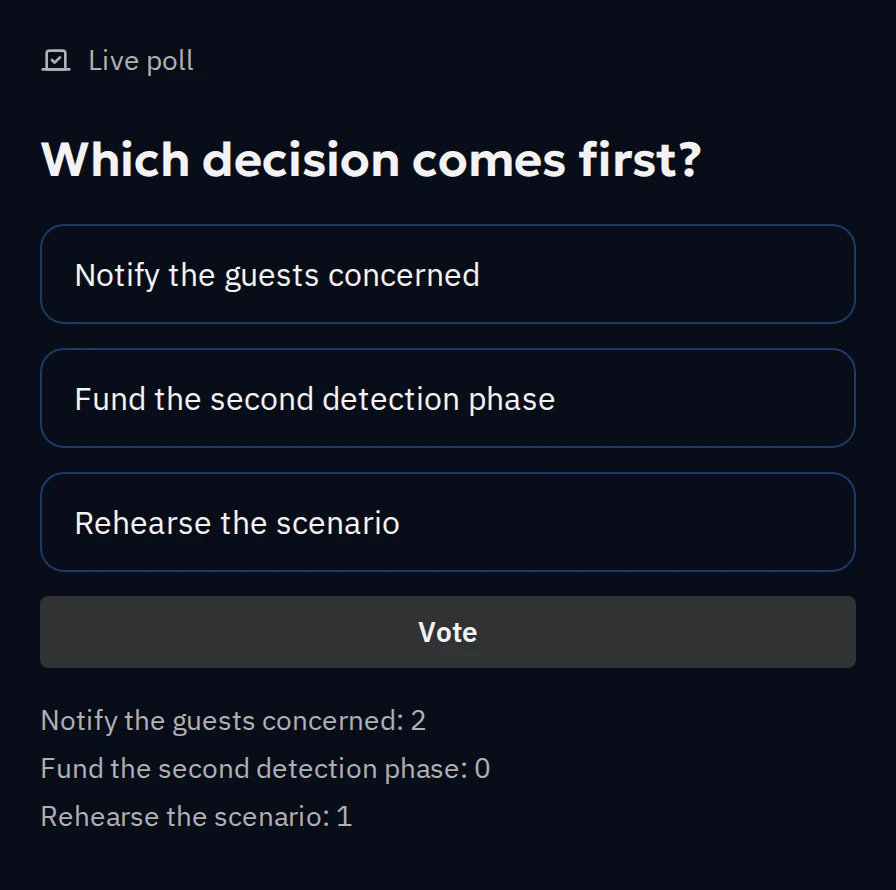 How-to guideLet your audience vote from their phonesWhat the people in the room do and see when they answer the live poll of an XTM One deck from their phones, without an account, and what each message on their phone means.XTM One6 min
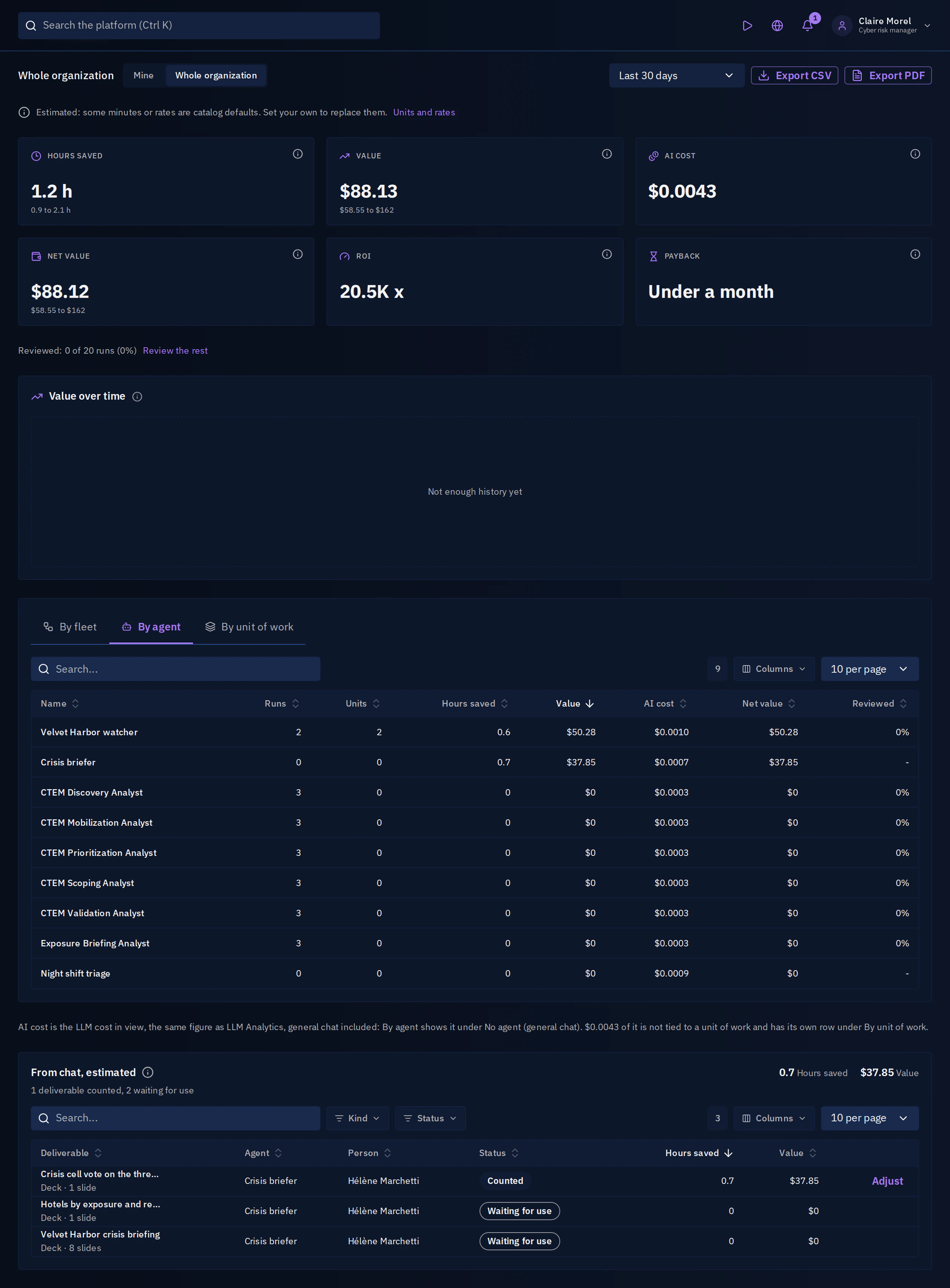
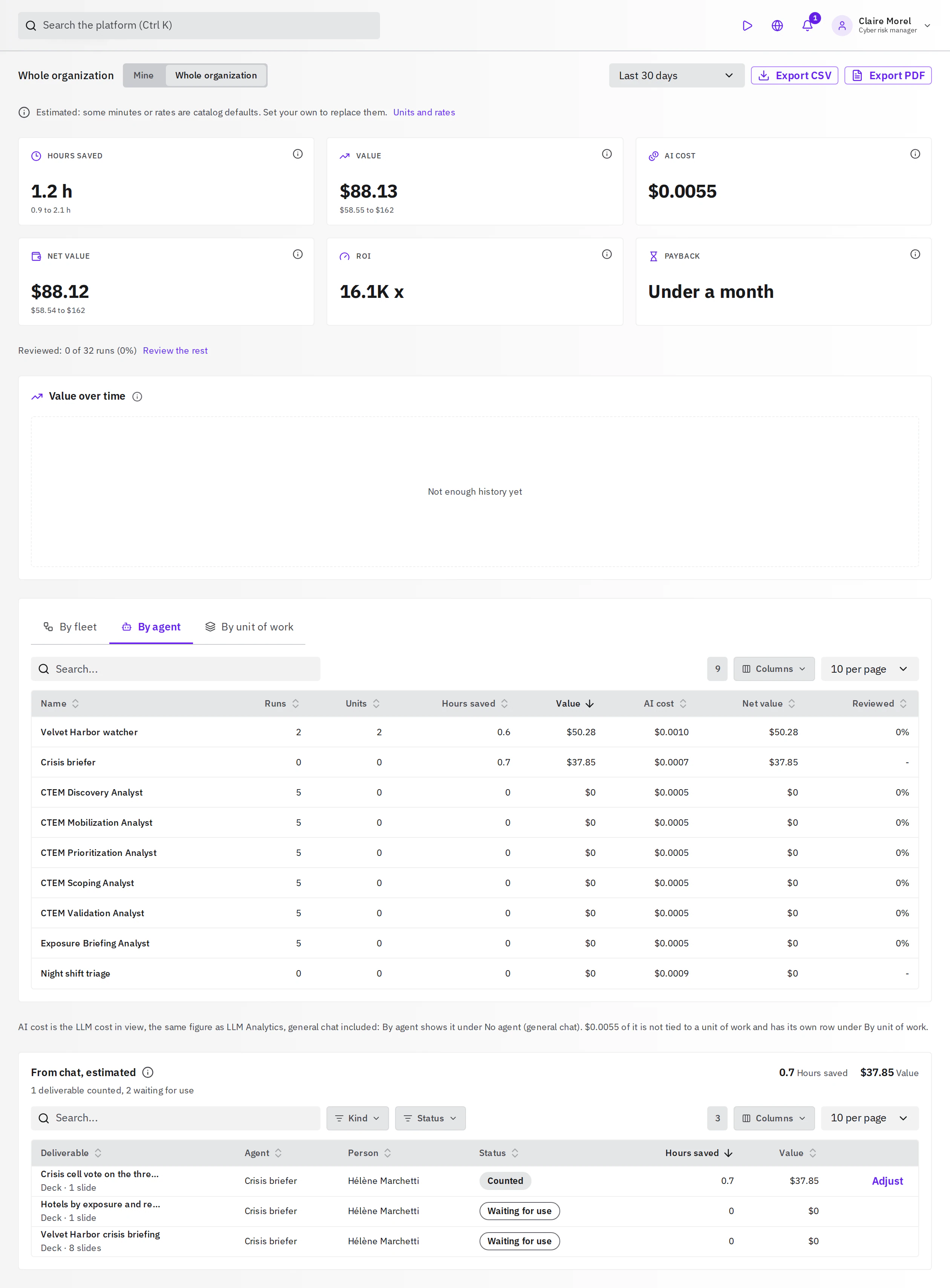 How-to guideMeasure what your agents' work is worthRead the Value page of XTM One for the hours your AI agents saved, what that time is worth once the AI cost is paid, the return and the payback, by fleet, agent or unit of work, and export them.XTM One12 min
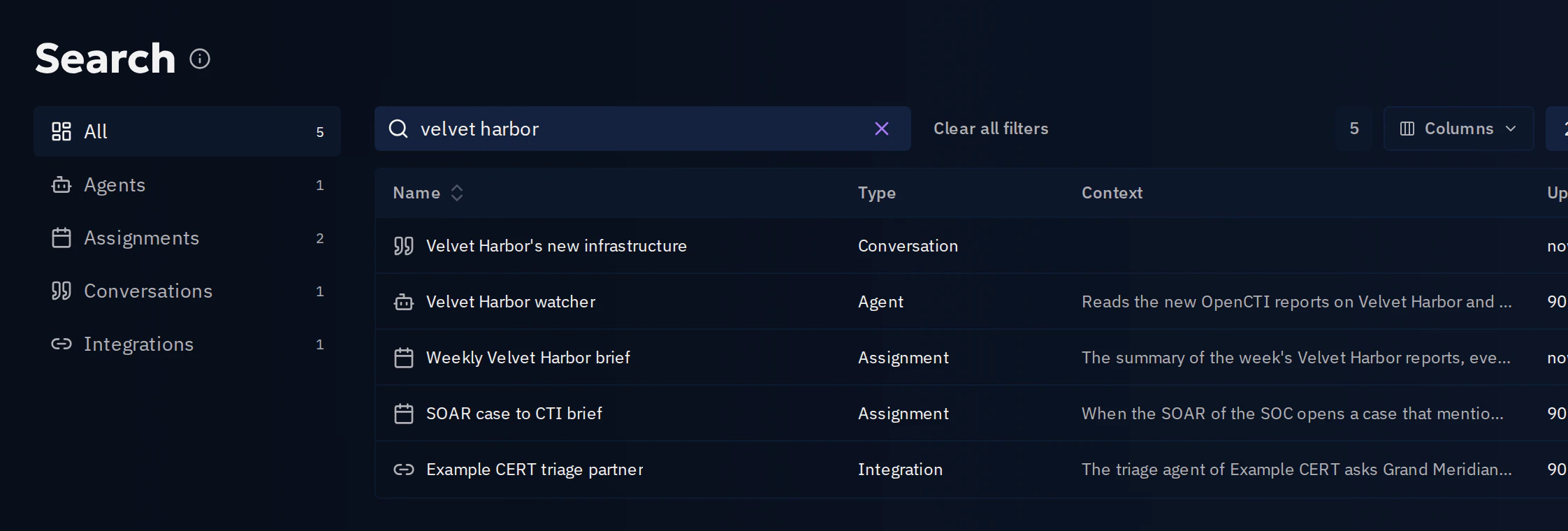
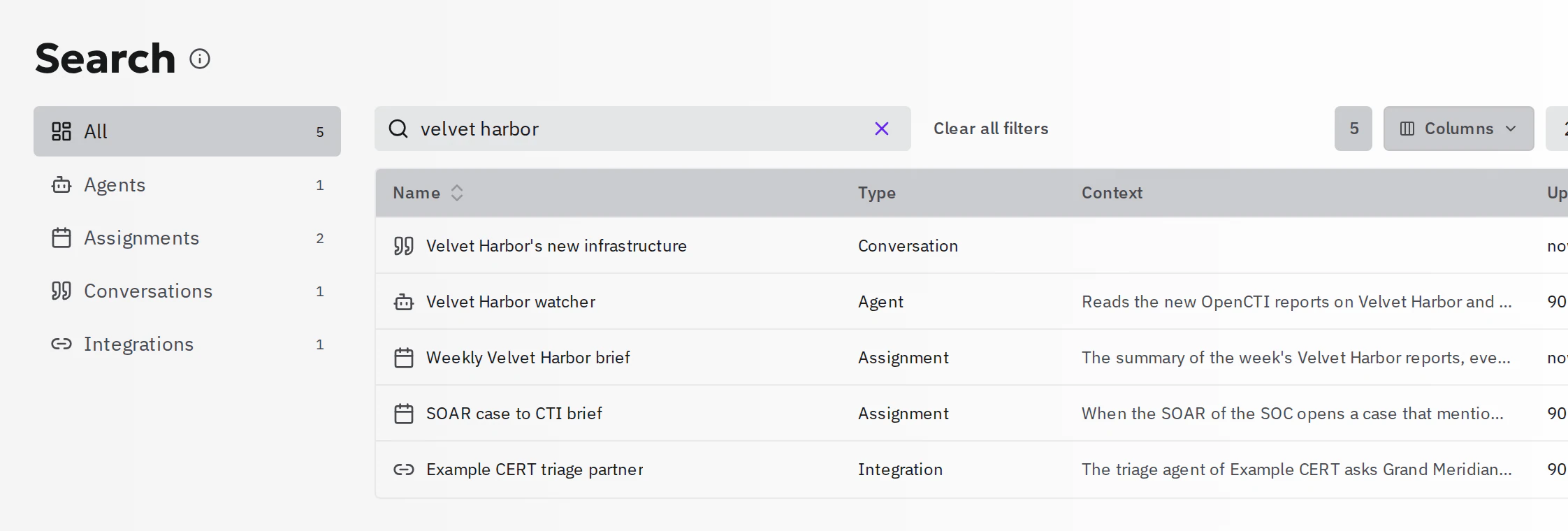 How-to guideFind anything on the platform by its nameFind an agent, an assignment, a conversation, a document or any other object you can see in XTM One by its name, from the top bar, then narrow the results by type.XTM One7 minHow-to guideTrack the fixes that close your exposuresFollow each fix that closes the open vulnerabilities you see in OpenCTI and OpenAEV as an XTM One case, from its owner and due date to its evidence or accepted risk.XTM OneOpenCTIOpenAEV8 min
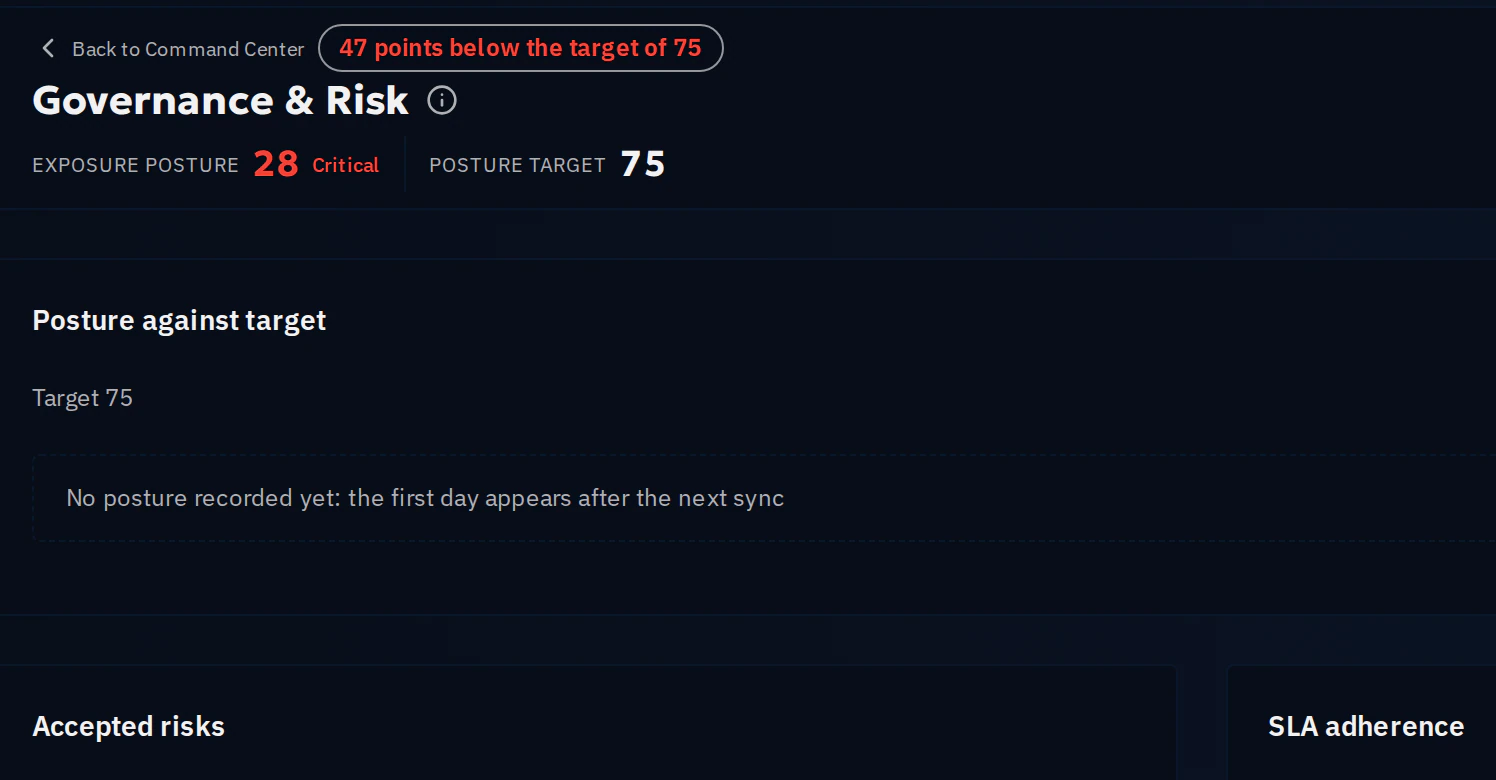
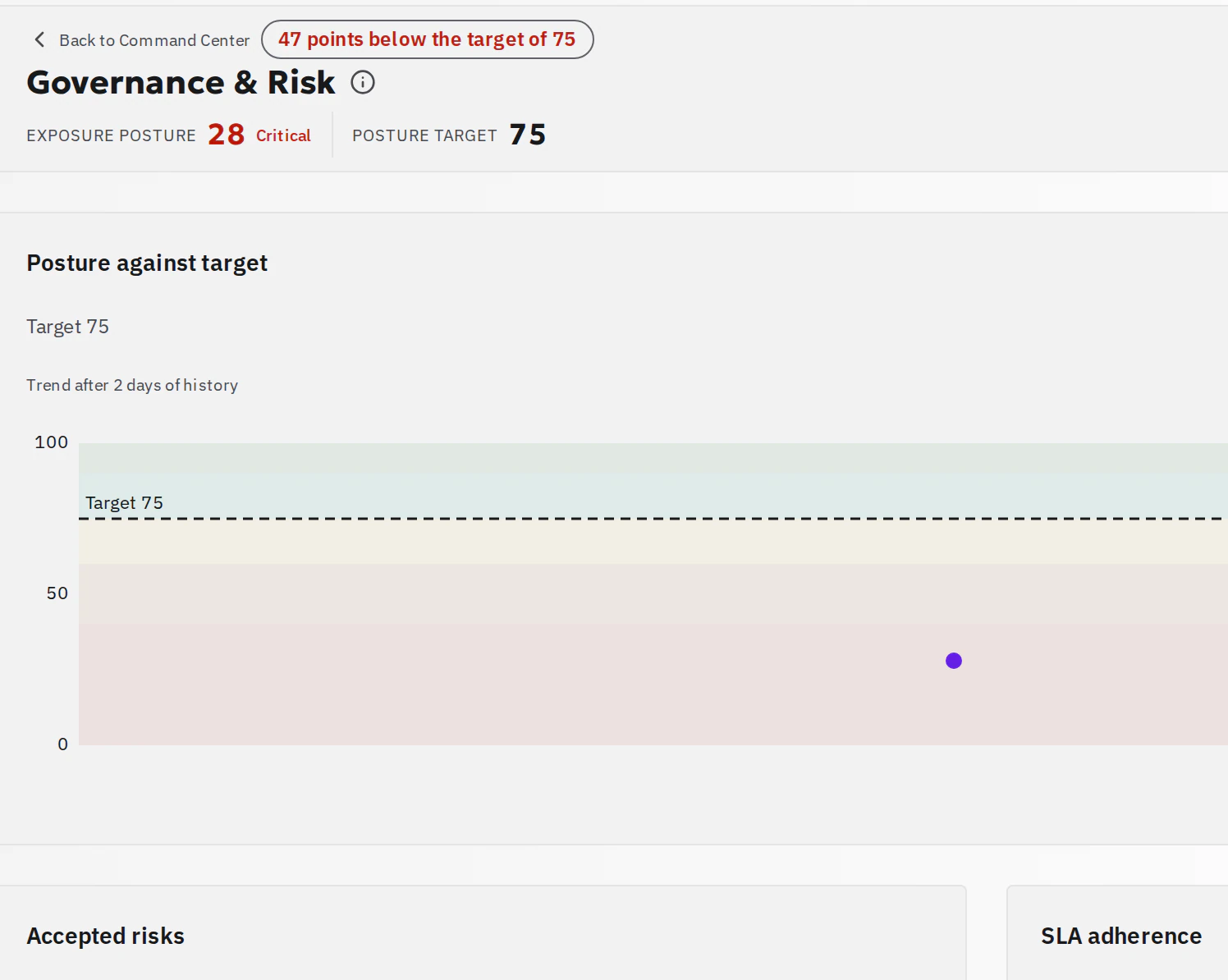 How-to guideFollow your exposure posture against its targetRead the Governance & Risk page of XTM One to see how far the exposure posture stands from the target your organization set, which accepted risks expire soon, and set that target.XTM OneOpenCRQ6 min
How-to guideLet your audience vote from their phonesWhat the people in the room do and see when they answer the live poll of an XTM One deck from their phones, without an account, and what each message on their phone means.XTM One6 minHow-to guideMeasure what your agents' work is worthRead the Value page of XTM One for the hours your AI agents saved, what that time is worth once the AI cost is paid, the return and the payback, by fleet, agent or unit of work, and export them.XTM One12 minHow-to guideFind anything on the platform by its nameFind an agent, an assignment, a conversation, a document or any other object you can see in XTM One by its name, from the top bar, then narrow the results by type.XTM One7 minHow-to guideTrack the fixes that close your exposuresFollow each fix that closes the open vulnerabilities you see in OpenCTI and OpenAEV as an XTM One case, from its owner and due date to its evidence or accepted risk.XTM OneOpenCTIOpenAEV8 minHow-to guideFollow your exposure posture against its targetRead the Governance & Risk page of XTM One to see how far the exposure posture stands from the target your organization set, which accepted risks expire soon, and set that target.XTM OneOpenCRQ6 min