XTM One
The AI layer at the center of the XTM platform. Build agents that read what OpenCTI knows, what OpenAEV measures and what OpenCRQ prices, put them to work, and govern how AI is used.
Put AI agents to work on your security, under your rules
XTM One is where the AI of the XTM platform lives. Its agents read what OpenCTI knows, what OpenAEV measures and what OpenCRQ prices, and they act: they summarize a week of reports, triage an alert with the night shift, draft a crisis briefing, write the detection rule a simulation showed missing. You talk to them in the chat or from Slack and Teams, give them recurring work, or call them from inside the other modules. Each agent reaches only the data and tools you give it, and every run leaves a trace.
Start here
Pick your role: each tab gives your goal and the pages to read first, in order.
You hand an agent the reading, the triage and the first draft, and keep the judgment.
- Start with XTM One: sign in, find the agents shared with you, ask your first question.
- Get answers from an agent in the chat: attach a report, follow what the agent does, approve what it proposes.
- Let an agent act later, at a time you choose: a message posted tomorrow at 9:00, a summary sent on Friday.
- XTM One in OpenCTI: Ask Ariane, the AI of playbooks and what agents may change in OpenCTI.
You design the agents of your teams: what they know, what they may do, how you test them.
- What agents are made of: instructions, model, knowledge, skills, tools and integrations.
- Give agents your documents with knowledge bases: your policies and playbooks, searched at each answer.
- Connect agents to your tools with integrations: OpenCTI, OpenAEV, OpenCRQ and your other tools, read-only where it must.
- Create an agent: from the instructions to the first test in the chat.
- Share agents and resources: who may use, configure or read the chats of an agent.
You decide who uses AI, on which models, with which data, and how to stop it.
- How access works in XTM One: administrators, users, groups and what sharing grants.
- Configure single sign-on: sign in with your identity provider.
- Protect your data and approve what agents do: the limits and the approvals agents work under.
- Talk to agents from your messaging apps: Slack, Microsoft Teams and the others.
- Stop every agent at once: the switch for the day something goes wrong.
You deploy the XTM platform, which always runs XTM One with the other modules, and keep XTM One healthy and up to date.
- How XTM One works: the platform, the worker, the database and what the other modules send it.
- Install with Docker Compose: the whole XTM platform, XTM One with every other module, behind your reverse proxy.
- Configure XTM One: finish its setup with a language model and its edition, then the modules it connects and the security headers.
- XTM One configuration: every environment variable, its default and what it does.
You see what AI does for the teams and keep it within bounds.
- What each edition of XTM One brings: what the Enterprise Edition adds to the XTM platform.
- Read the home dashboard: the CTEM Command Center, the exposure of the organization across the XTM platform and what its agents do about it.
- Get answers about the platform's own activity: who uses AI, for what, at which cost.
Agents that work on their own
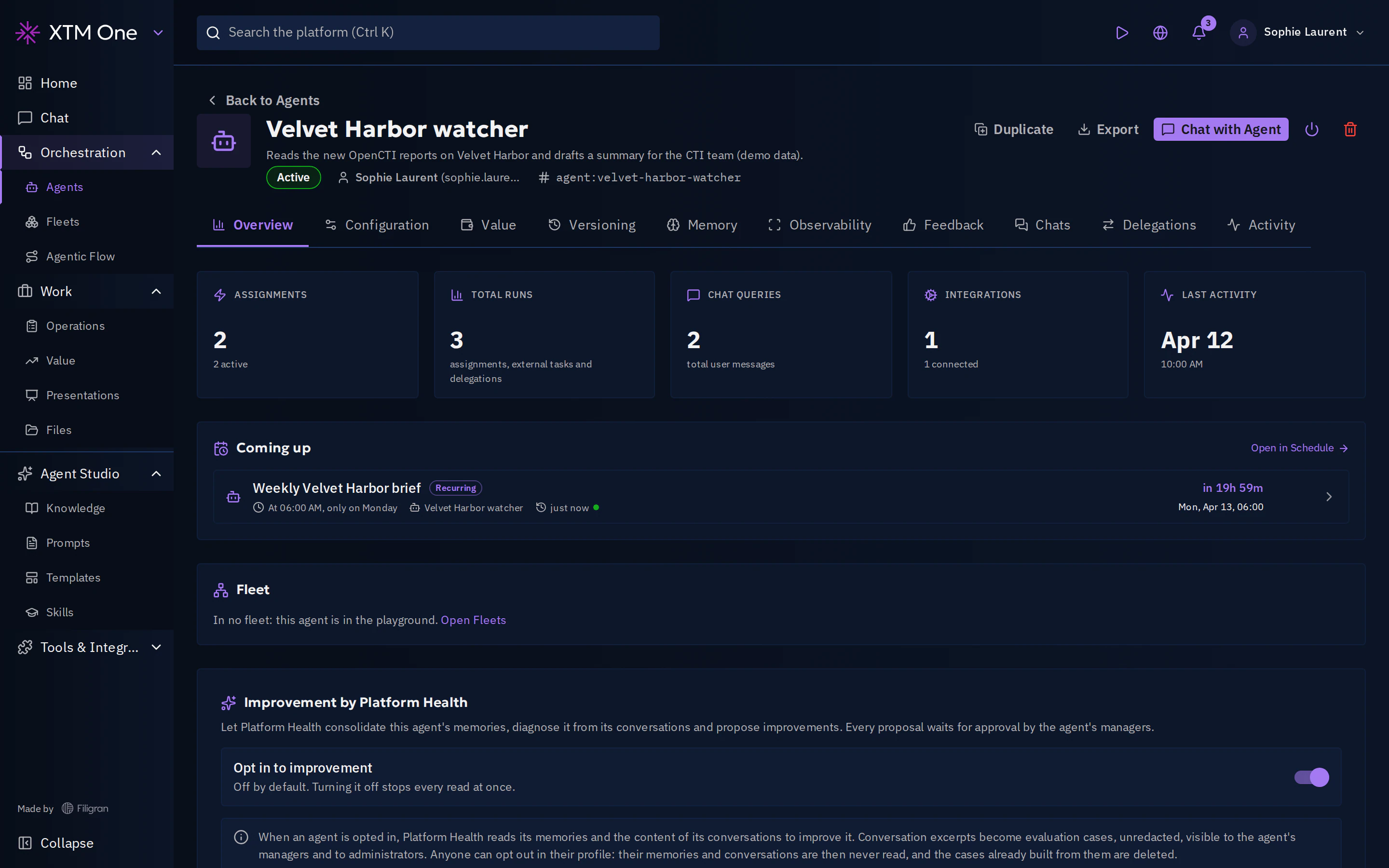
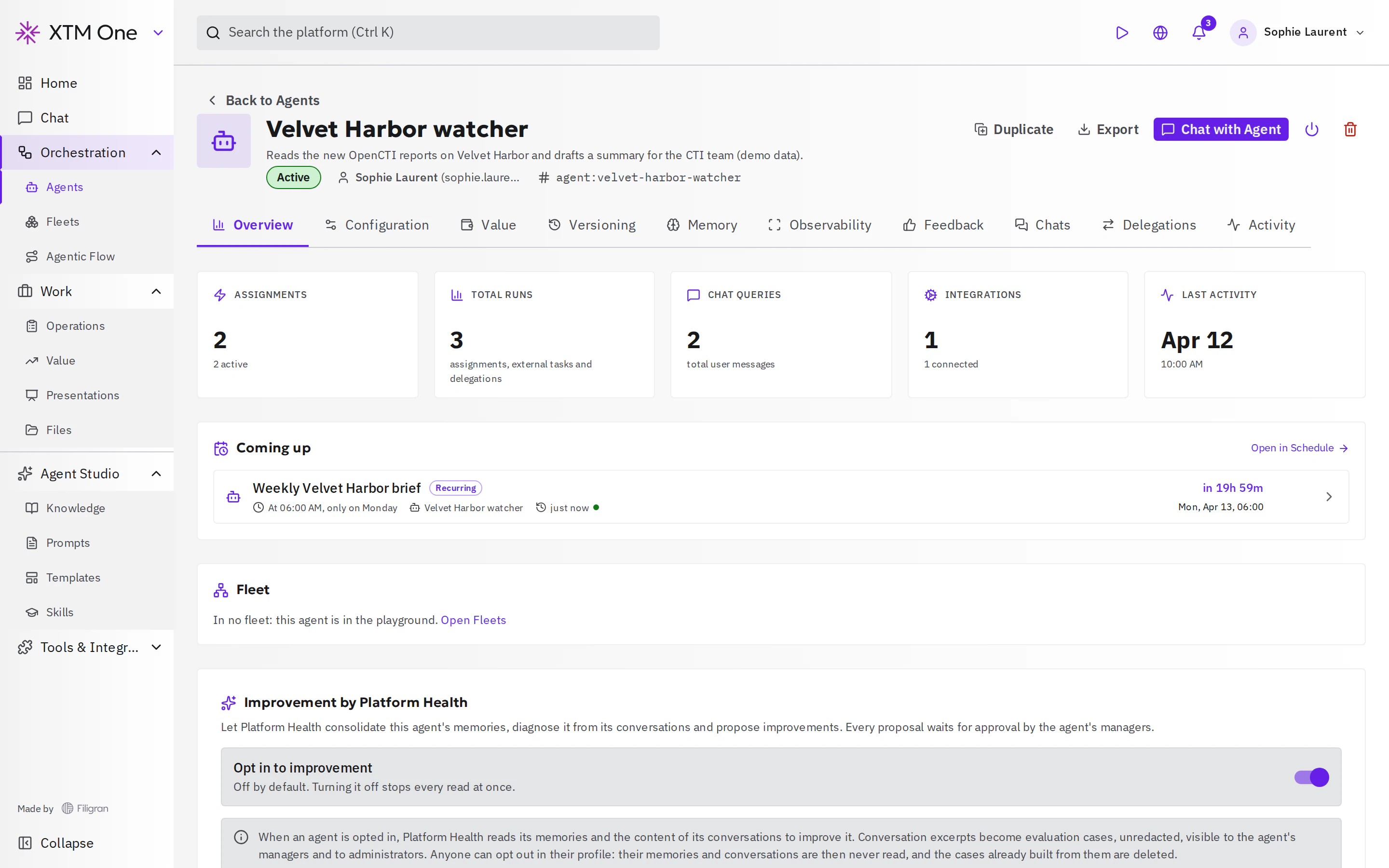
An agent does not wait to be asked. An assignment runs it on a schedule, on a webhook from another tool or on an event of an integration, and its result lands where your team reads it: a brief in your inbox every Monday, a message in the SOC's channel, a file in OpenCTI. Several agents can hand work to each other, and the Agentic Flow shows them working together. The work history keeps every run, its tools and its cost.
- Schedule → Agent: runs
- Webhook or event → Agent: triggers
- A person → Agent: asks
- Agent → OpenCTI: reads
- Agent → OpenAEV: reads
- Agent → OpenCRQ: reads
- Agent → Brief, rule or answer: delivers
An agent acts with the rights it was given, never more. A tool can be set to wait for a person's approval before it runs, prompts can be screened for injection, and an administrator can stop every agent at once. See Protect your data and approve what agents do.
Browse XTM One
- How XTM One works: the platform, the worker and the modules
- How XTM One keeps what agents know and do
- Who sees what: containers, scopes and nesting
- How XTM One reuses what already exists
- XTM One in OpenCTI
- XTM One in OpenAEV
- XTM One in OpenCRQ
- Start with XTM One
- Create an agent
- Give agents your documents with knowledge bases
- Write reusable prompts
- Brand the decks and reports agents produce
- Follow what agents do and what they cost
- Review who changed what on the platform
- Set up the platform in Settings
- Configure single sign-on