Use
OpenAEV · Use: every page of this part of the documentation.
For
How-to guideConnect OpenAEV to OpenCTI to test security coveragesRegister an OpenAEV tenant in OpenCTI as the OpenAEV Coverage connector, so that security coverages become scenarios and their results come back to OpenCTI.OpenCTIOpenAEV5 minHow-to guideRun a simulation and read its resultsStart a simulation from a scenario or on its own, follow it while it runs, and read which attacks your defenses prevented and detected and how your teams responded.OpenAEV+1 pagesHow-to guideCheck one attack technique with an atomic testRun a single action of the Threat Arsenal on chosen endpoints, read at once whether it was prevented and detected, and replay it on a schedule to check that a defense keeps working.OpenAEV6 minHow-to guideAdd injects to scenarios and simulationsCreate the injects of a scenario or simulation from the Threat Arsenal, set when they run, whom or what they target and what they expect, then manage them in the Injects tab.OpenAEV+4 pagesHow-to guideBuild the actions of your threat arsenalCreate, import and manage the actions OpenAEV runs in injects, understand where they come from, and turn a selection into a scenario or an atomic test.OpenAEV+2 pagesConceptHow injects reach assets and peopleThe targets of an inject, assets, asset groups, persons and teams, how a scenario makes them available, and why each target gets its own expectations.OpenAEV+2 pagesConceptHow expectations score an injectWhat each expectation type measures, who answers it, how OpenAEV combines the answers of agents, assets, persons and groups into a score, and when an unanswered expectation expires.OpenAEV+2 pagesHow-to guideReview what your injects discoveredFind the vulnerabilities, open ports, accounts and credentials your injects extracted from their output, see which assets carry them and since when, and read a CVE's context.OpenAEV6 minHow-to guideBuild dashboards of your validation resultsCreate a custom dashboard of your OpenAEV results, scope it to a scenario or a simulation, filter it by period, and make it the dashboard of Home or of the Statistics tab.OpenAEV+1 pagesConceptHow injectors deliver your injectsWhat an OpenAEV injector does, the built-in, catalog and external injectors, how they get their injects, and where to see each injector and its inject types.OpenAEV+1 pagesConceptHow collectors measure what your security tools sawHow OpenAEV collectors read the alerts of your EDR, SIEM and other tools to score detection and prevention, the reference data other collectors import, and how to run them.OpenAEV7 minHow-to guideInstall the OpenAEV agent on your endpointsInstall the OpenAEV agent on Windows, Linux and macOS endpoints, choose how it runs, add its antivirus exclusion, and check that the endpoint enrolls.OpenAEV10 minConceptHow a phishing exercise worksWhat an OpenAEV phishing exercise measures, the landing pages and lure emails it is built from, how each person's open, click and submission is scored, and what it needs.OpenAEV+5 pagesConceptHow a chained scenario worksHow a chained scenario runs each step only when the results of the earlier ones allow it, inside the targets and limits you set, and draws the attack path it took.OpenAEV+5 pagesConceptChoose between the OpenAEV agent and your EDRCompare the executors that run attack actions on your endpoints, the OpenAEV agent or the EDR you already run, and learn how they enroll endpoints and run implants.OpenAEV+6 pages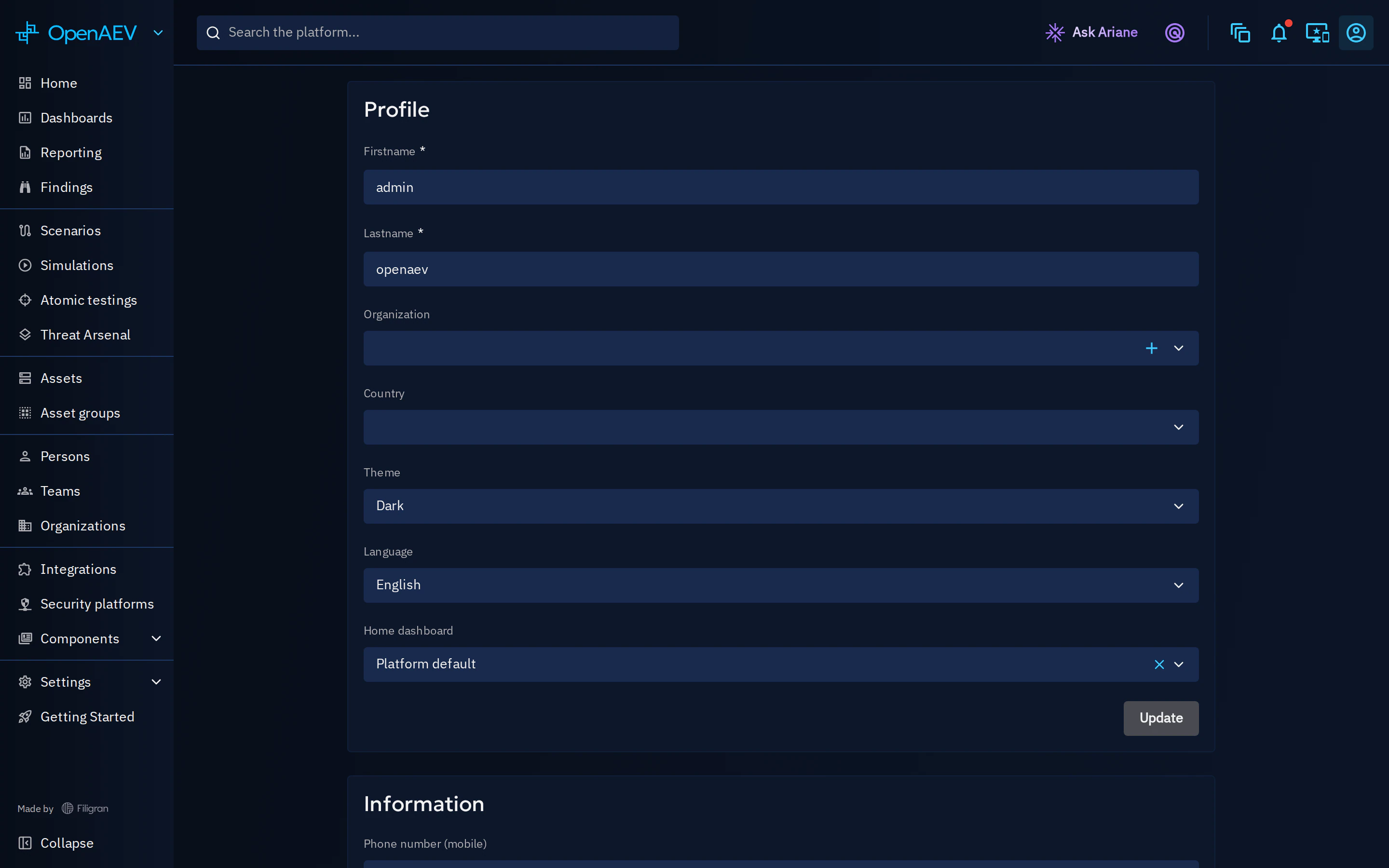
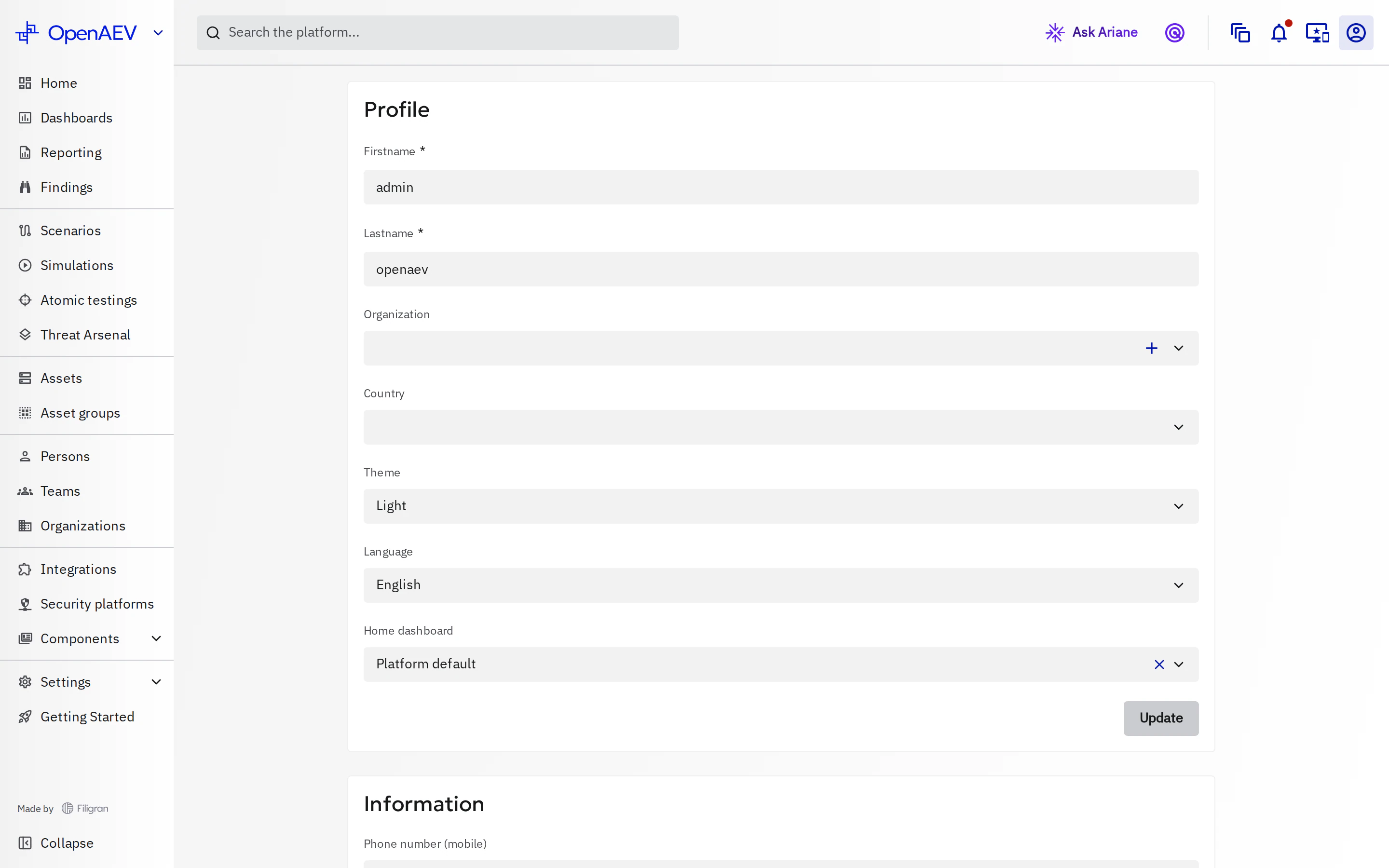 How-to guideSet up your profileSet your name, theme, language and home dashboard in OpenAEV, the phone and PGP key injects use, change your password or email address, and renew your API token.OpenAEV5 minHow-to guideBuild a scenario that replays an attackCreate a scenario, fill it with injects by hand or with the scenario assistant, aim it at your assets and teams, then launch it or schedule it to follow your posture.OpenAEV9 minHow-to guideImport a timeline of injects from a spreadsheetDescribe your spreadsheet once in an XLS mapper, test it, then import a crisis exercise timeline into a scenario as emails and SMS with their delays and teams.OpenAEV6 minHow-to guideTurn an OpenCTI security coverage into a scenarioLet OpenAEV build a scenario from a threat's security coverage in OpenCTI, aim it at the right assets, fill its gaps, and send the scores of every run back to OpenCTI.OpenCTIOpenAEV8 minHow-to guideShare files with your playersUpload the files of an exercise once in OpenAEV, then attach them to emails, press articles, challenges and channel logos, or drop them on endpoints.OpenAEV5 minHow-to guideSend each player their own email with variablesWrite an email or SMS inject once and let OpenAEV fill in each player's name, the exercise and your own values, such as the crisis bridge link.OpenAEV4 minHow-to guideCreate the media outlets of an exerciseCreate the newspaper, social network or TV channel your players read during a crisis exercise, with its name, colors and logos, before you write its articles.OpenAEV4 minHow-to guidePublish fake press articles during an exerciseWrite the press articles and social posts of a crisis exercise, publish them to the players at a set time, and see who read them.OpenAEV6 minHow-to guideGive your players challenges to solveAsk your players a question they must answer from the evidence of the exercise, check their answer against flags, and score it in the simulation's results.OpenAEV5 minHow-to guideCollect lessons learned after an exerciseBuild the debrief questionnaire of a crisis exercise from a template, send it to the teams that played, and read their answers and your objectives in one place.OpenAEV6 min