Rehearse a cyber crisis with the people who would live it
Play an intrusion again to your crisis cell in OpenAEV, give it the cost of the breach from OpenCRQ and a briefing from an XTM One agent, then collect its lessons learned.
At the end of this journey, your crisis cell has lived the night of an intrusion again: the alert of the endpoint detection and response (EDR) tool, the call to the bridge, the question it must answer and the press article that piles on. It knows what the breach would cost in money and has a briefing to decide from, and you have its lessons learned. The exercise planner drives it in OpenAEV; OpenCRQ prices the breach, and an XTM One AI agent briefs the cell with that price. The steps below are the pages to follow, in order.
- Night written → Night played: launch
- Breach priced → Cell briefed: loss in money
- Cell briefed → Night played: situation report
- Night played → Lessons collected: answers and scores
Who takes part
- The exercise planner builds and runs the exercise in OpenAEV: the timeline, the crisis cell, the documents, the newspaper, the article, the challenge, then the debrief. Every step but two is theirs.
- The risk manager checks in OpenCRQ what the breach costs, at the step Know what the breach costs, so the figure the cell reads is one they stand behind.
- The AI agent builder creates the XTM One agent that briefs the cell and shares it with the cell, at the step Brief the cell with an agent.
- The crisis cell, led by the CISO (chief information security officer), plays: it receives the emails, answers the challenge, reads the article, asks the agent, and fills in the questionnaire.
Why it spans several modules
A crisis exercise trains people, not machines, so OpenAEV plays it to them: each inject reaches the players of a team by email at its time, and each expectation scores how they react. See How a scenario becomes a simulation.
What a crisis cell decides depends on what the breach costs: how many guests to notify, which message to publish, what to escalate to the executive committee. OpenCRQ gives that cost from its risk scenarios, priced in money. See How OpenCRQ quantifies risk.
No link carries that figure from OpenCRQ to OpenAEV. XTM One carries it to the people instead: an agent bound to the OpenCRQ integration reads the exposure as the person who asks, searches the crisis playbook in a knowledge base, and drafts the briefing. See What agents are made of. Without it, the cell plays the timeline without the numbers it would have on the real night.
What you need
- OpenAEV, any edition. The platform sends email, and the members of the crisis cell have an email address. Ask AI, which drafts the article, requires the Enterprise Edition and XTM One.
- OpenCRQ, with the risk scenario the exercise is about already priced. See Build and price a risk scenario.
- XTM One, with the Enterprise Edition and AI switched on: agents and presentations are part of it. OpenCRQ and OpenCTI are registered with it, so their integrations exist. See Connect the modules to each other.
- An OpenCRQ account for each member of the crisis cell, tied to their XTM One account at their first sign-in to OpenCRQ through XTM One. The agent reads OpenCRQ as the person who asks: OpenCRQ finds that person by their XTM One account, never by email, and a person with no tied account gets no data.
- The capabilities, by their label in each module's role editor:
- In OpenAEV, the exercise planner has Manage assessment and Launch assessment, Manage teams & persons, Manage documents, Manage channels, Manage challenges, and Manage lessons learned to create the questionnaire's categories.
- In OpenCRQ, the risk manager needs no capability to read the dashboards.
- In XTM One, any user creates an agent and shares it; only an administrator makes it a Company-managed agent.
How it unfolds
Example CERT plays the Velvet Harbor intrusion of 9 January 2026 again to the crisis cell of Grand Meridian Hotels, in the scenario Velvet Harbor crisis night.
Plan the timeline. The exercise planner creates a time-based scenario, category Global Crisis, with lessons learned turned on. Each launch copies it into a simulation, so the same exercise can be played again to another cell, and each run keeps its own answers. See Plan the exercise.
Set the stage. The planner adds the team Crisis cell, with Hélène Marchetti, Sophie Laurent and Marc Dupuis (Gather the crisis cell). They upload the crisis communication playbook, the Meridian EDR alert of the front-desk workstation and a fake screenshot of the forum listing (Share the alert and the playbook). They create the newspaper Hotel Business Daily (Create the press outlet), and write its article Guest records of Grand Meridian Hotels offered on a criminal forum (Publish the article).
Write the night. The timeline starts at 22:00. At 40 minutes, the CISO's email calls the cell to the bridge, with the playbook attached. At 50 minutes, the challenge Find the account that was used gives the cell the EDR alert and asks which account ran the loader: night.audit is the answer (Ask the cell to investigate). At 1 hour 30, Hotel Business Daily publishes the forum listing.
Price the breach. The risk manager opens OpenCRQ on the risk scope Grand Meridian France. The risk scenario Data Breach on Guest Records reads $33K of loss a year: the yearly average, low because such a breach is rare. One incident costs $59.0M expected, notification of 2.4 million guests included (Know what the breach costs). The second figure is the one a crisis cell needs on the night: see Set what an attack costs with the financial profile.
Prepare the briefing. Sophie Laurent, the AI engineer, builds the agent Crisis briefer in XTM One. It is bound to the OpenCTI and OpenCRQ integrations, searches the knowledge base Grand Meridian security policies, which holds the playbook, and is shared with the group Crisis cell in Read only (Brief the cell with an agent). It drafts the facts known so far, the messages to guests, staff and press from the playbook, and what the exposure costs according to OpenCRQ. It can turn them into a deck: see Turn an agent's work into a presentation.
Play it. The planner launches the simulation. The Mails menu of its Execution tab shows the cell's replies. Marc Dupuis isolates the booking database server; Sophie Laurent answers that Crisis briefer is drafting the first situation report. Whether the cell was on the bridge within 30 minutes is an expectation the control team scores by hand. The simulation stays On-going until every expectation is answered or expired (Run the exercise).
Debrief. The morning after, the planner applies the template Crisis exercise debrief and sends its questionnaire to the cell. Communication averages 40: nobody owned the answer to the journalist. That gap opens the action plan (Collect the lessons learned).
The steps
Each step opens its page; the first one starts the journey, and every page of it then shows where you are.
- 1OpenAEVOpenAEVPlan the exerciseHow a scenario becomes a simulation · 6 minWhat a scenario holds, the two kinds of scenarios, what a simulation copies when it starts, and how runs of the same scenario show your posture over time.
- 2OpenAEVOpenAEVBuild the exercise and its injectsBuild a scenario that replays an attack · 9 minCreate a scenario, fill it with injects by hand or with the scenario assistant, aim it at your assets and teams, then launch it or schedule it to follow your posture.
- 3OpenAEVOpenAEVGather the crisis cellOrganize the people your injects target · 6 minCreate the persons who receive emails, SMS and challenges, group them in teams, sort them by organization, and choose which persons of a team a scenario reaches.
- 4OpenAEVOpenAEVShare the alert and the playbookShare files with your players · 5 minUpload the files of an exercise once in OpenAEV, then attach them to emails, press articles, challenges and channel logos, or drop them on endpoints.
- 5OpenAEVOpenAEVCreate the press outletCreate the media outlets of an exercise · 4 minCreate the newspaper, social network or TV channel your players read during a crisis exercise, with its name, colors and logos, before you write its articles.
- 6OpenAEVOpenAEVPublish the articlePublish fake press articles during an exercise · 6 minWrite the press articles and social posts of a crisis exercise, publish them to the players at a set time, and see who read them.
- 7OpenAEVOpenAEVAsk the cell to investigateGive your players challenges to solve · 5 minAsk your players a question they must answer from the evidence of the exercise, check their answer against flags, and score it in the simulation's results.
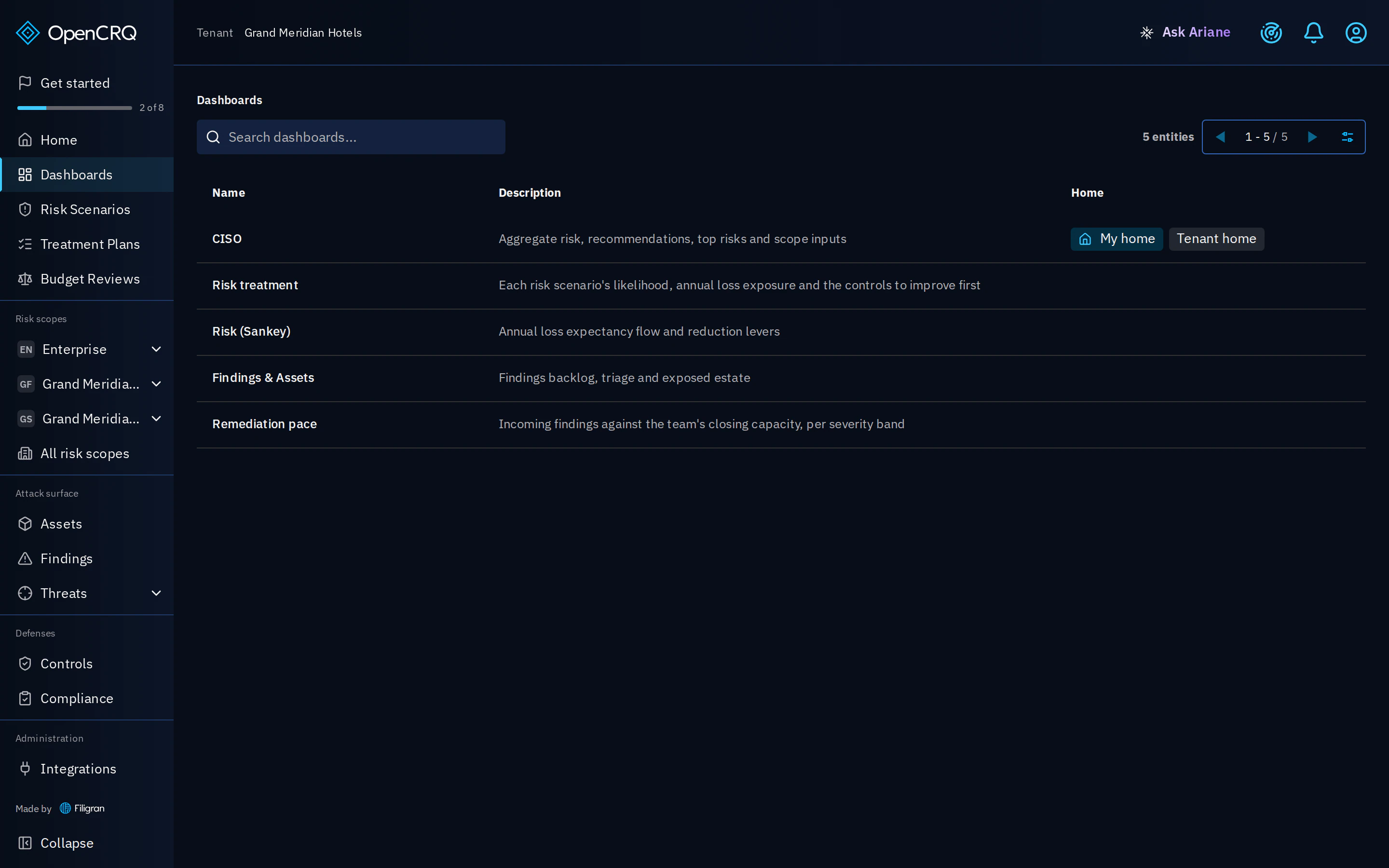
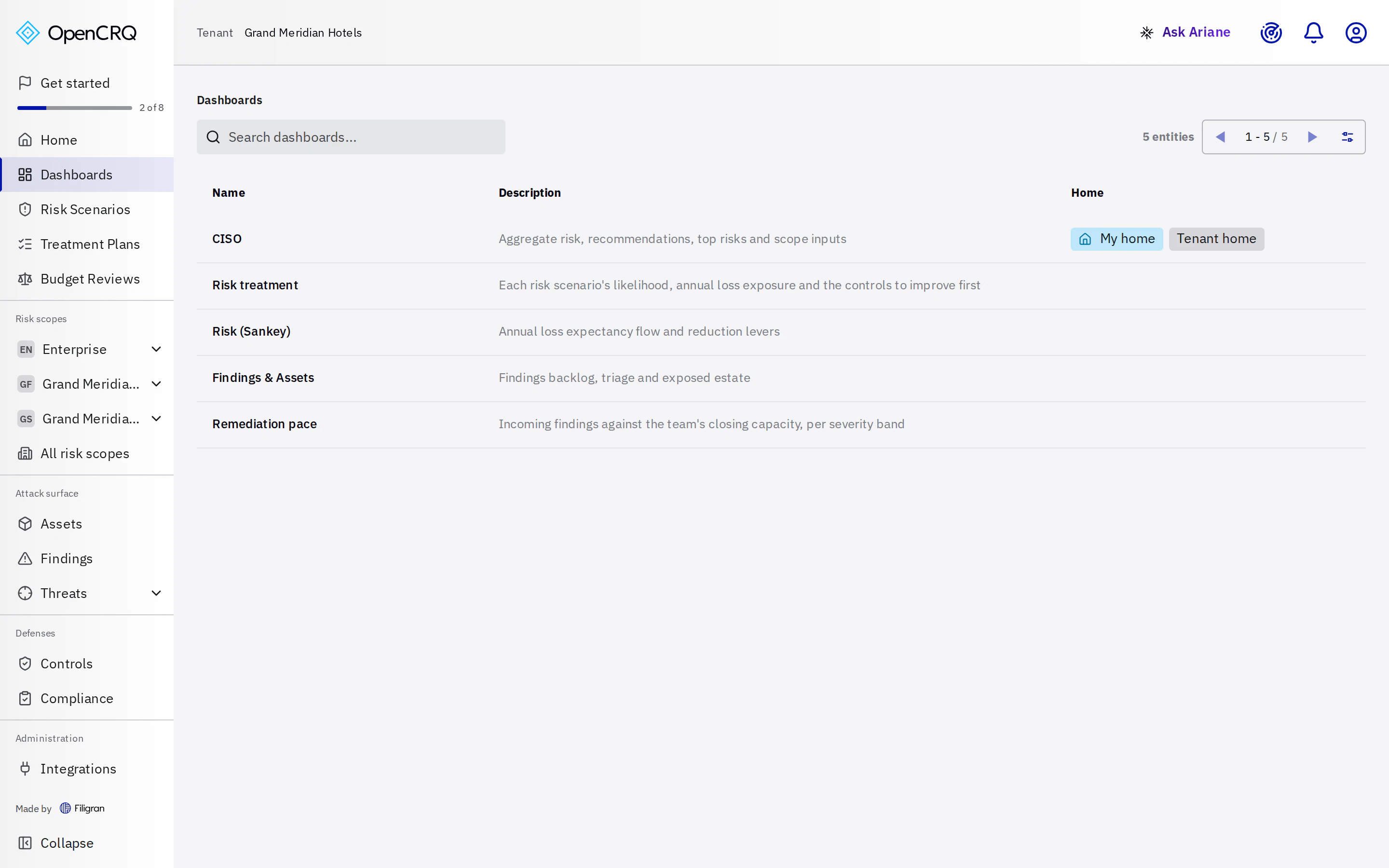
- 8OpenCRQOpenCRQKnow what the breach costsTrack cyber risk in money with dashboards · 7 minRead OpenCRQ's CISO dashboard and its twelve-month trends, pick the dashboard each person opens on Home, and present the cyber risk of a scope in money.
- 9XTM OneXTM OneBrief the cell with an agentCreate an agent · 29 minBuild an XTM One AI agent end to end with the wizard - persona, guardrails, model, read-only OpenCTI tools, a knowledge base - then share it with a team and test it in the chat.
- 10OpenAEVOpenAEVRun the exerciseRun a simulation and read its results · 7 minStart a simulation from a scenario or on its own, follow it while it runs, and read which attacks your defenses prevented and detected and how your teams responded.
- 11OpenAEVOpenAEVCollect the lessons learnedCollect lessons learned after an exercise · 6 minBuild the debrief questionnaire of a crisis exercise from a template, send it to the teams that played, and read their answers and your objectives in one place.
Where to go next
- Test whether your staff fall for the lure: send the front desks a lure like the one that opened the intrusion.
- Check your defenses against the threats you track: replay the same intrusion on the endpoints, and read what the EDR stopped.
- How an attack becomes injects and expectations: how the reactions of the players are scored.
- Add expectation results by hand: the reactions of people your control team scores.