Journeys
You are reading the documentation of OpenCTI 7.260309 LTS · 7.260309.0-lts.8, supported until 2027-04.Latest is 7.261119.0 →

Journeys across the platform

Every outcome the documentation walks you through step by step, across OpenCTI, OpenAEV, OpenCRQ and XTM One, each explained on its own page before you start it.

A journey takes you to one outcome, such as checking your defenses against the threats you track or rehearsing a crisis, through the pages of every module it needs, in order. Open a journey to read what it achieves, who takes part and what you need, then review its steps before you start: once started, each of its pages shows where you are and the next step.

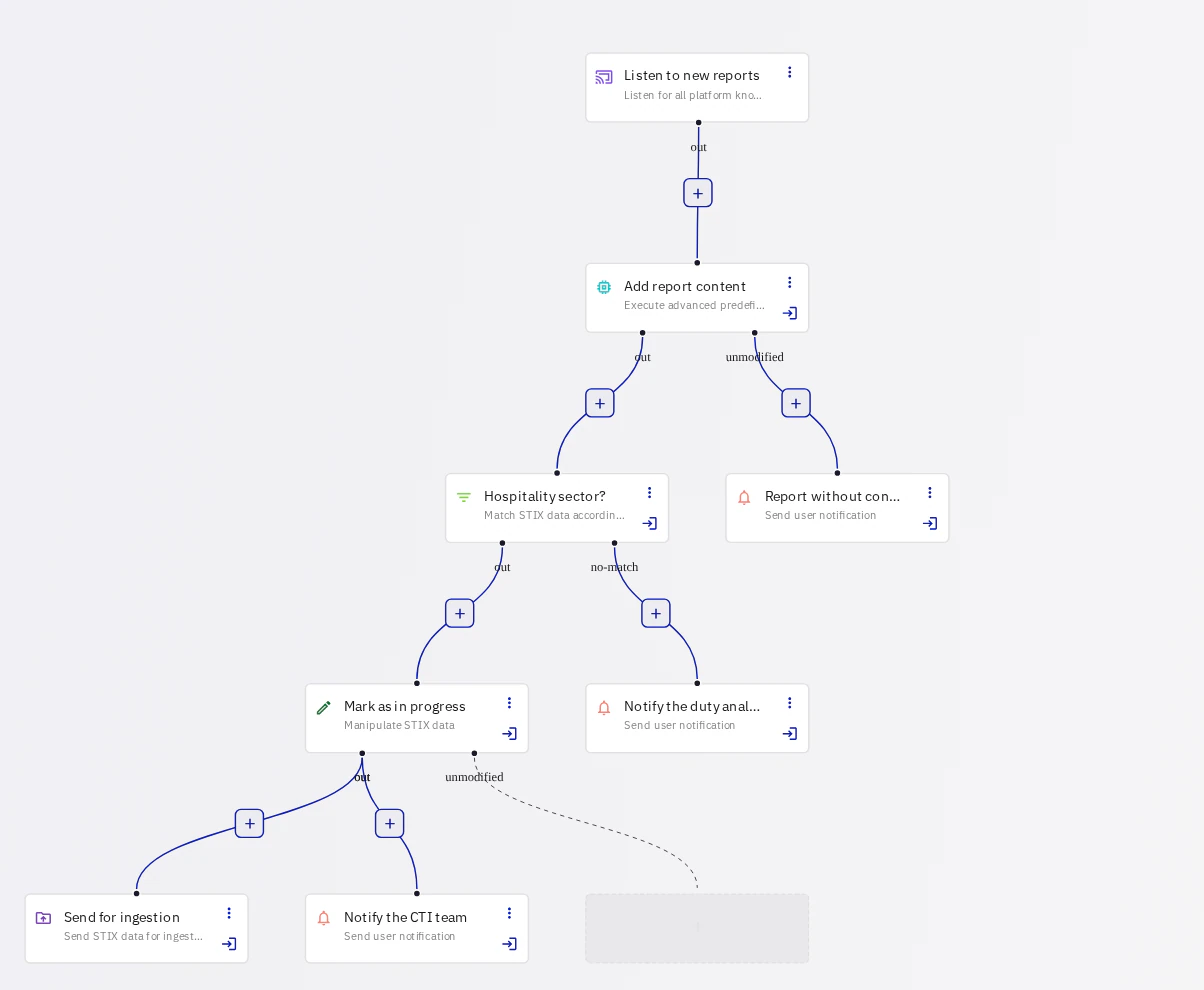
XTM OneOpenCTIAutomate threat intelligenceNew intelligence is filtered, enriched, saved and shared without anyone touching it, and AI agents take over the follow-up.
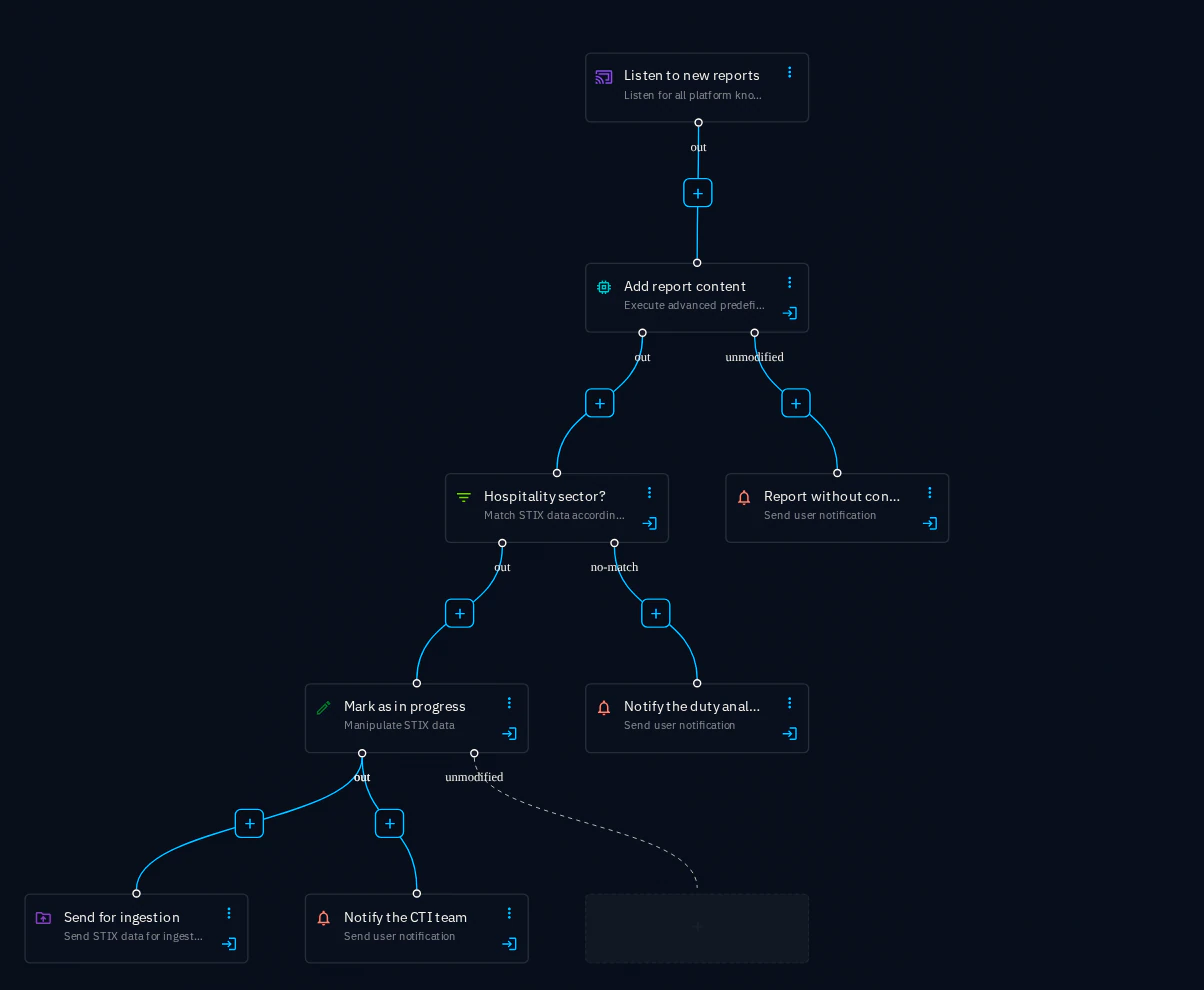
  1. 1Understand playbooks
  2. 2Choose components
  3. 3Build and start
  4. 4Monitor runs
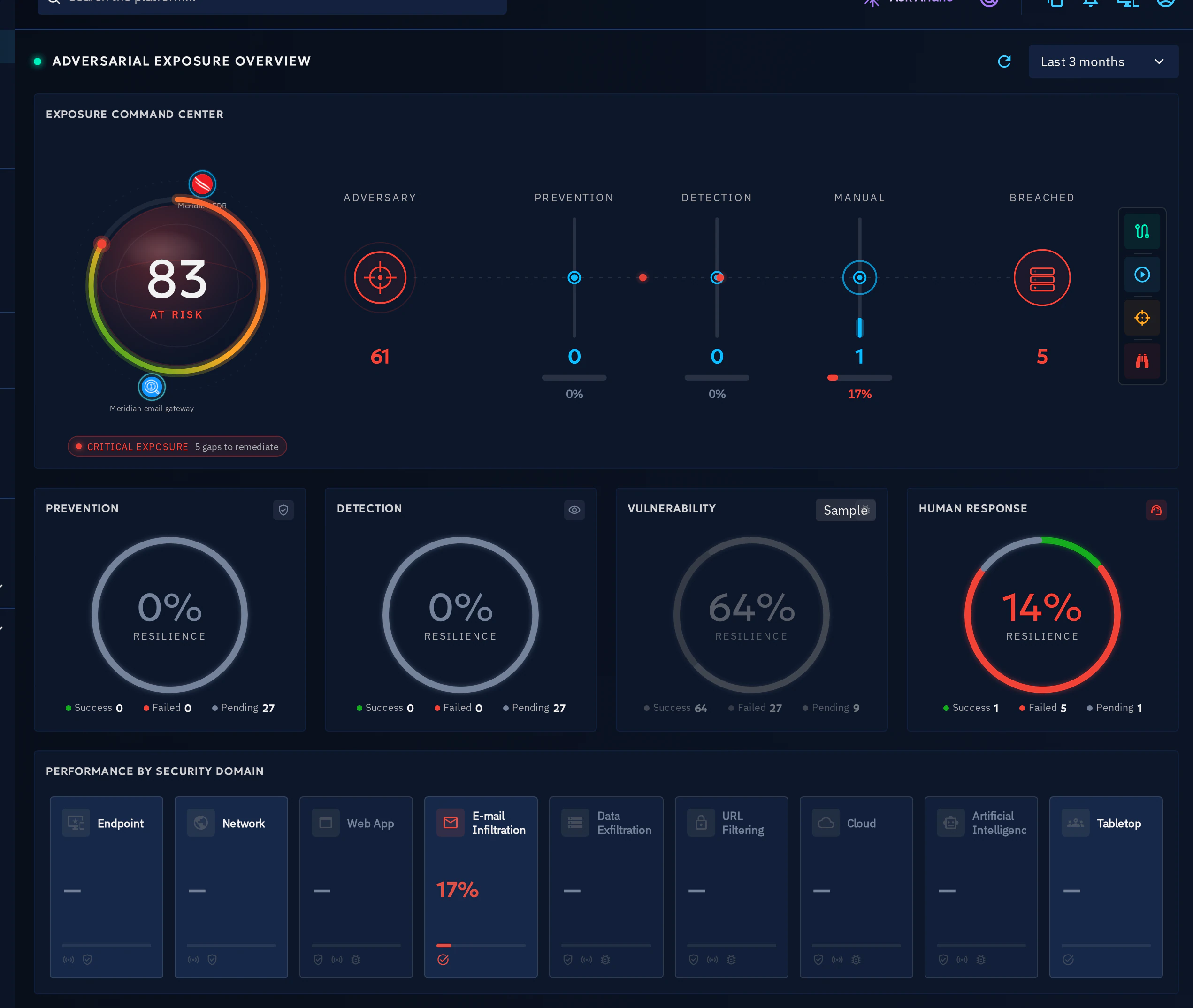
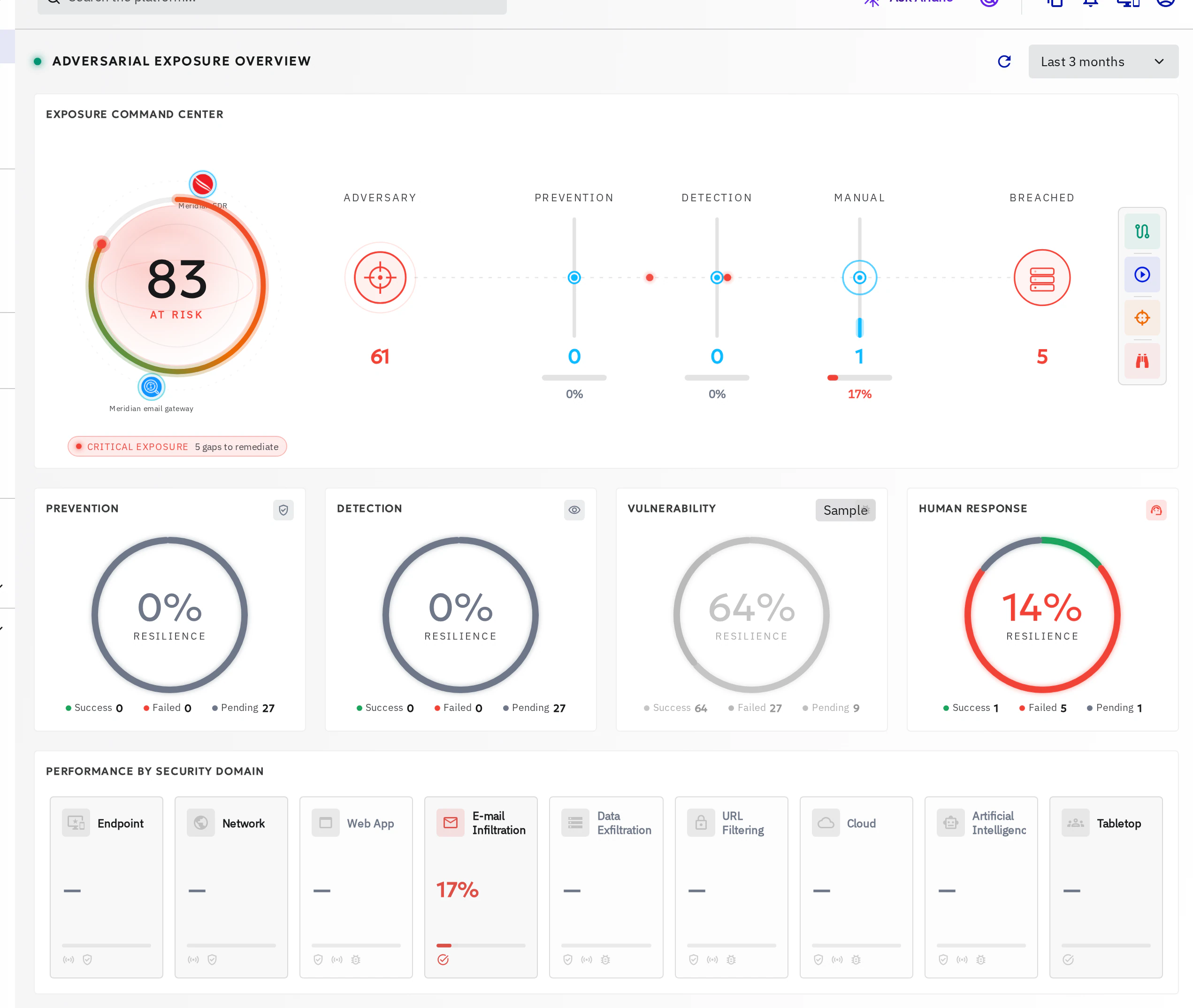
XTM OneOpenCTIOpenAEVOpenCRQCheck your defenses against the threats you trackThreats known in OpenCTI become OpenAEV scenarios on your own endpoints, your security tools' alerts score each step, the results come back as security coverage, OpenCRQ prices the gaps they leave, and XTM One summarizes it.
  1. 1Install agents on the endpoints
  2. 2Let your security tools score it
  3. 3Aim the tests at the right endpoints
  4. 4Ask for a security coverage
and 5 more steps
XTM OneOpenCTIPut XTM One agents to work on your intelligenceAn agent built for the CTI team reads what OpenCTI receives, summarizes it every week through an assignment, and transforms intelligence inside your playbooks, under your governance.
  1. 1Connect XTM One to OpenCTI
  2. 2Build the agent and its weekly assignment
  3. 3Share it with the CTI team
  4. 4Let playbooks call it
and 3 more steps
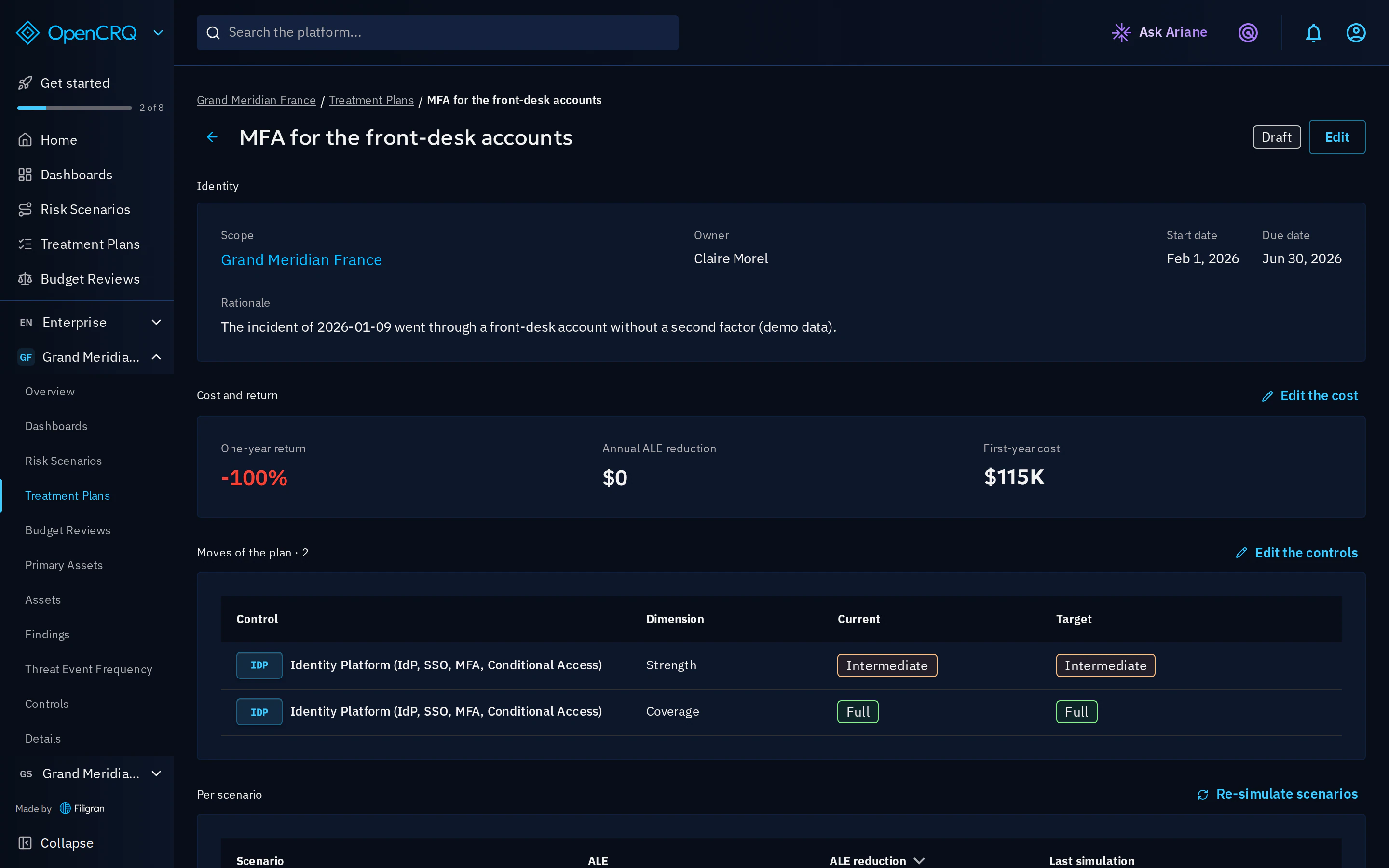
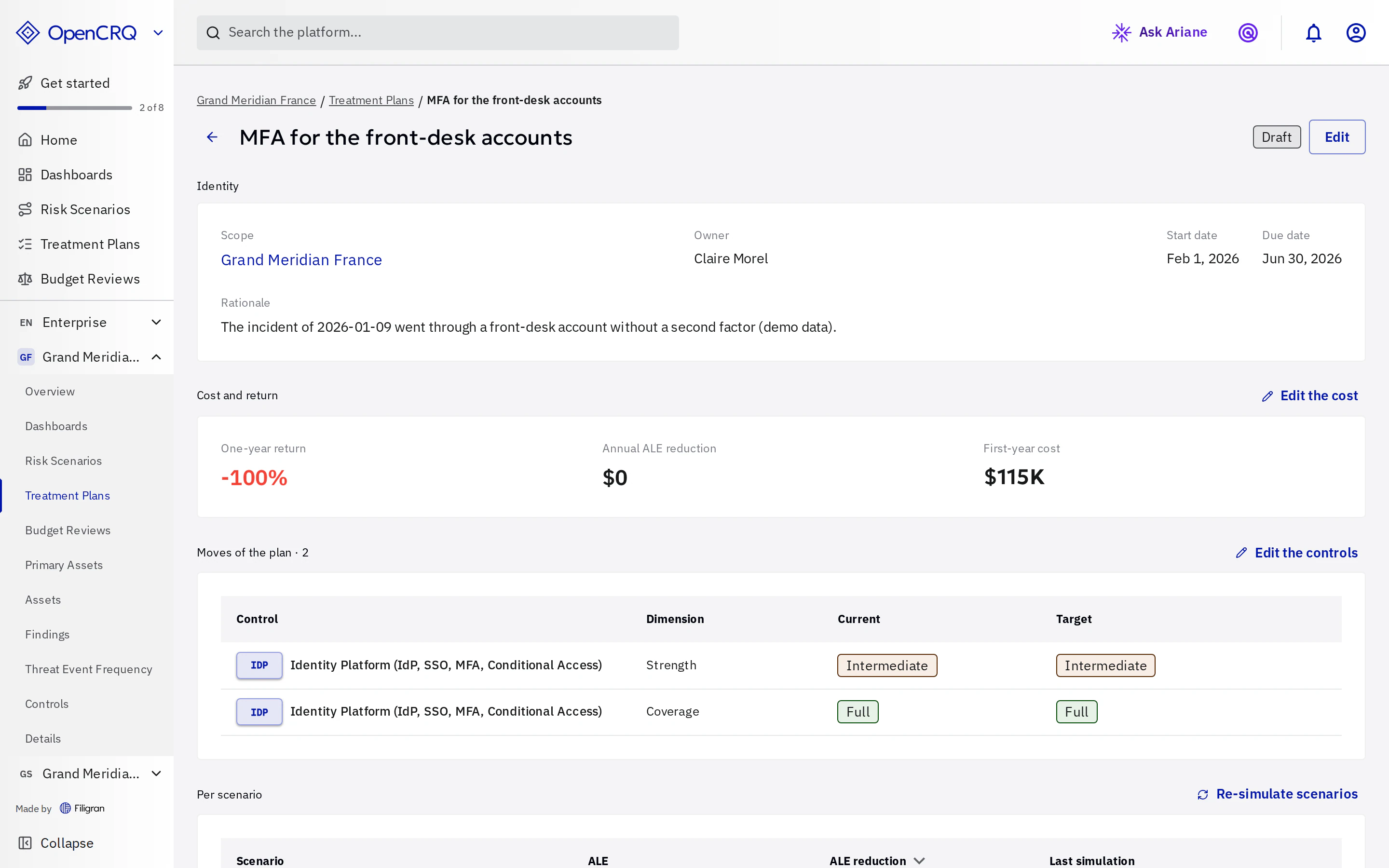
XTM OneOpenCTIOpenAEVOpenCRQRun a CTEM cycle across the platformScope what the business could lose, bring in the threats that target it, price each risk in money, check the controls against real attacks, and fund what removes the most loss.
  1. 1Scope the business at risk
  2. 2Map the estate that carries it
  3. 3Bring in the threats from OpenCTI
  4. 4See who targets the scope
and 7 more steps
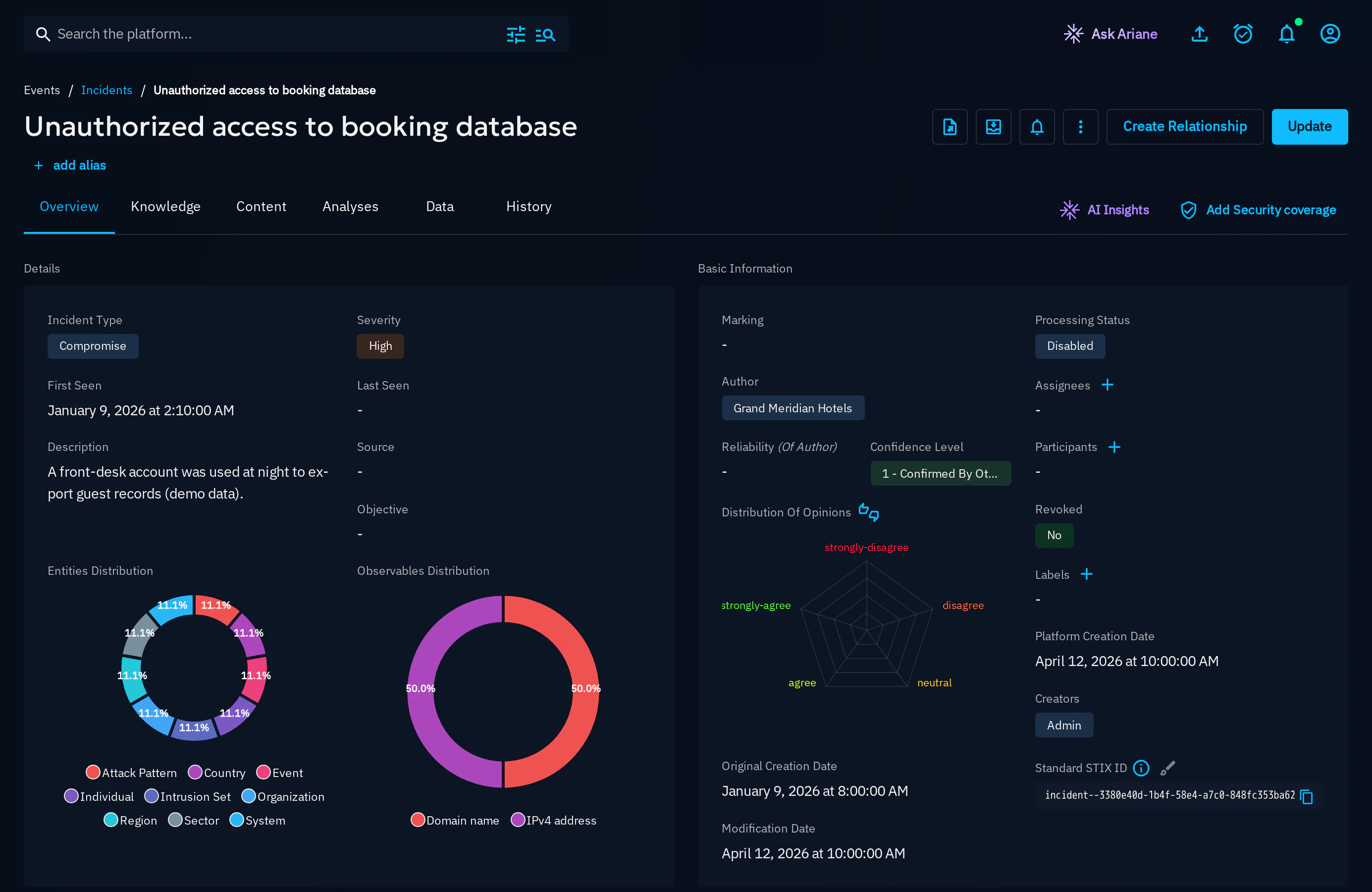
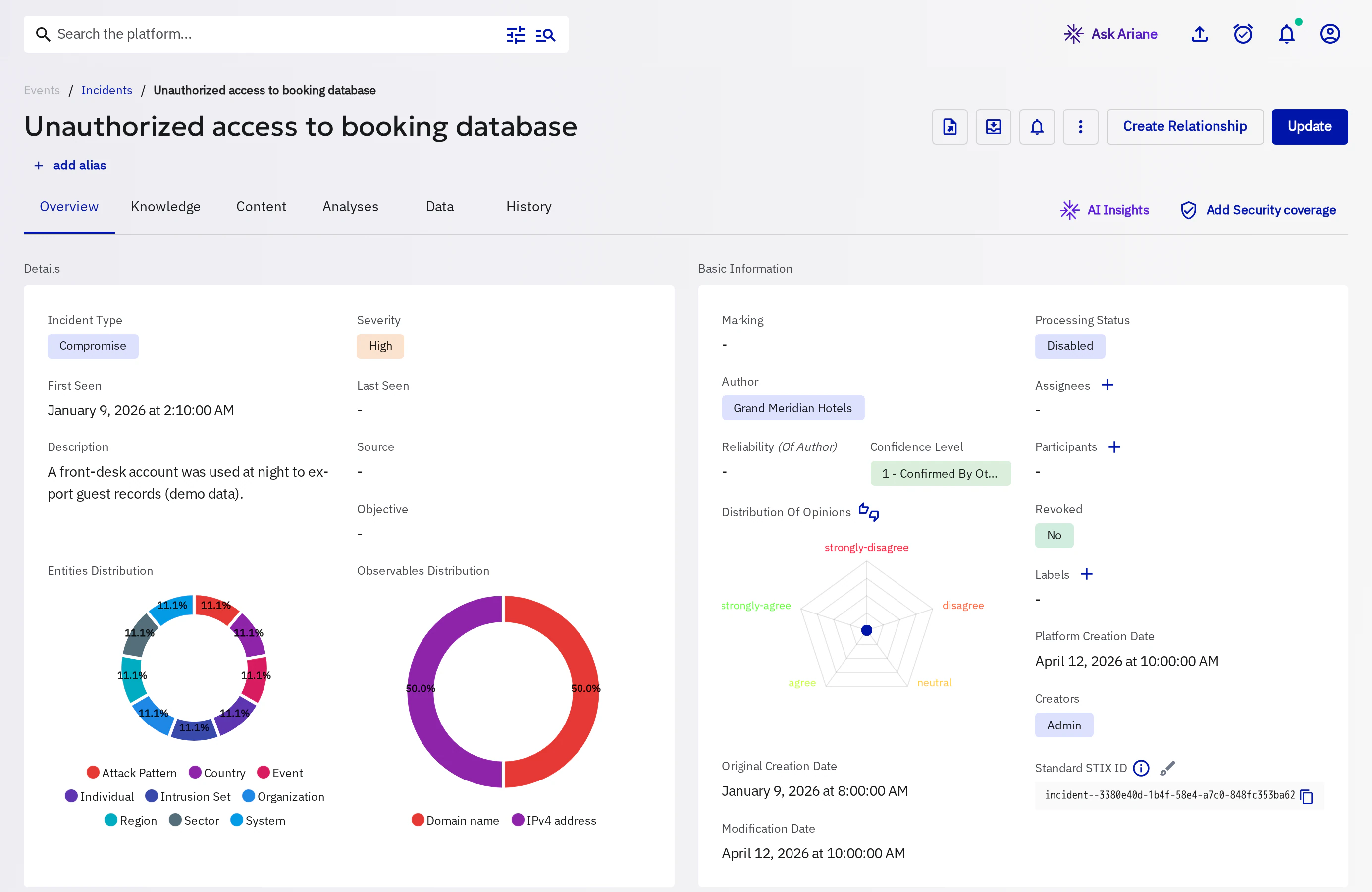
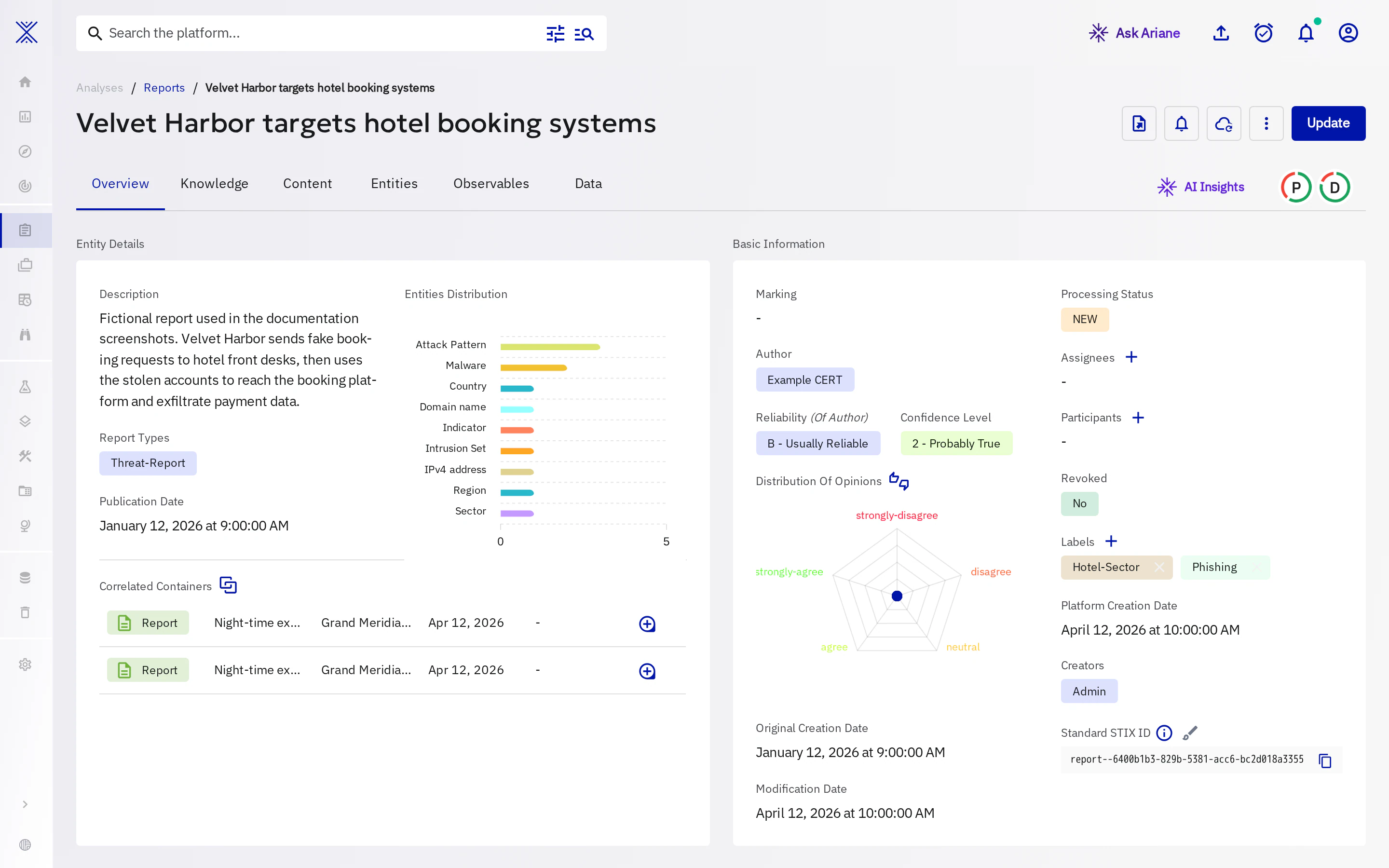
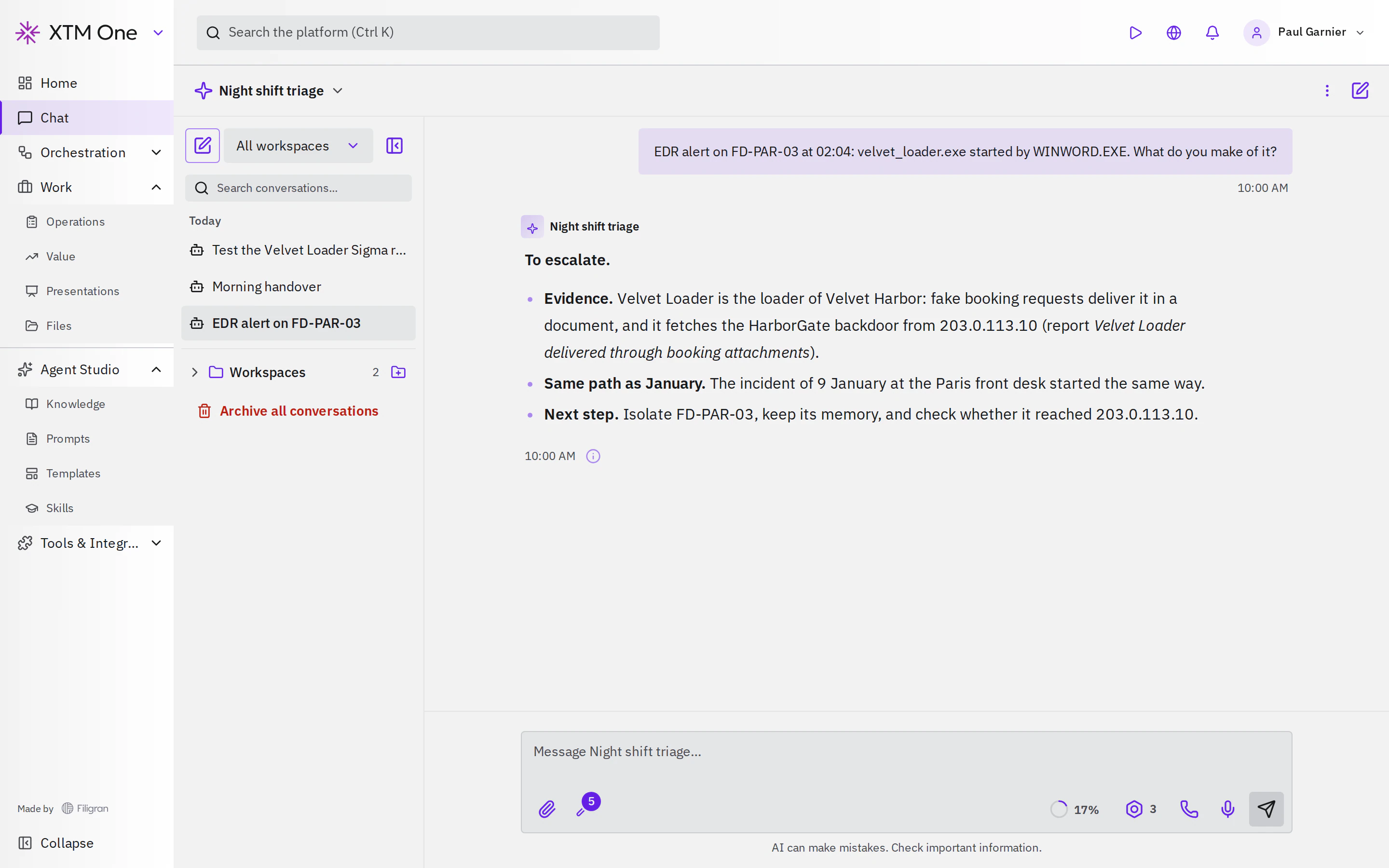
XTM OneOpenCTIOpenAEVOpenCRQInvestigate an incidentFrom the lure to the people it reached, one night's intrusion is worked as a case in OpenCTI, replayed in OpenAEV to check the fix, priced again in OpenCRQ, and summarized for the CISO by XTM One.
  1. 1The event the lure posed as
  2. 2The incident and its sightings
  3. 3The people involved
  4. 4Work it as a case
and 3 more steps
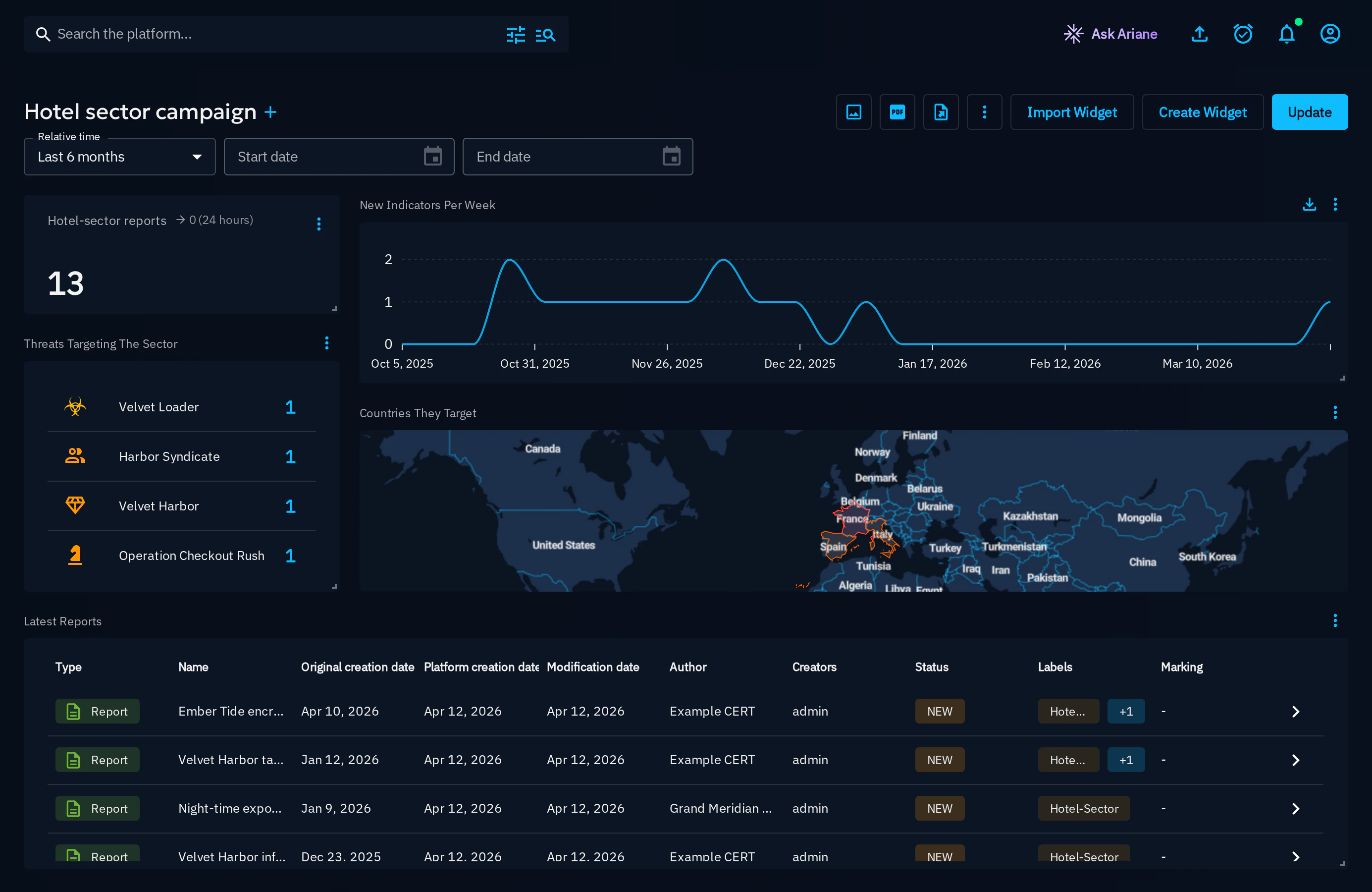
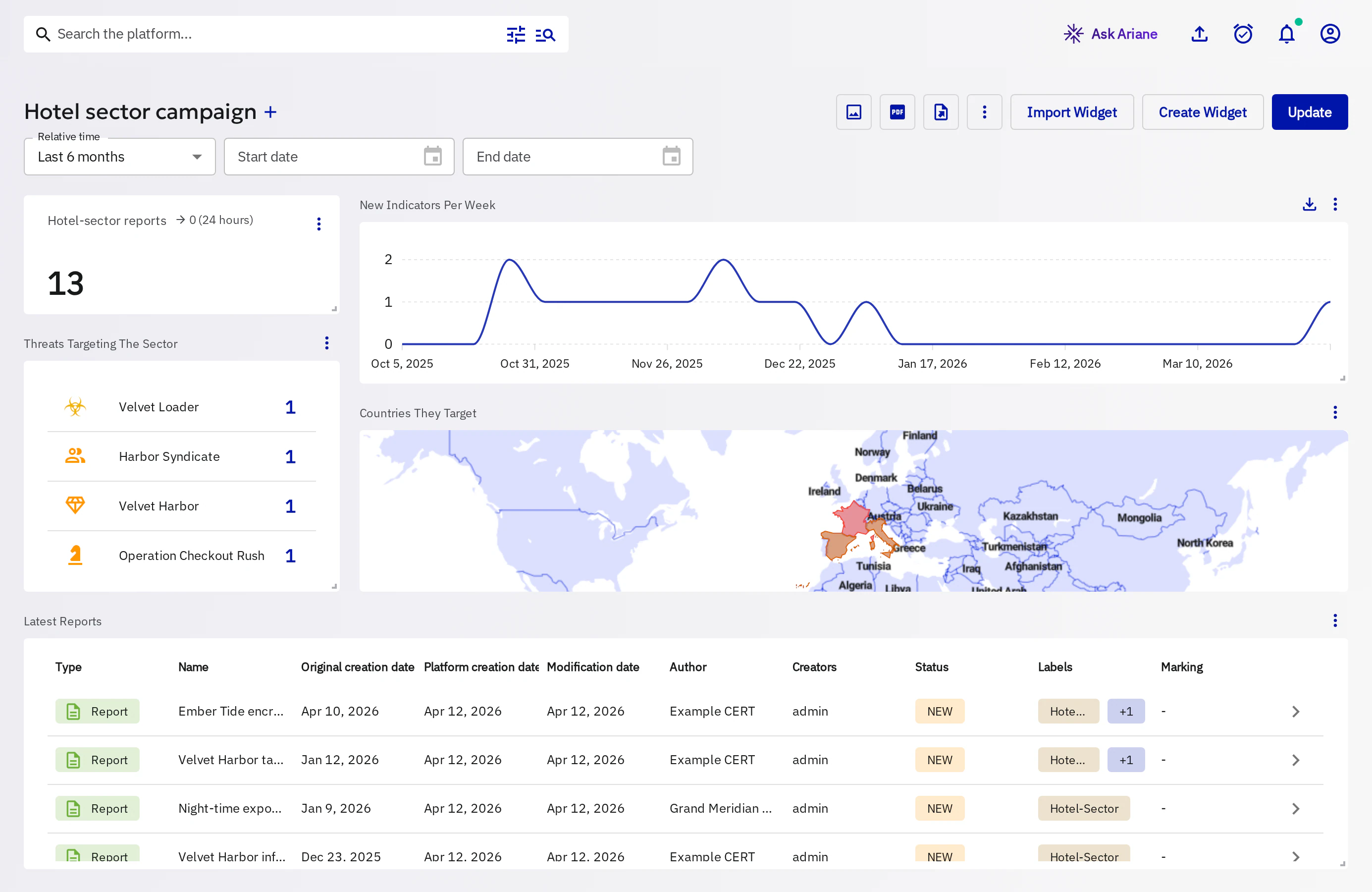
XTM OneOpenCTIBrief a sector on its threatsA sector CERT turns what targets its members into a monthly brief and sends it to the right people.
  1. 1The threat picture of the sector
  2. 2Gather the reports behind the brief
  3. 3Send it to the members
  4. 4Summarize with XTM One
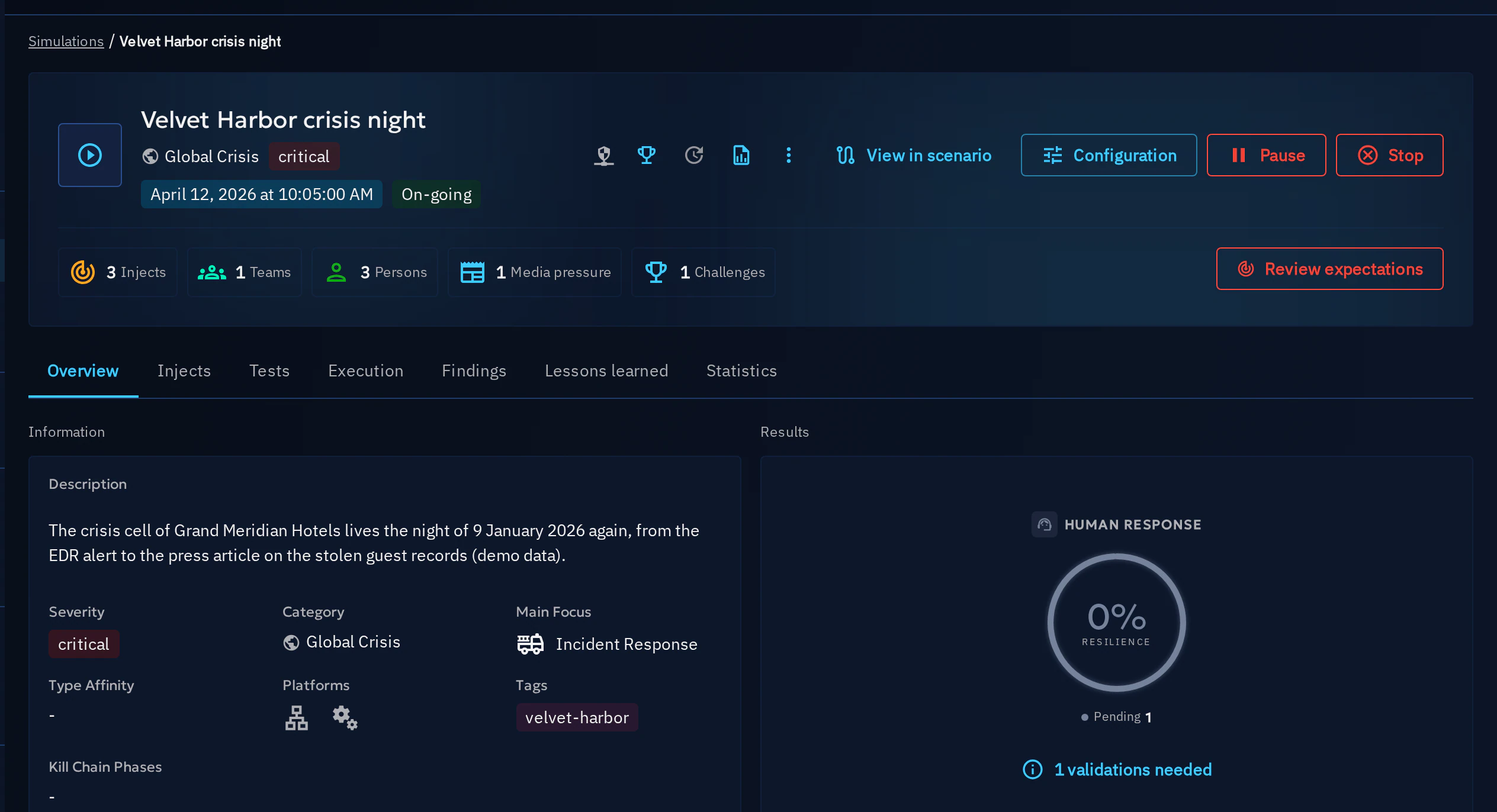
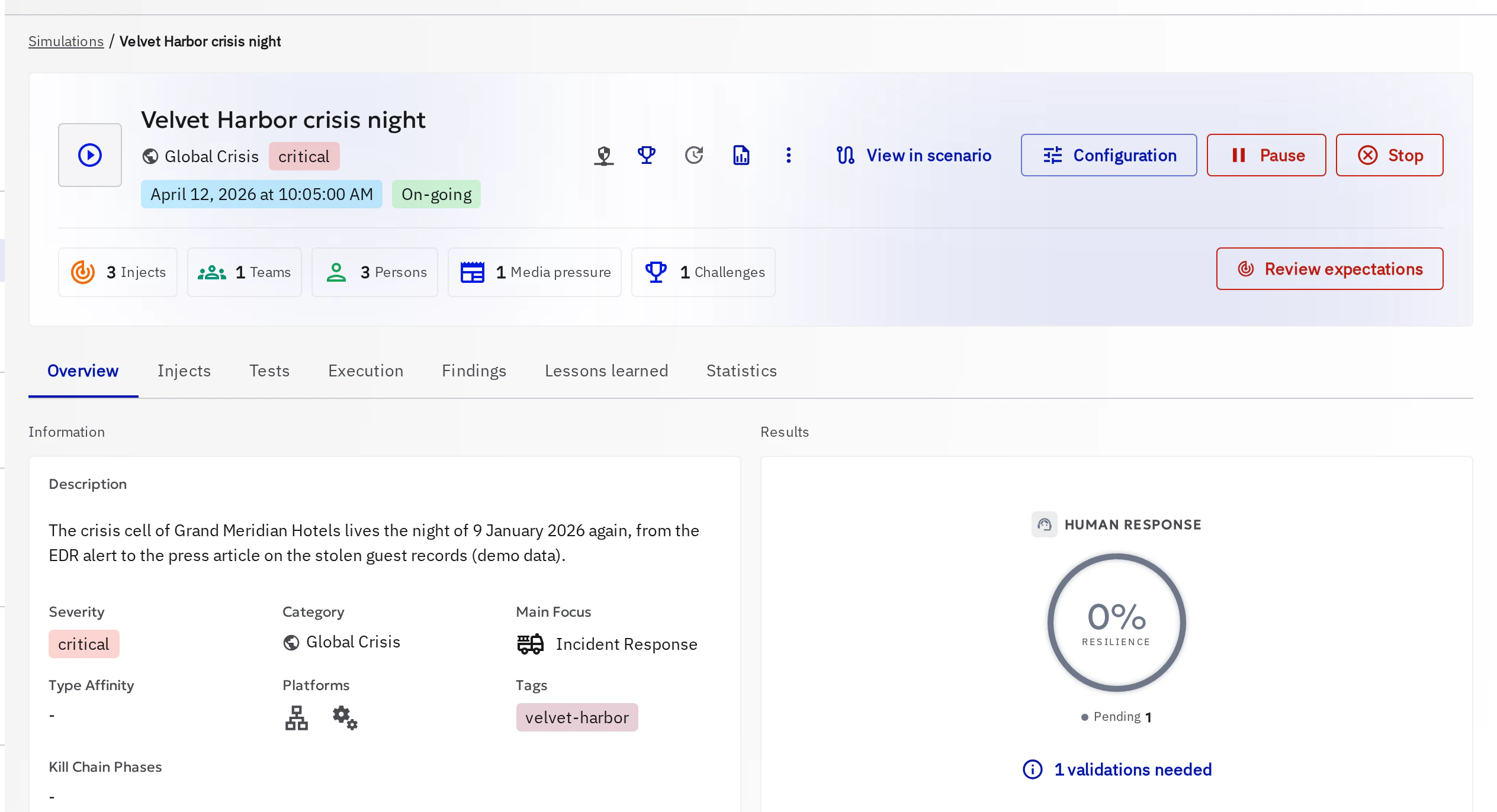
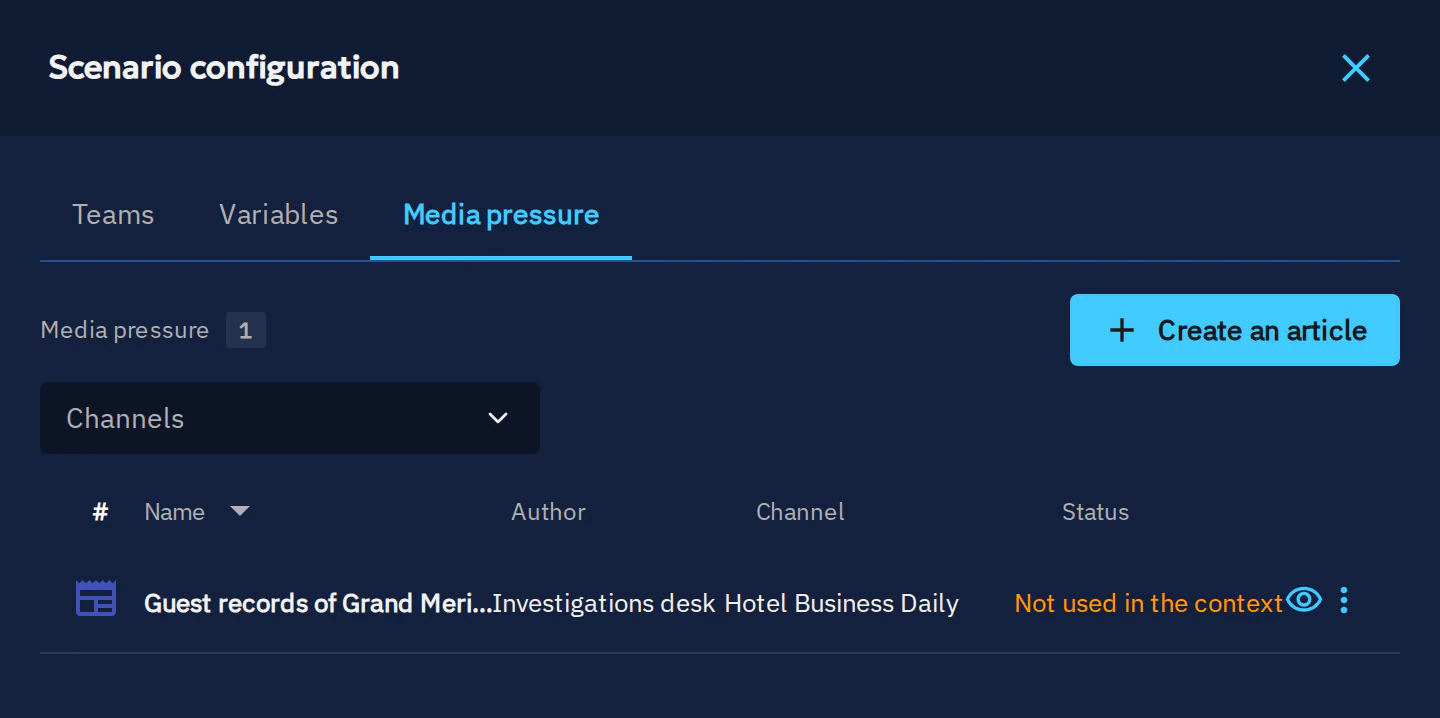
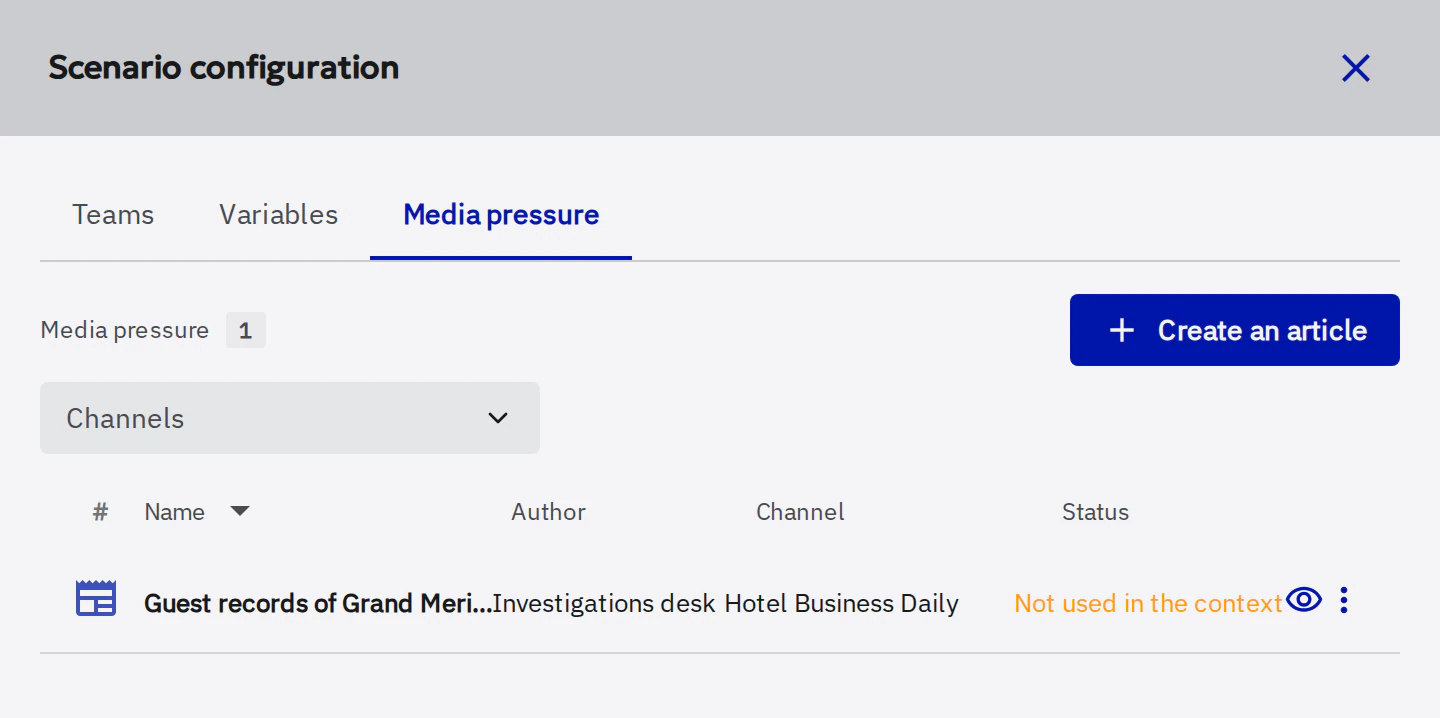
XTM OneOpenAEVOpenCRQRehearse a cyber crisis with the people who would live itThe crisis cell lives the night of the intrusion again, with the EDR alert, the press article and the questions it must answer, knows what the breach would cost, and leaves with its lessons learned and an AI briefing.
  1. 1Plan the exercise
  2. 2Build the exercise and its injects
  3. 3Gather the crisis cell
  4. 4Share the alert and the playbook
and 7 more steps
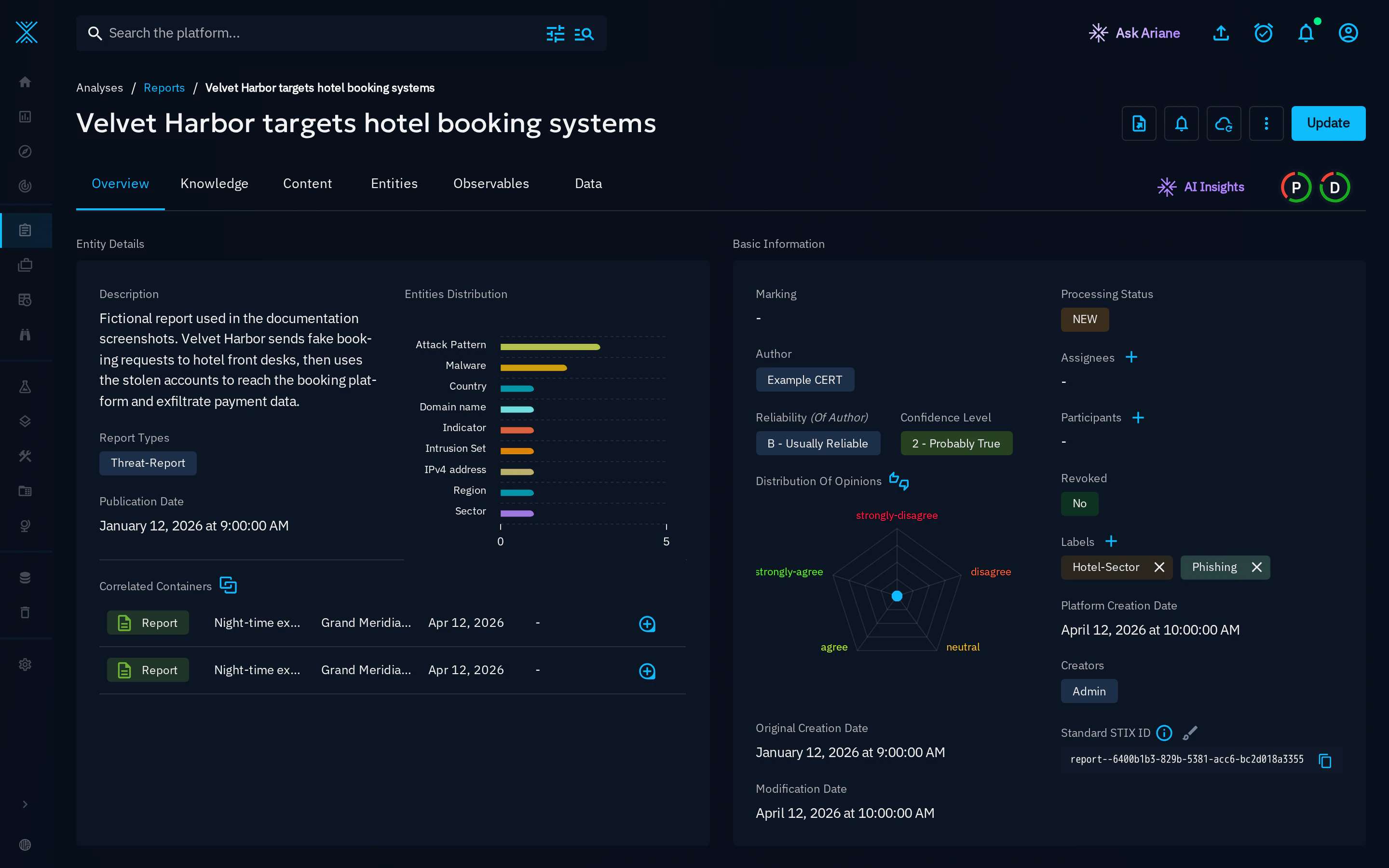
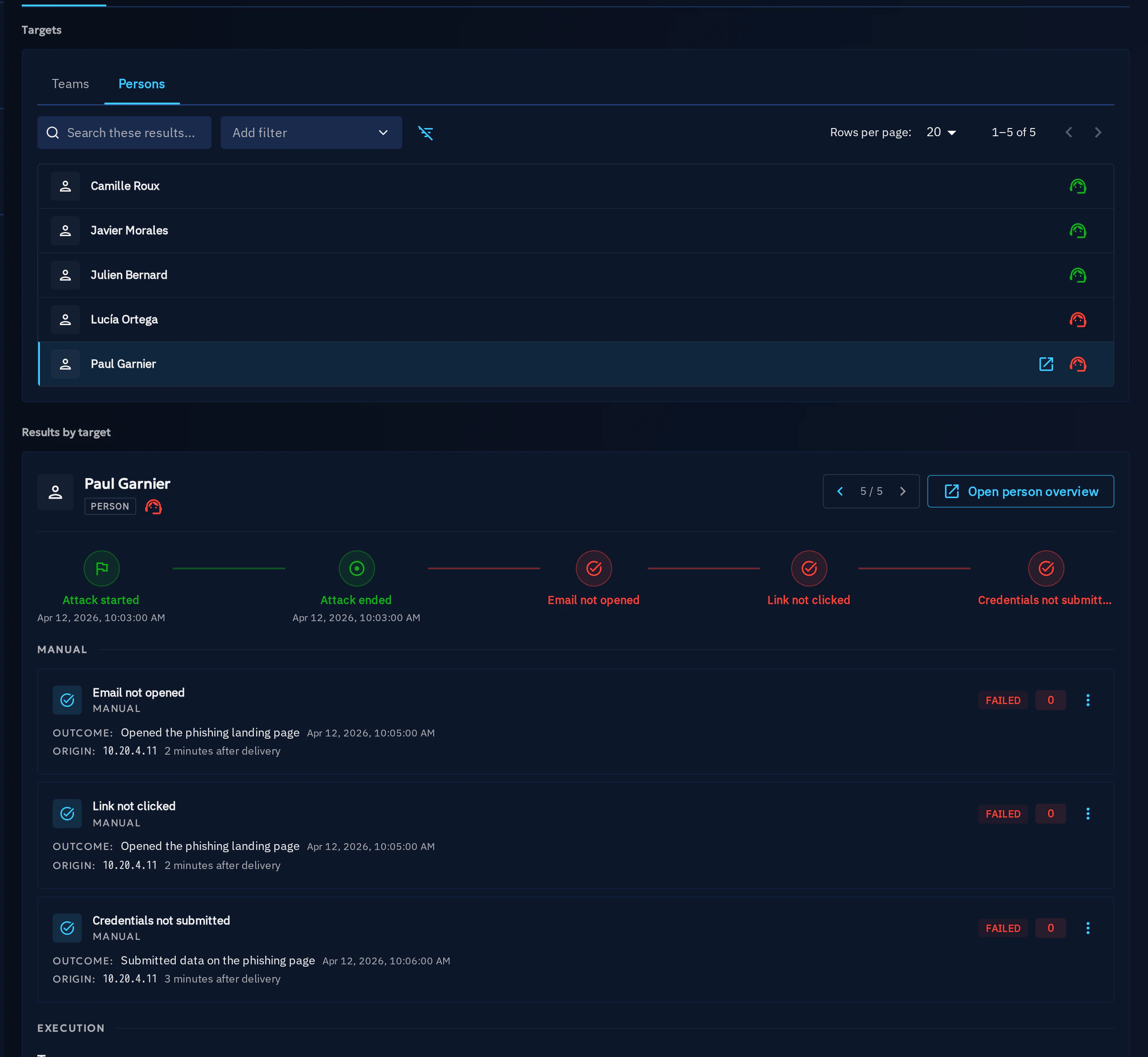
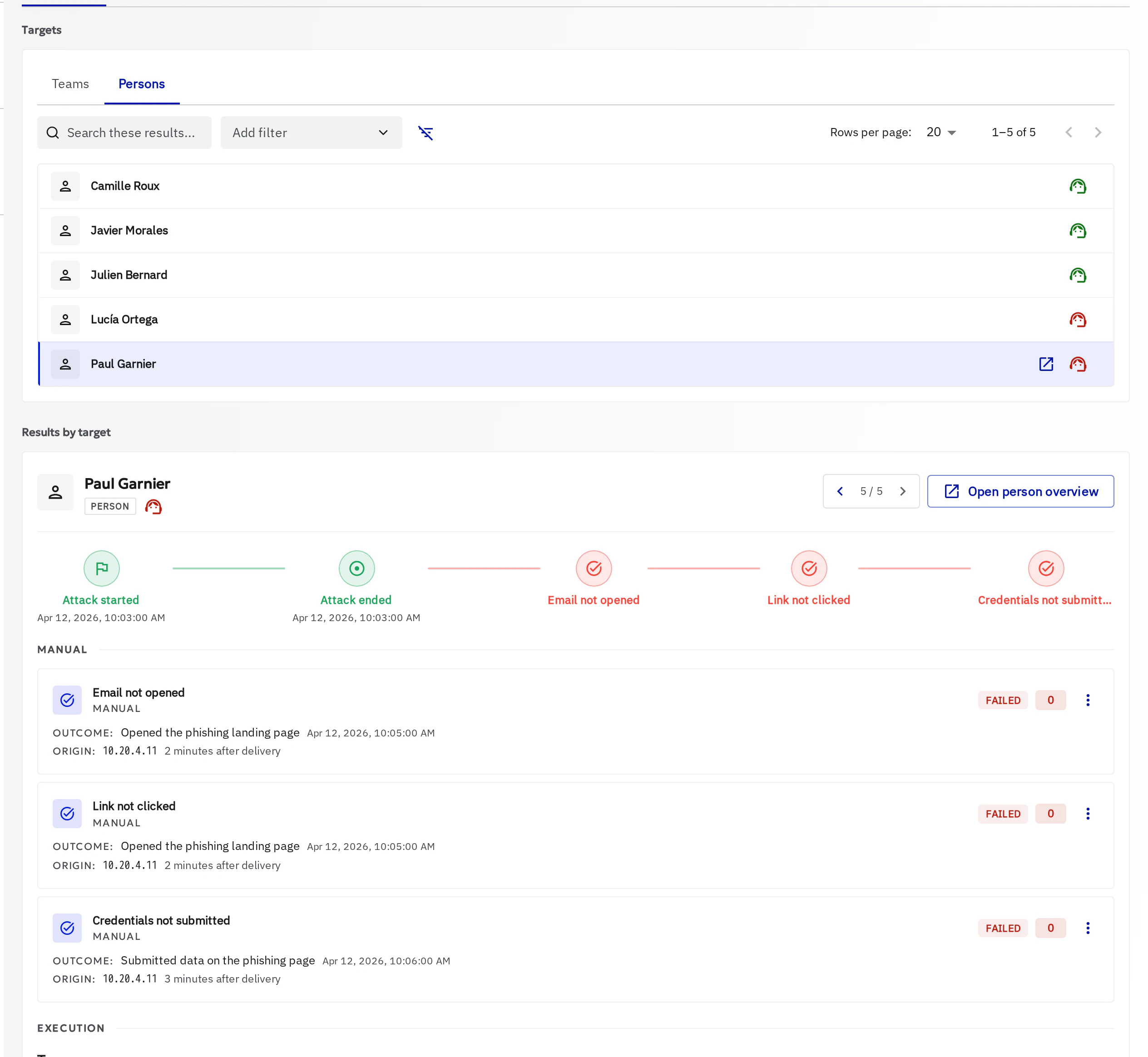
XTM OneOpenCTIOpenAEVTest whether your staff fall for the lureFront-desk staff receive the booking request Velvet Harbor sent, and you see who opened it, who clicked and who typed a password, then train the ones who did.
  1. 1Know the lure from OpenCTI
  2. 2Understand a phishing exercise
  3. 3Write the lure email
  4. 4Build the landing page
and 3 more steps
XTM OneOpenAEVKeep your detections tested every weekYour EDR runs the attacker's commands on schedule, every alert it raises scores a step, a drop in the score warns you, and the night shift gets a detection rule for what was missed.
  1. 1Run attacks through your EDR
  2. 2Build the attacker's actions
  3. 3Check one technique first
  4. 4Schedule the scenario
and 4 more steps
XTM OneOpenCTIBuild an AI agent your team can trustAn agent that knows your policies, reads OpenCTI without changing it, is shared with the right team, runs on schedule within a budget, and leaves a trace of everything it did.
  1. 1Know what an agent is made of
  2. 2Give it your documents
  3. 3Connect it to OpenCTI
  4. 4Teach it a procedure
and 6 more steps
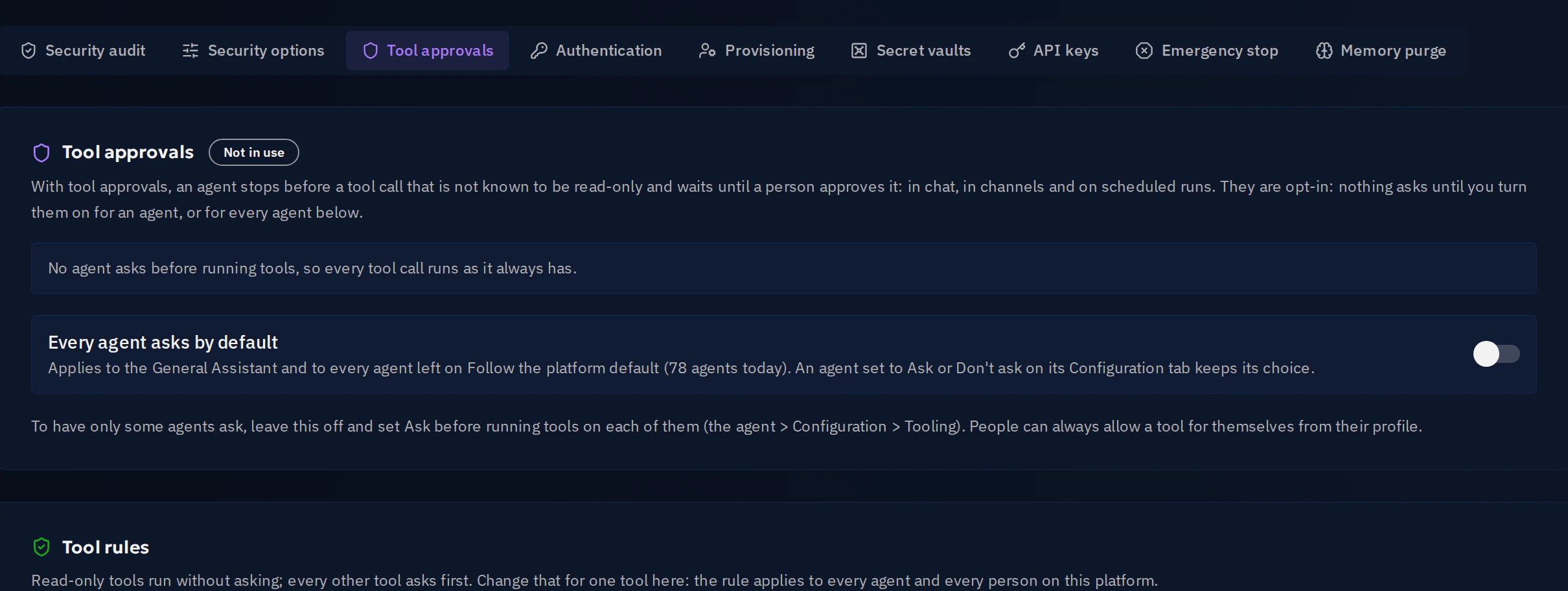
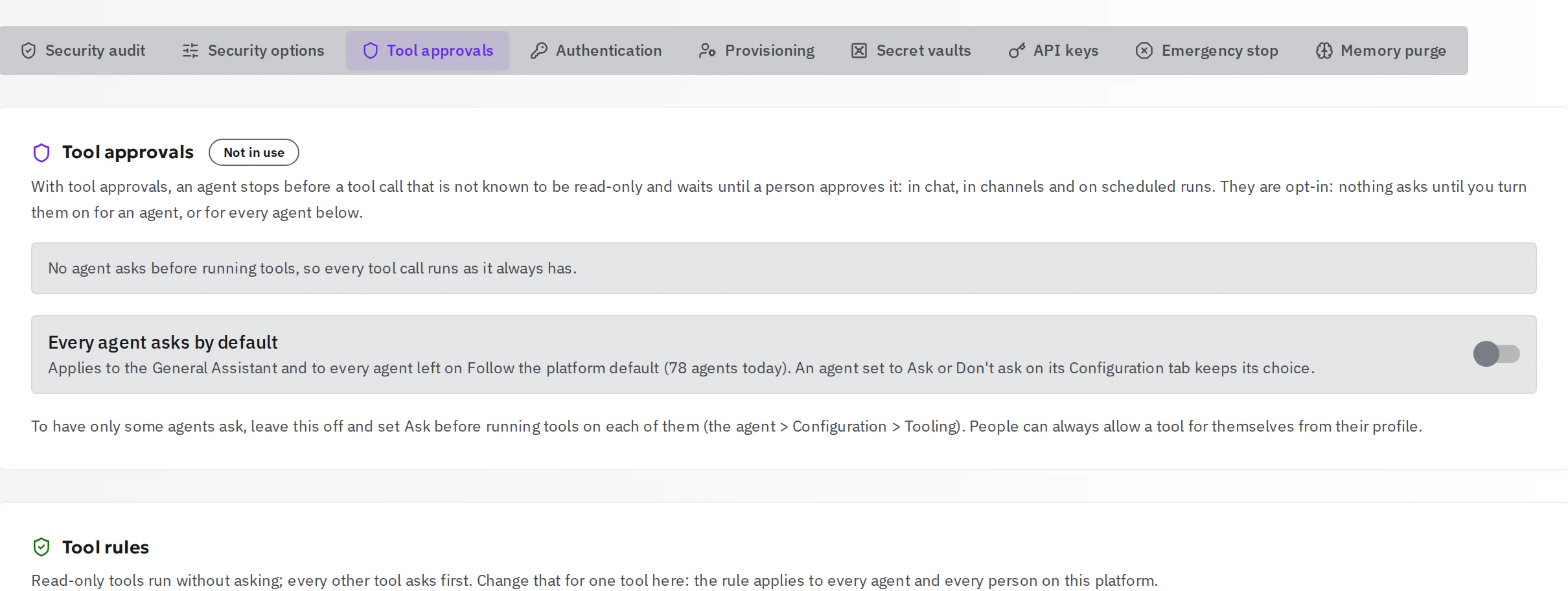
XTM OneOpenCTIOpenAEVOpenCRQGovern how AI is used across the platformOnly your people sign in, each agent reaches only what it must, prompts are screened for injection, risky tools wait for an approval, and one switch stops every agent.
  1. 1Know what your edition brings
  2. 2Sign in with your identity provider
  3. 3Give access with groups
  4. 4Approve what agents do
and 5 more steps
XTM OneOpenCTIOpenAEVOpenCRQDeploy the XTM platformOpenCTI, OpenAEV, OpenCRQ and XTM One run side by side behind your proxy, know each other, share one license, and are watched.
  1. 1Plan the architecture
  2. 2Check the requirements
  3. 3Install with Docker Compose
  4. 4Finish the setup of XTM One
and 4 more steps
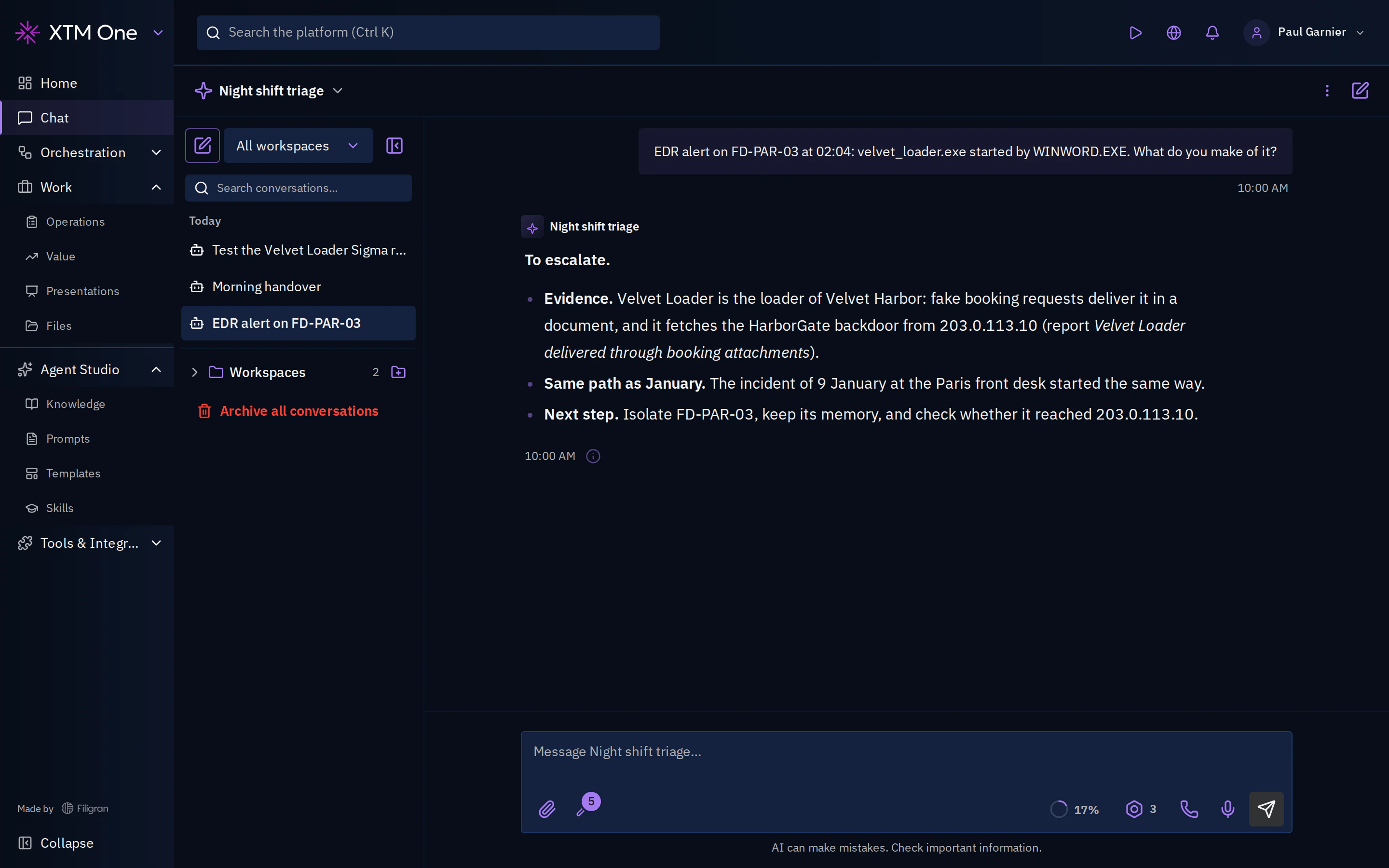
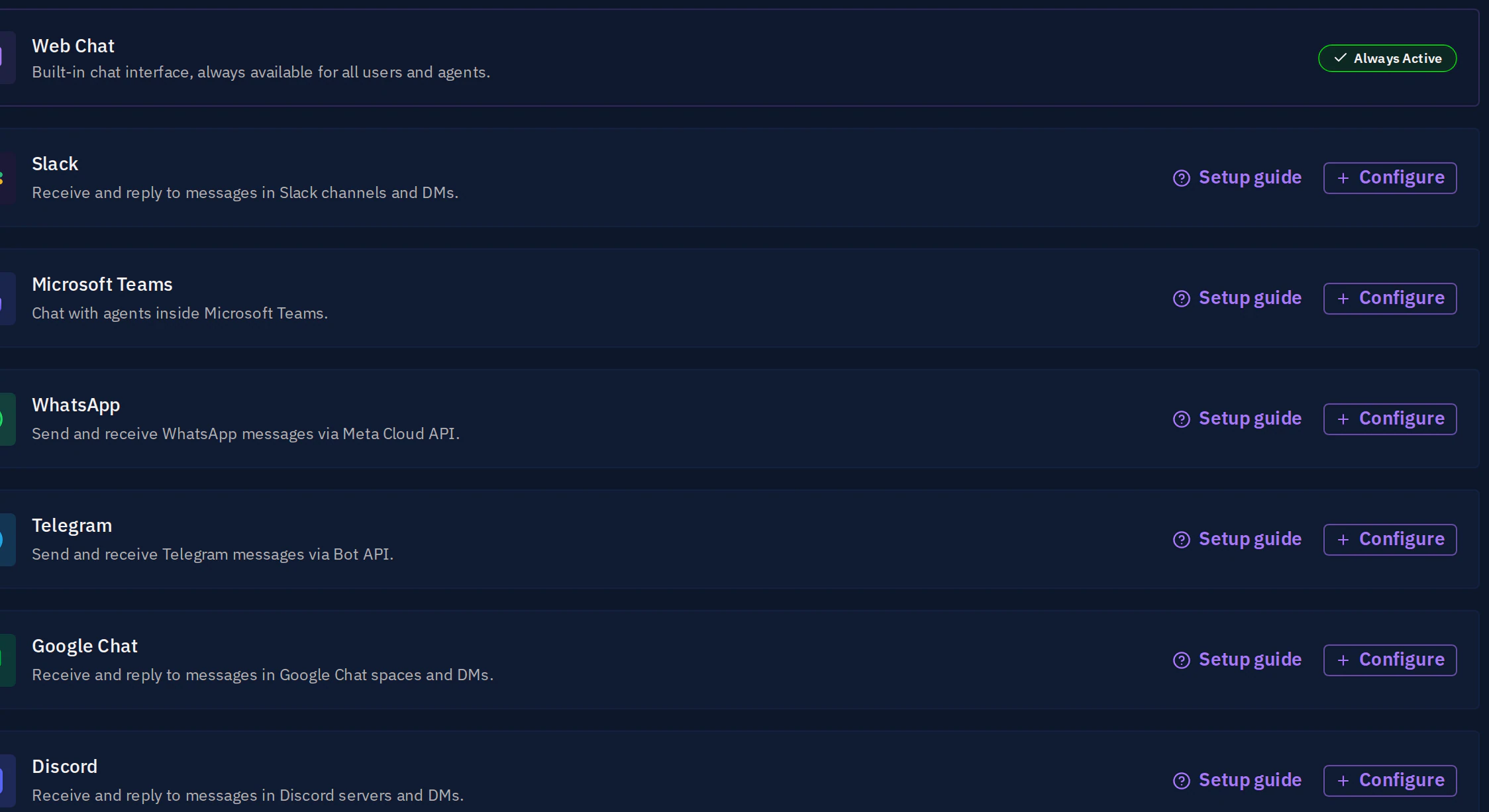
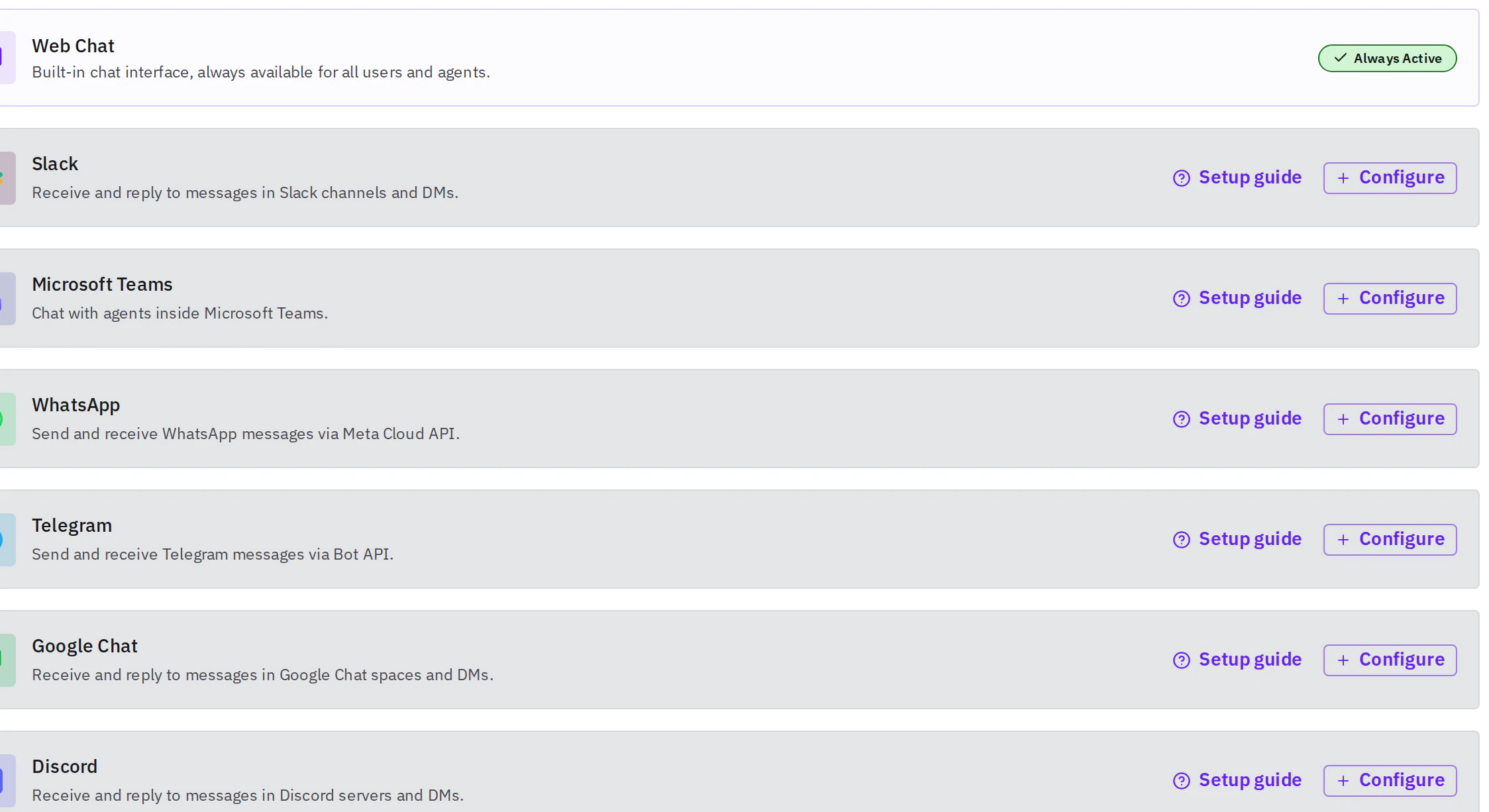
XTM OneOpenCTIOpenAEVLet the night shift ask agents from SlackThe SOC asks an agent from the channel it already works in, and the agent answers with what OpenCTI and OpenAEV know, with only the tools an administrator let it run there.
  1. 1Understand channels
  2. 2Connect Slack
  3. 3Decide which tools it runs without asking
  4. 4What it reads in OpenCTI
and 1 more step
XTM OneOpenCTIOpenAEVReuse ready-made content from XTM HubA dashboard of the threats to your sector and a triage playbook in OpenCTI, and a phishing scenario in OpenAEV, deployed in one click from XTM Hub and adapted to your data before they go live.
  1. 1Connect OpenCTI to XTM Hub
  2. 2Connect the OpenAEV tenant
  3. 3Know what the library offers
  4. 4Deploy a dashboard
and 5 more steps
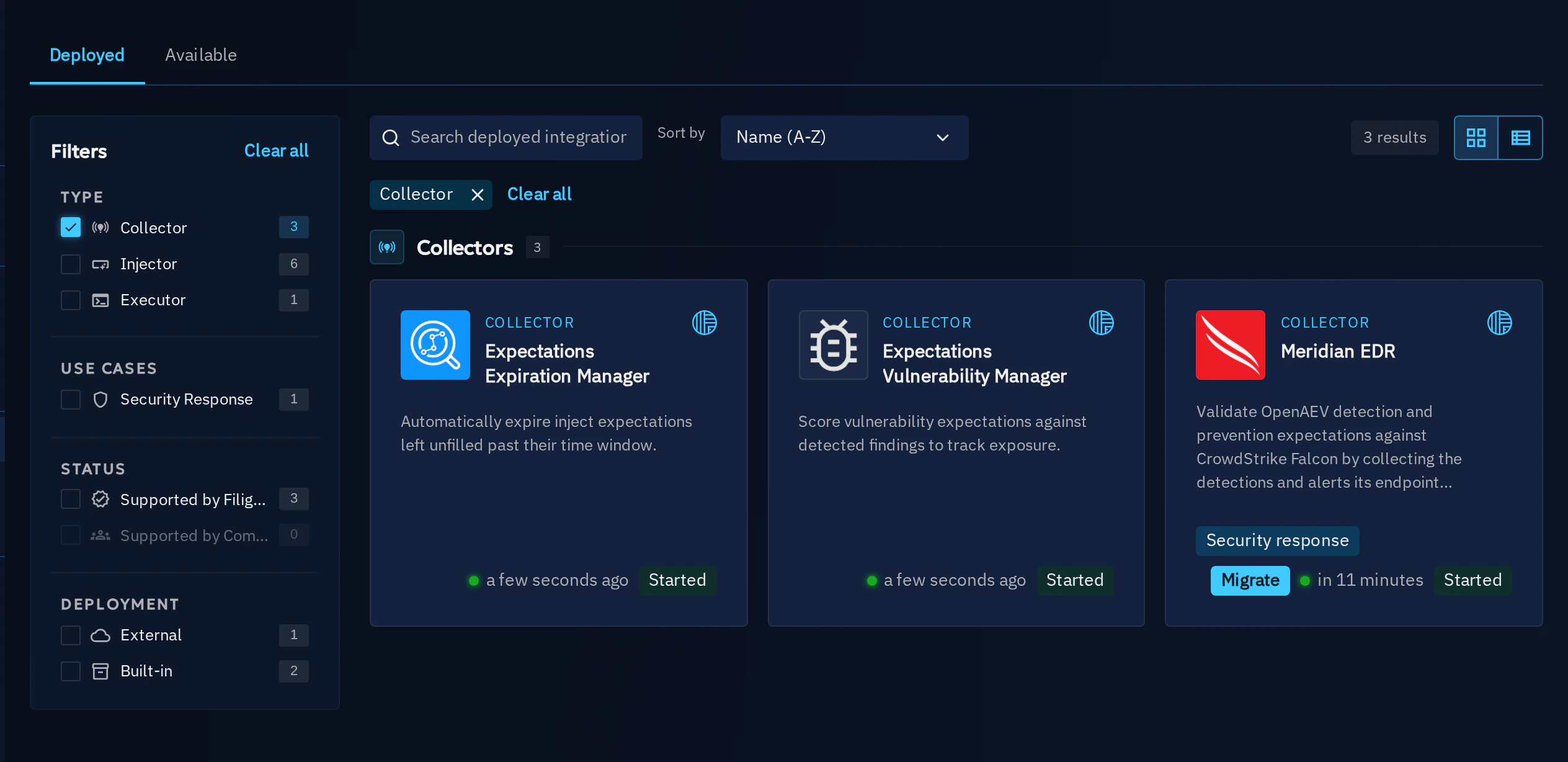
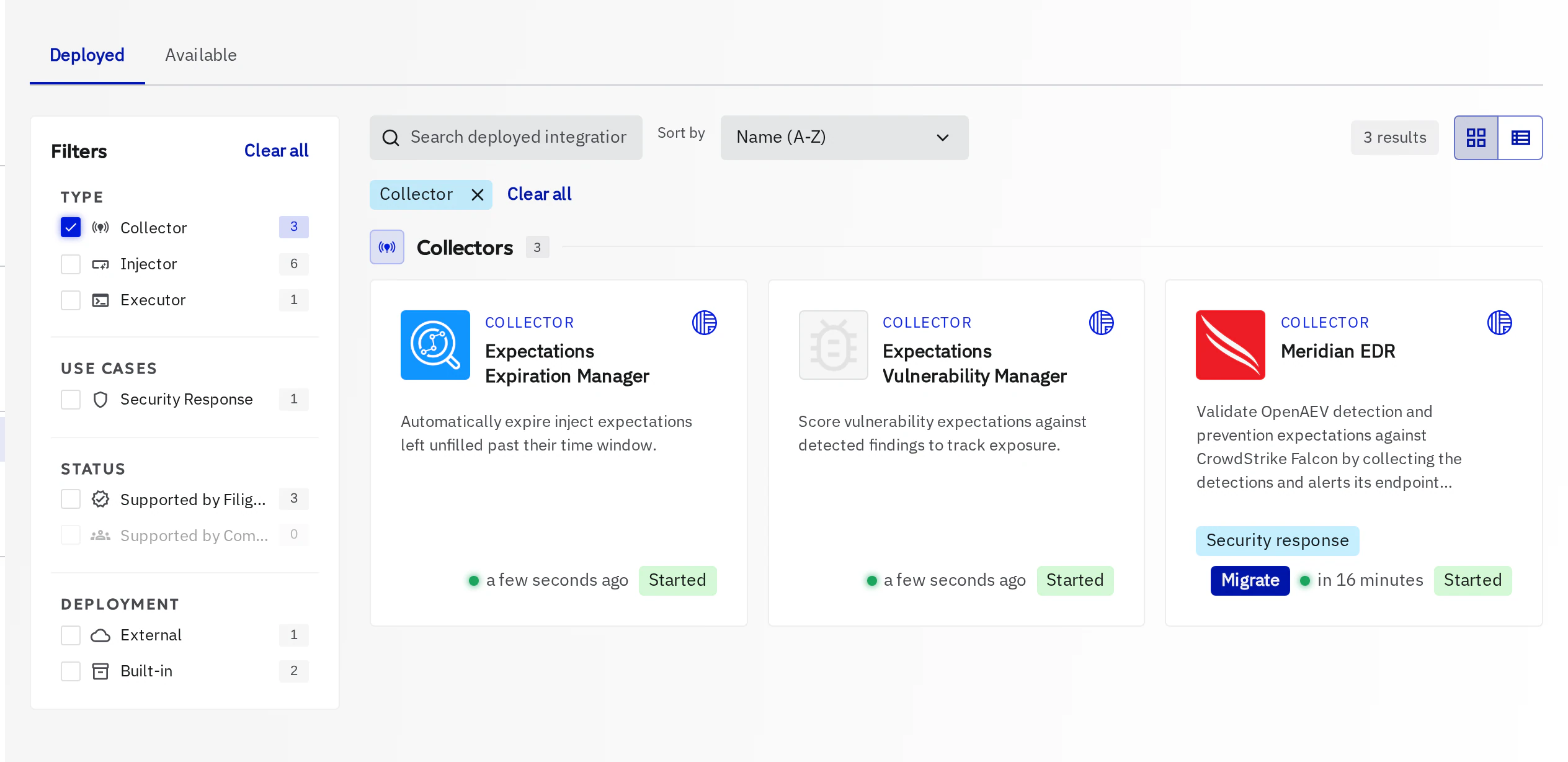
OpenCTIOpenAEVXTM ComposerDeploy integrations across the platform with XTM ComposerThe teams deploy their connectors, collectors and injectors from the catalog of their platform, XTM Composer runs each one as a container, and every integration is followed from its platform.
  1. 1Run XTM Composer next to the platforms
  2. 2Prepare the accounts connectors write as
  3. 3Deploy the OpenCTI connectors
  4. 4Deploy the collector of your EDR
and 3 more steps
Journeys
Outcomes reached across modules, step by step.

Published

OverviewAI-assisted intelligenceCheck your defenses against the threats you trackComposer rolloutReuse from XTM HubRun a CTEM cycle across the platformAutomate threat intelligenceInvestigate an incidentBrief a sector on its threatsDeploy the XTM platformRehearse a cyber crisis with the people who would live itTest whether your staff fall for the lureKeep your detections tested every weekBuild an AI agent your team can trustGovern how AI is used across the platformLet the night shift ask agents from Slack