OpenCTI
Use OpenCTI to structure, explore, enrich, automate and share cyber threat intelligence, and find the pages to read first for your role.
Turn scattered intelligence into a knowledge graph your teams act on
OpenCTI stores what you know about threats as Structured Threat Information Expression (STIX) 2.1 objects and the relationships between them: reports, threat actors, malware, indicators, vulnerabilities, sightings. Feeds and connectors bring the data in; analysts explore, enrich and qualify it; playbooks, dashboards and feeds put it to work.
Start here
Pick your role: each tab gives your goal and the pages to read first, in order.
You structure what you know about threats, link it, and share it under the right markings.
- Data model: which entity, relationship and container holds each thing you know.
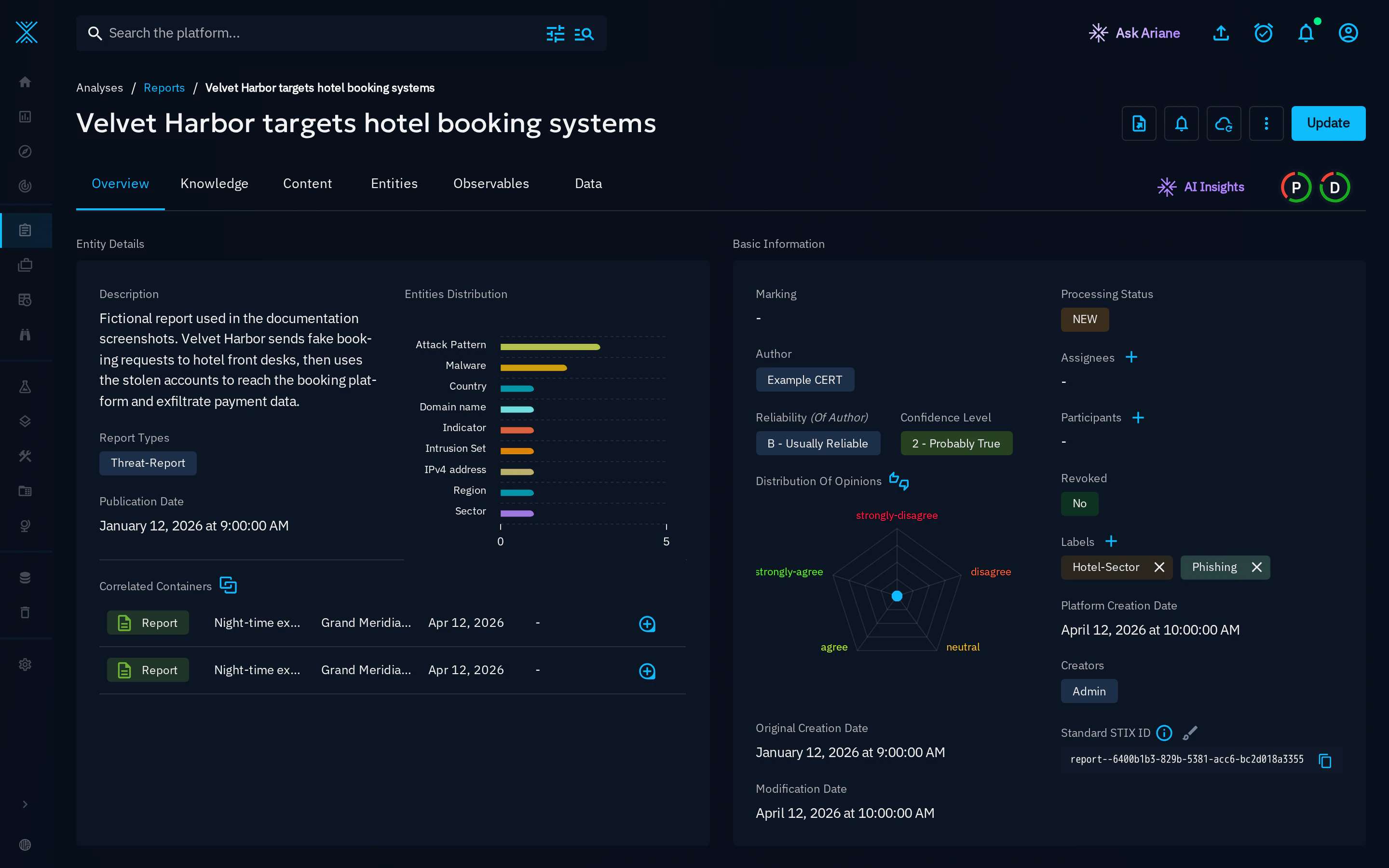
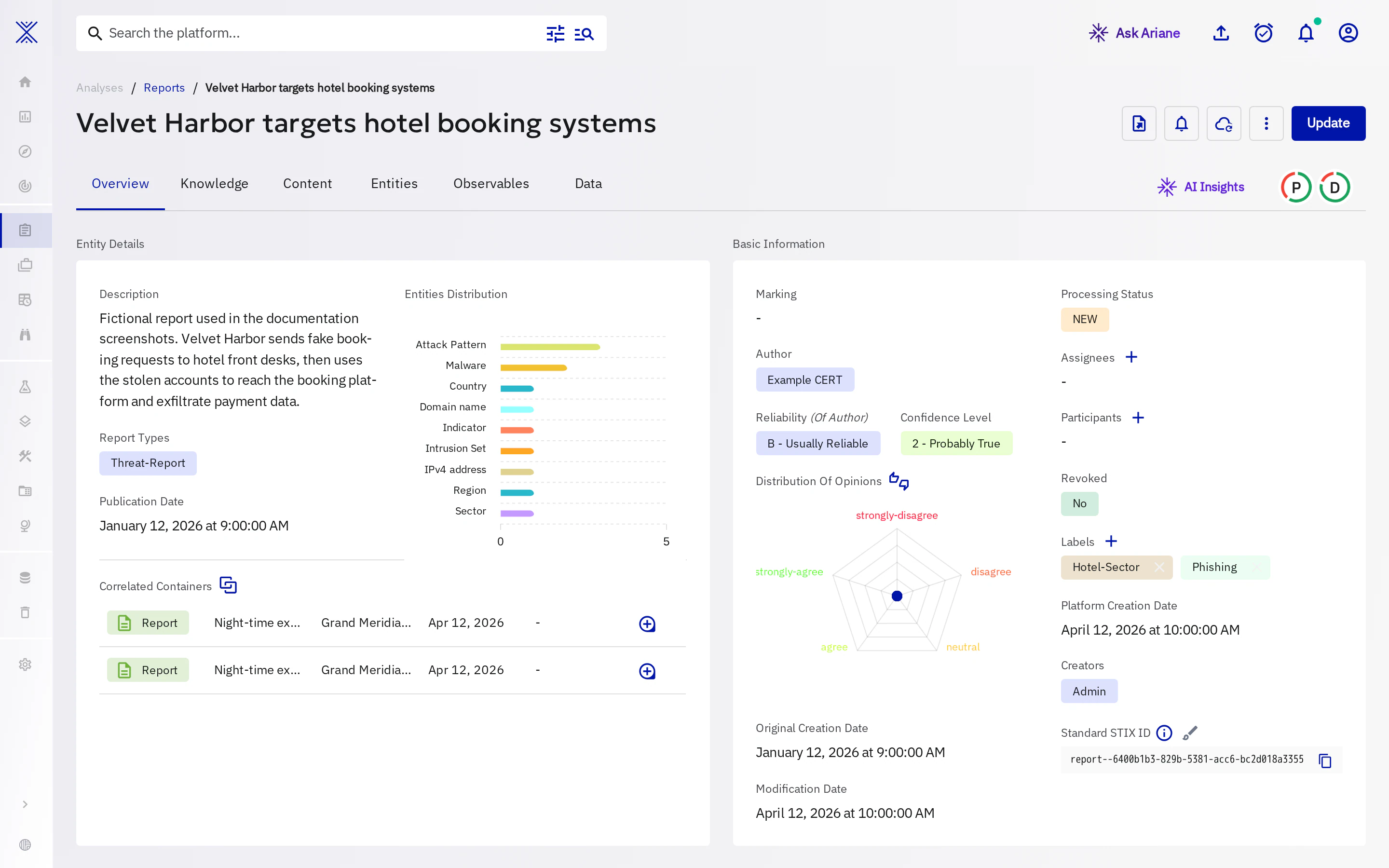
- Explore knowledge: what every entity page shows, and how to find what the platform already knows.
- Import from files: turn a PDF report or a STIX bundle into knowledge you review before it is written.
- Export knowledge to a file: send a report to a partner CERT as a PDF or a STIX file, within its markings.
You get the context of a suspicious IP address, domain or hash in seconds, then work the incident.
- Search for knowledge: find an observable and what is known about it.
- Pivot and investigate: follow its links to the infrastructure and the threat behind it.
- Handle incidents and requests in cases: open an incident response case, gather the evidence and split the work into tasks.
- How indicators age and expire: why an indicator scores what it does, and when it leaves your detection tools.
You set the team's priorities, organize its work and automate what it does by hand.
- Follow your priority threats with PIRs: tell the platform which threats matter to the business you serve.
- How intelligence gets into OpenCTI: choose the sources that feed the team, and how their data reaches the knowledge base.
- Automate with playbooks: triage, enrich and route new intelligence without anyone touching it.
- Build dashboards: follow the team's work and the threats, and give each customer its own view.
You get intelligence into every detection tool, with indicators that expire on time, and measure what your defenses catch.
- Share knowledge with your security tools: stream or serve indicators to the SIEM and the EDR, filtered on score and validity.
- How indicators age and expire: how scores fall and indicators are revoked.
- Age indicators with decay rules: tune how long each kind of indicator stays active.
- Measure your defenses against a threat: which techniques of a threat your defenses prevent and detect.
You decide who signs in, who sees what, and what each team may change.
- How access control works: users, groups, roles, organizations and markings, and how they combine.
- Configure single sign-on: sign in with your identity provider and map its groups.
- Organize users in groups: give each team its roles, its markings and its default settings.
- Grant rights with roles: let analysts create without deleting, and keep administration to a few.
You deploy the XTM platform, which always runs OpenCTI with the other modules, and keep OpenCTI healthy and up to date.
- How OpenCTI works: the platform, the workers, the managers and the connectors, and what each one needs.
- Requirements: what the host must provide, and the versions of the databases, queues and storage OpenCTI supports.
- Install with Docker Compose: the whole XTM platform, OpenCTI with every other module, behind your reverse proxy.
- Upgrade: move to a new release and what to check before.
You see what threatens the business and what the teams achieve, without the procedures.
- Build dashboards: the threats targeting your sector this quarter, on one screen.
- Follow your priority threats with PIRs: the threats ranked against the scope you care about, ready for a briefing.
- Measure your defenses against a threat: how much of a threat your defenses stop.
Automate with playbooks
A playbook processes intelligence as it arrives: it filters, enriches and changes data, then saves it, shares it or tells the right people. No code, and every run is traced.
Browse OpenCTI
- How OpenCTI works: platform, workers, managers and connectors
- Data model
- Nested objects
- Containers
- Explore knowledge
- Delete and restore knowledge
- Set up your profile
- How intelligence gets into OpenCTI
- Customize entity types
- Turn inference rules on or off
- Age indicators with decay rules
- Delete old data automatically
- How access control works
- Manage users
- Organize users in groups
- Grant rights with roles