Automate threat intelligence
Let OpenCTI playbooks filter, change, save and announce new intelligence without anyone touching it, and hand the follow-up to XTM One AI agents.
At the end of this journey, every new report on the sector your team follows reaches it already triaged: marked as in progress, assigned to the analyst on duty, saved and announced, without anyone opening it first. An OpenCTI playbook does the work a rule can describe, and an XTM One AI agent takes on what filters cannot decide, such as reading a report to classify it, or the follow-up once the playbook is done. A CTI team lead drives it: the steps below are the pages to follow, in order.
- New report heard → Report classified: STIX bundle
- Report classified → Report triaged: labelled bundle
- New report heard → Report triaged: matching report
- Report triaged → Saved and announced: changed bundle
- Report triaged → Follow-up taken over: bundle
- Saved and announced → Runs checked: each run
Who takes part
- CTI team leads decide what the team stops doing by hand, choose the components, build and start the playbook, and check its runs (steps 1 to 4).
- CTI analysts receive the reports the playbook triaged, and run on chosen entities the playbooks offered to them (after step 3).
- AI agent builders provide the XTM One agents that a playbook step calls, and an XTM One administrator binds them to the playbook steps (before the AI part of step 3).
- The OpenCTI administrator gives the right to build playbooks to the few people who design the team's automation, and creates the service account the AI steps run as.
Why it spans several modules
A playbook moves a Structured Threat Information Expression (STIX) 2.1 bundle from one component to the next: it starts on an event, filters, enriches or changes the data, and ends by saving it with Send for ingestion or by telling people. Everything it decides must be written as filters and actions: a label, an entity type, a status, an assignee.
Some decisions are easier to describe in words than in filters: "is this report about hotels?", "summarize it for the duty analyst". XTM One takes them through two playbook components:
- Transform with AI agent hands the bundle and your instructions to an agent, then carries on with the STIX 2.1 bundle the agent returns, through its
outoutput. When the agent does not run or returns no valid bundle, the original bundle leaves throughunmodified. - Send to AI agent ends a branch: the agent receives the bundle and carries on alone, for example to post a summary. Nothing comes back to the playbook.
The agent acts as the account in the step's Run as setting, with that account's OpenCTI rights. Without XTM One, the playbook still runs: its AI steps let the bundle through unchanged. How data flows through a playbook is in Automate with playbooks; which agent answers each step, and with whose rights, is in XTM One in OpenCTI.
What you need
- OpenCTI with an Enterprise Edition license: playbooks are Enterprise Edition.
- The values the playbook sets exist on the platform: the status in the workflow of reports, the labels, and the users or groups to assign or notify.
- For the AI steps, XTM One registered with OpenCTI, in the Enterprise Edition: its own license, or that of a registered platform. See Connect the modules to each other. XTM One comes with an agent for each step, CTI STIX Transformer and CTI STIX Consumer; an agent of your own is bound in Choose which agent answers each AI feature.
- Capabilities in OpenCTI:
- Manage Playbooks to build, start and monitor playbooks, and Create / Update knowledge to see the buttons that create or import one;
- Use Playbooks for the analysts who run a playbook on entities they pick.
In this version, playbooks have no AI agent step: the XTM One part of this journey comes with OpenCTI 7.260811.
How it unfolds
The story: Example CERT serves the hotel chains of the hospitality sector. Its partners publish reports on Velvet Harbor every week, and each one waits in the list until an analyst notices it. Barbara, who leads the CTI team, wants every new report labelled hotel-sector triaged the moment it arrives.
Decide what the team stops doing by hand
Barbara settles with her team what the playbook does before she draws it (step 1). It starts on each new report, so it listens to knowledge events rather than running on a schedule. It touches only reports labelled hotel-sector. It may change two things, the status and the assignee, and it tells the CTI analysts group rather than one person, so the alert follows the duty rota. Only she and her deputy get Manage Playbooks: a playbook reads and writes as the platform's automation identity, whatever its author may see.
Choose the components
Each decision becomes a component (step 2): Listen knowledge events with the filters Entity type = Report and Label = hotel-sector, Manipulate knowledge for the status IN_PROGRESS and the assignee, Send for ingestion to save the change, and Send to notifier for the alert. For the reports partners forget to label, Transform with AI agent reads the description and adds the label, so the rest of the playbook can decide on it.
Build it, test it, start it
Barbara draws Triage new hospitality reports on the canvas, tests it with a Creator filter on her own account, then starts it (step 3). When Example CERT publishes "Velvet Harbor targets hotel booking systems" with the hotel-sector label, the report is saved with the IN_PROGRESS status and Ana Duval, the analyst on duty, as its assignee, and every CTI analyst gets an alert. When the duty changes, Barbara changes the assignee in one action.
Check that it keeps working
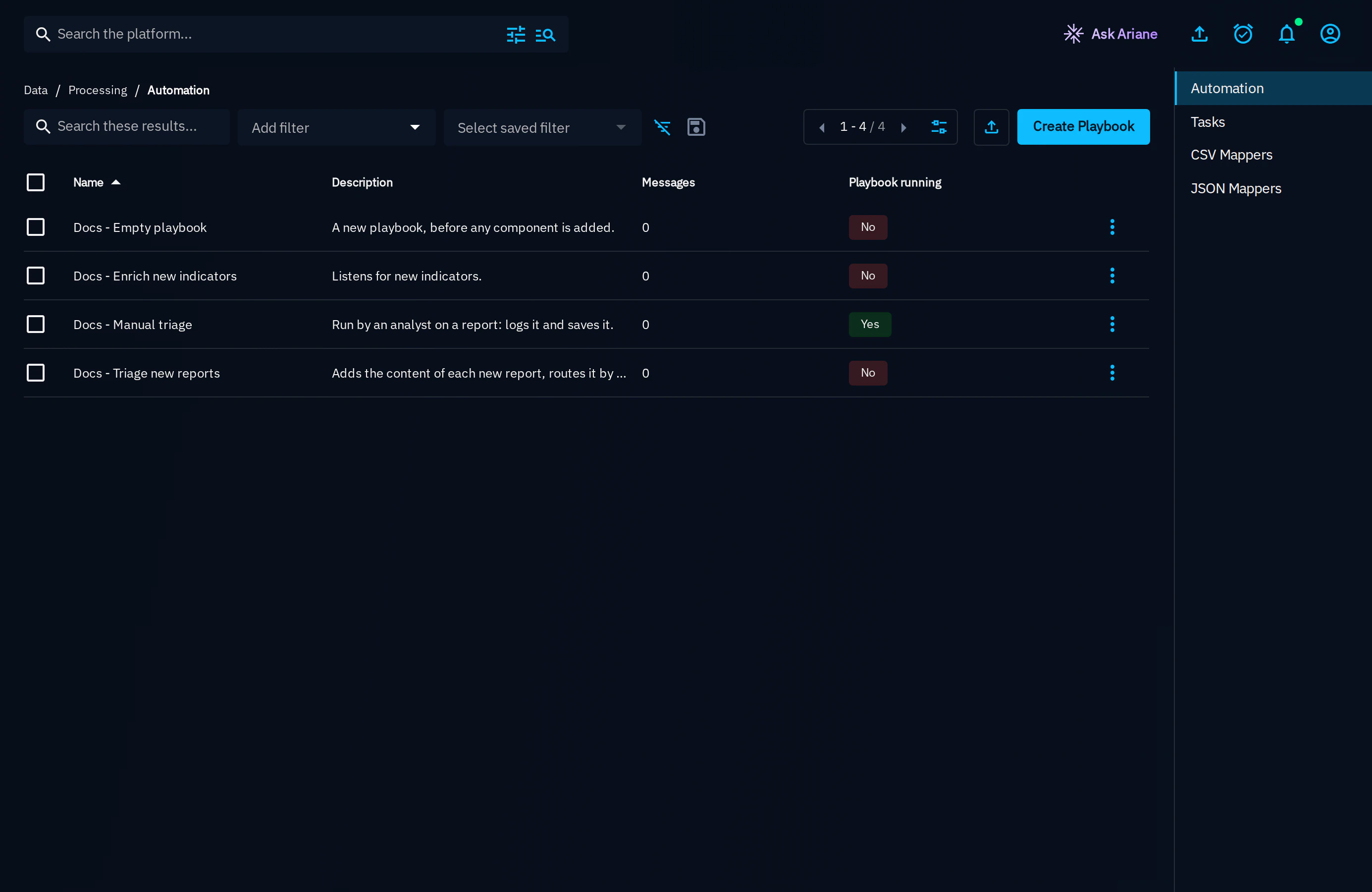
The playbook list says whether it runs and how many bundles wait in its queue (step 4). When a report keeps the NEW status although the team got the alert, the execution traces show why, step by step: in Barbara's first version, no Send for ingestion followed the change, so it was announced but never saved. She adds the missing branch, and the next report opens triaged.
The steps
Each step opens its page; the first one starts the journey, and every page of it then shows where you are.
- 1OpenCTIOpenCTIUnderstand playbooksAutomate with playbooks · 9 minWhat OpenCTI playbooks do for a CTI team, how data flows through them, what to decide before building one, and when to use them rather than other automation.
- 2OpenCTIOpenCTIChoose componentsChoose a playbook component · 1 minWhich OpenCTI playbook component to use for each task, from starting a playbook to saving, sharing or notifying.
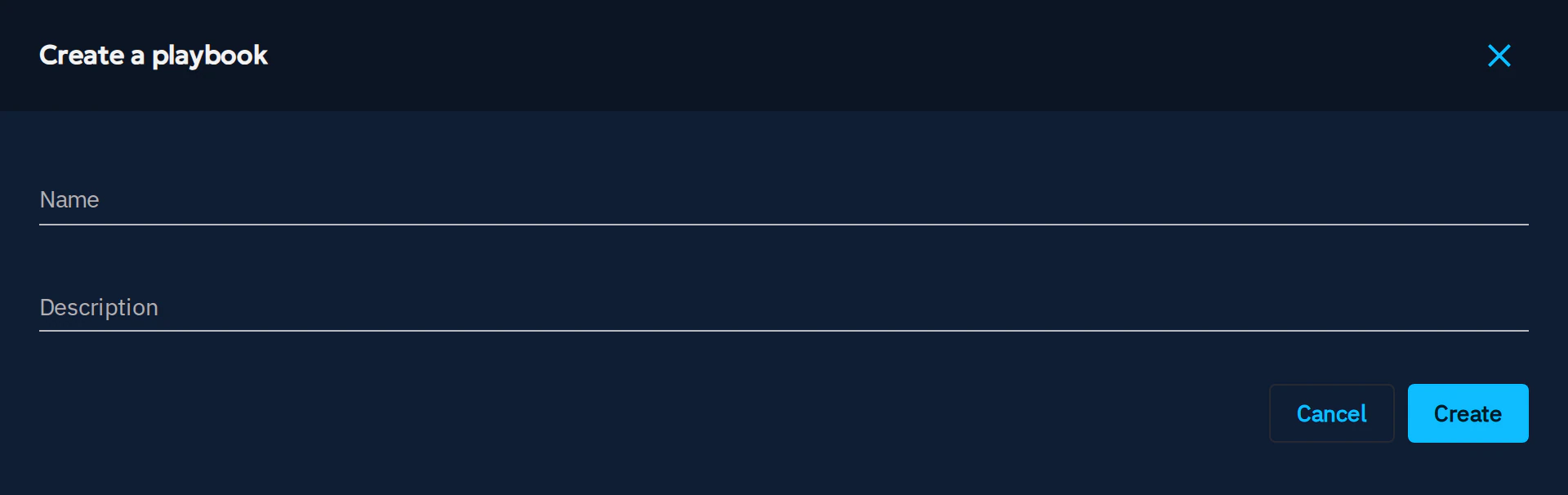
- 3OpenCTIOpenCTIBuild and startCreate a playbook · 12 minBuild an OpenCTI playbook that triages new reports for the team, test it, offer it on chosen entities, and duplicate, export or import playbooks, including from the XTM Hub.
- 4OpenCTIOpenCTIMonitor runsMonitor and troubleshoot playbooks · 5 minCheck that the OpenCTI playbooks of your team run, read their execution traces, and fix the most common reasons a playbook stops early or does not change data.
Where to go next
- Put XTM One agents to work on your intelligence, to build the agent a playbook step calls and give it a weekly assignment.
- Check your defenses against the threats you track: a playbook can create a security coverage for every new Velvet Harbor report, and OpenAEV tests it.
- Playbook components, every setting and output of each component.
- Get alerted when knowledge changes, to alert people without changing data.