Investigate an incident
Work one night's intrusion as a case in OpenCTI, from the lure to the people it reached, replay it in OpenAEV, price it again in OpenCRQ and brief the CISO with XTM One.
At the end of this journey, an intrusion is understood and closed: you know what the lure posed as, what was seen and where, who it reached and which threat is behind it, the response is tracked as a case in OpenCTI, OpenAEV has replayed the attacker's techniques to check the fix, OpenCRQ has priced the breach again, and XTM One has summarized it for the CISO. An incident responder drives it, with the validation engineer and the risk manager. The steps below are the pages to follow, in order.
- Lure and incident → Case worked: incident
- People involved → Case worked: who it reached
- Case worked → Attack replayed: security coverage
- Attack replayed → Case worked: scores
- Attack replayed → Breach priced again: results per technique
- Case worked → CISO summary: the case
- Breach priced again → CISO summary: annual loss
Who takes part
- SOC analysts, as incident responders, read the incident, its sightings and the people it reached, then open and run the case (steps 1 to 4), and ask XTM One for the summary (step 7).
- Security validation engineers replay the attacker's techniques on the endpoints and read what the defenses stopped (step 5).
- Risk managers read the new price of the breach and keep it in the risk register (step 6).
- CTI analysts attribute the incident to its intrusion set in OpenCTI, and the CISO receives the summary.
Why it spans several modules
An investigation answers four questions, and each module answers one:
- What happened? OpenCTI holds the incident, the sightings of the attacker's indicators at the victim, the event the lure used and the people it targeted, next to the reports on the threat. The case gathers them with the tasks of the response, so the next analyst who opens the intrusion set finds it.
- Would it work again? OpenAEV replays the techniques of the threat on your own endpoints and scores what your security tools prevented and detected, once the response is done and on a schedule after.
- What does it cost? OpenCRQ prices the breach as an annualized loss, and prices it again as the controls change and the test results come in.
- What do I tell the CISO? XTM One reads the case and its knowledge with your rights and writes the readout.
Alone, the case says what happened on one night. With the replay and the price, it says whether the fix holds and what the risk is now. How a container holds its evidence is in Containers; why a test result moves a price is in How OpenCRQ quantifies risk.
What you need
- OpenCTI, with the incident and the threat behind it: here, the incident reported by the victim and the reports of Example CERT on Velvet Harbor.
- OpenAEV, connected to OpenCTI so that the OpenAEV Coverage connector shows among its connectors, with OpenAEV agents on the endpoints to test and a collector that reads your EDR. See Connect OpenAEV to OpenCTI to test security coverages.
- OpenCRQ, with the risk scope of the victim, its risk scenario, and OpenAEV connected to the tenant. See Import OpenAEV results.
- XTM One, with the platforms registered with it. Ask Ariane requires the Enterprise Edition, and an administrator who has accepted the Filigran AI Terms. See Connect the modules to each other.
- Capabilities:
- in OpenCTI, Access knowledge to read, and Create / Update knowledge to attribute the incident, open the case and add its tasks; restricting the case to its participants needs the Enterprise Edition and Manage authorized members;
- in OpenAEV, Access assessment to read the scenario, Manage assessment to change its injects, Manage tenant settings for the default asset rules, and Manage threat arsenal to add a payload;
- in OpenCRQ, any member of the tenant works on risk scenarios.
How it unfolds
The story: on the evening of 8 January 2026, Paul Garnier, the night auditor of Grand Meridian Hotels in Paris, opened a booking request for the European Hospitality Summit 2026. At 02:10, the shared night.audit front-desk account exported the guest records from the booking database server. Hélène Marchetti, the CISO, reported the incident at 08:00. Example CERT, which serves the hotel chains, works it in OpenCTI.
Find what the lure posed as
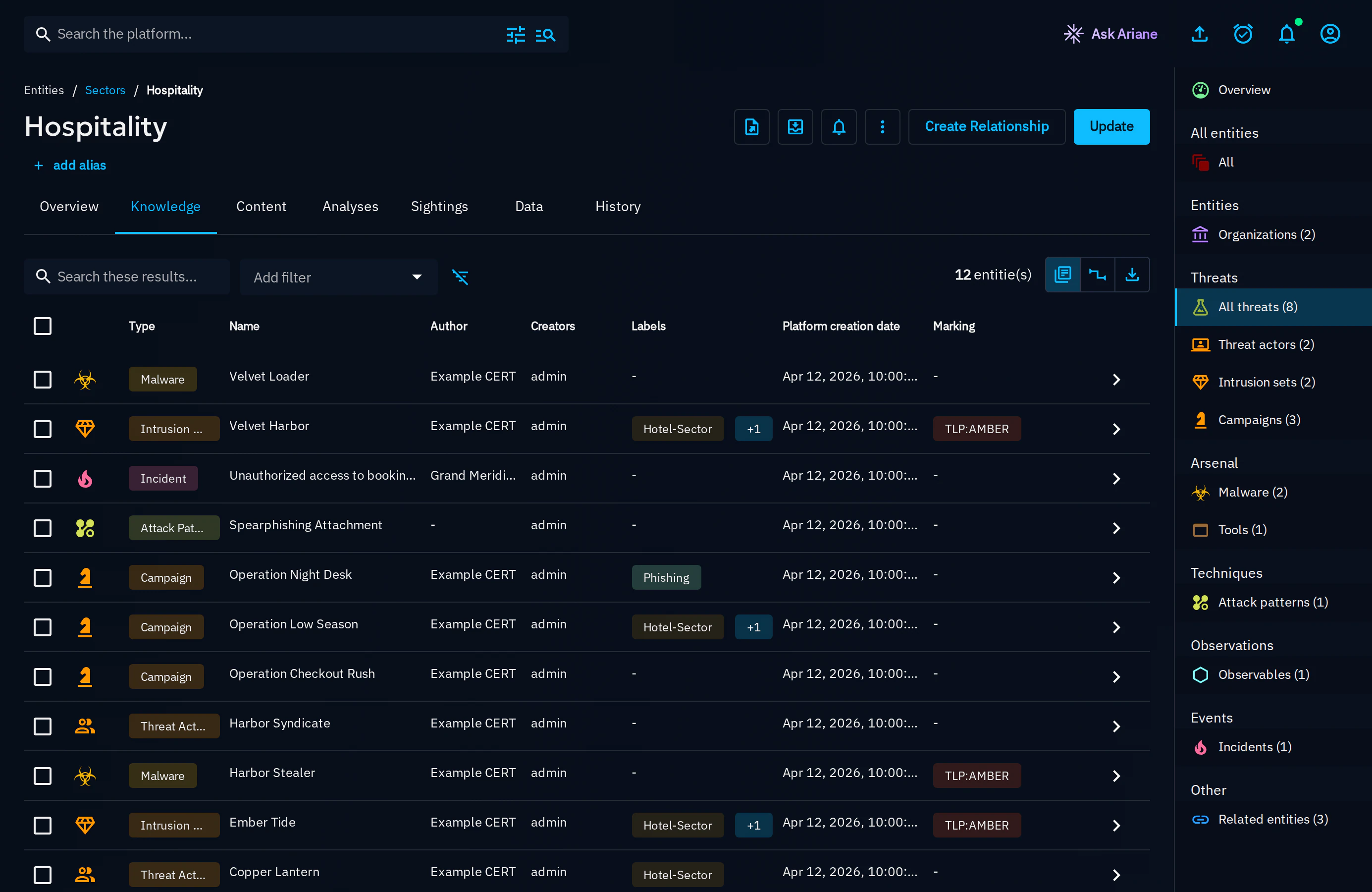
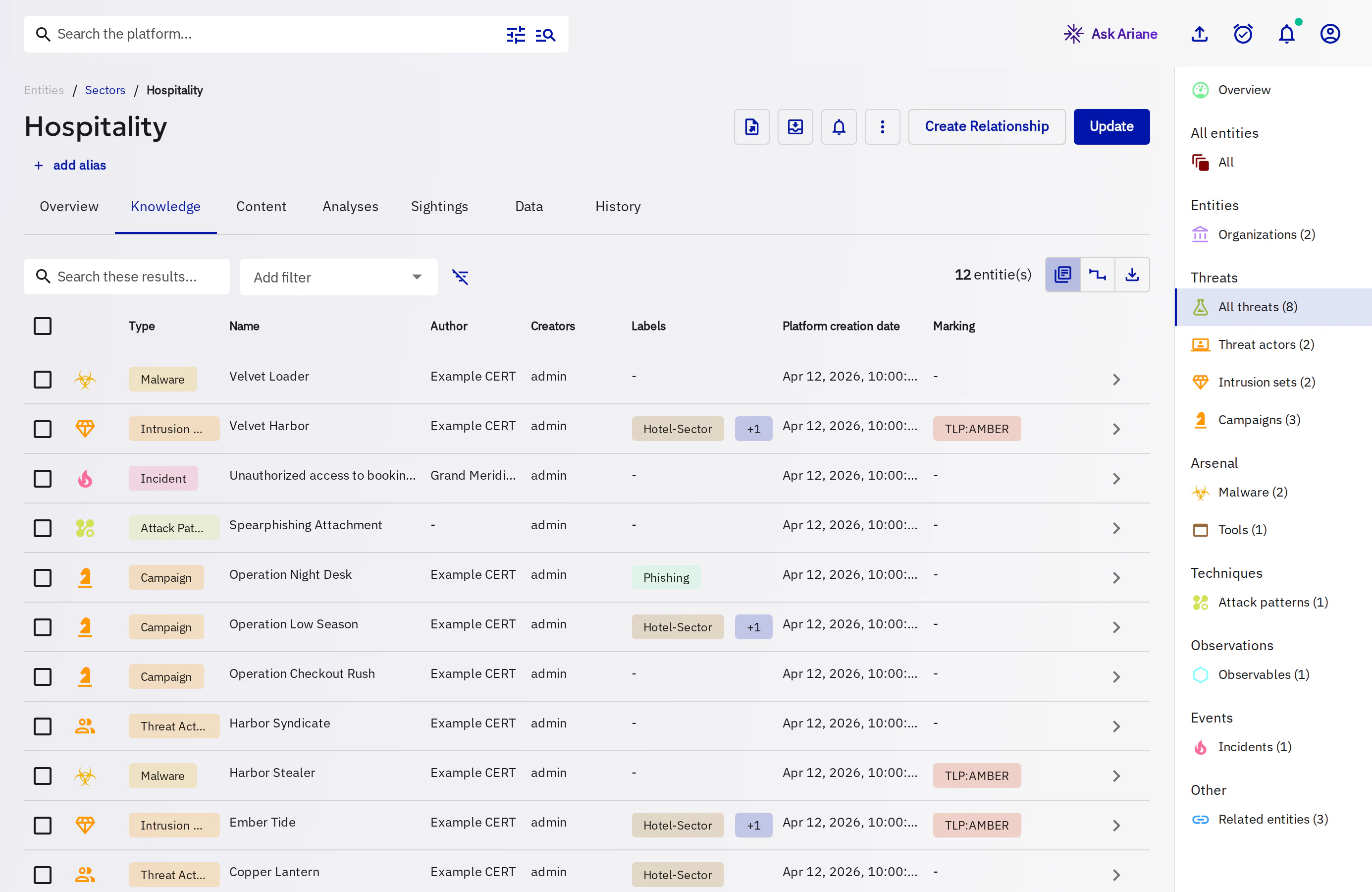
The booking request named the European Hospitality Summit 2026, a trade fair of the hotel industry in Paris from 13 to 15 January. Its page in shows the threats that target it, among them Velvet Harbor and Operation Night Desk, and its sighting at Grand Meridian Hotels: booking requests that named it reached the front desk 4 times, from 5 to 8 January (step 1).
Read the incident and what was seen
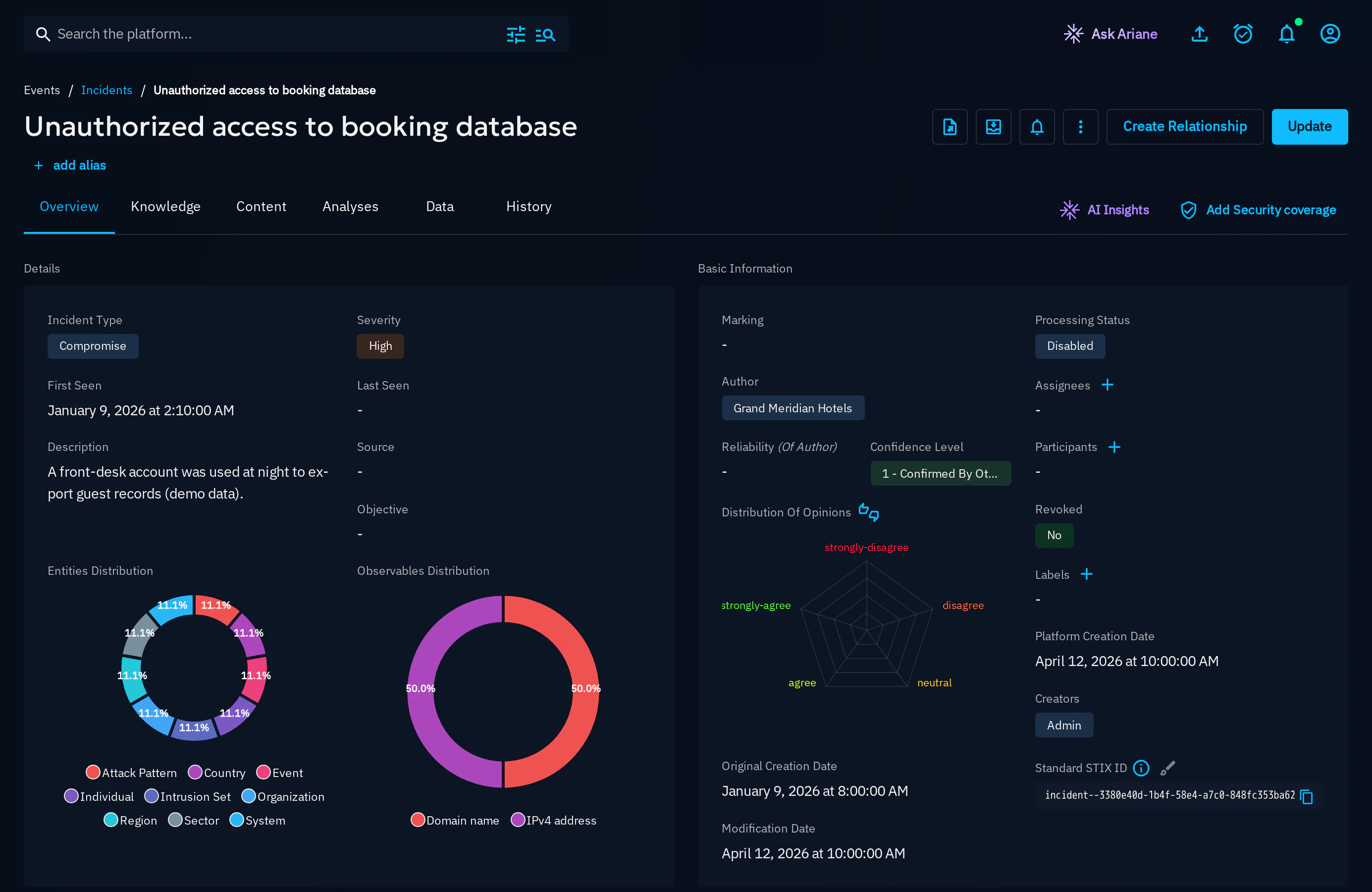
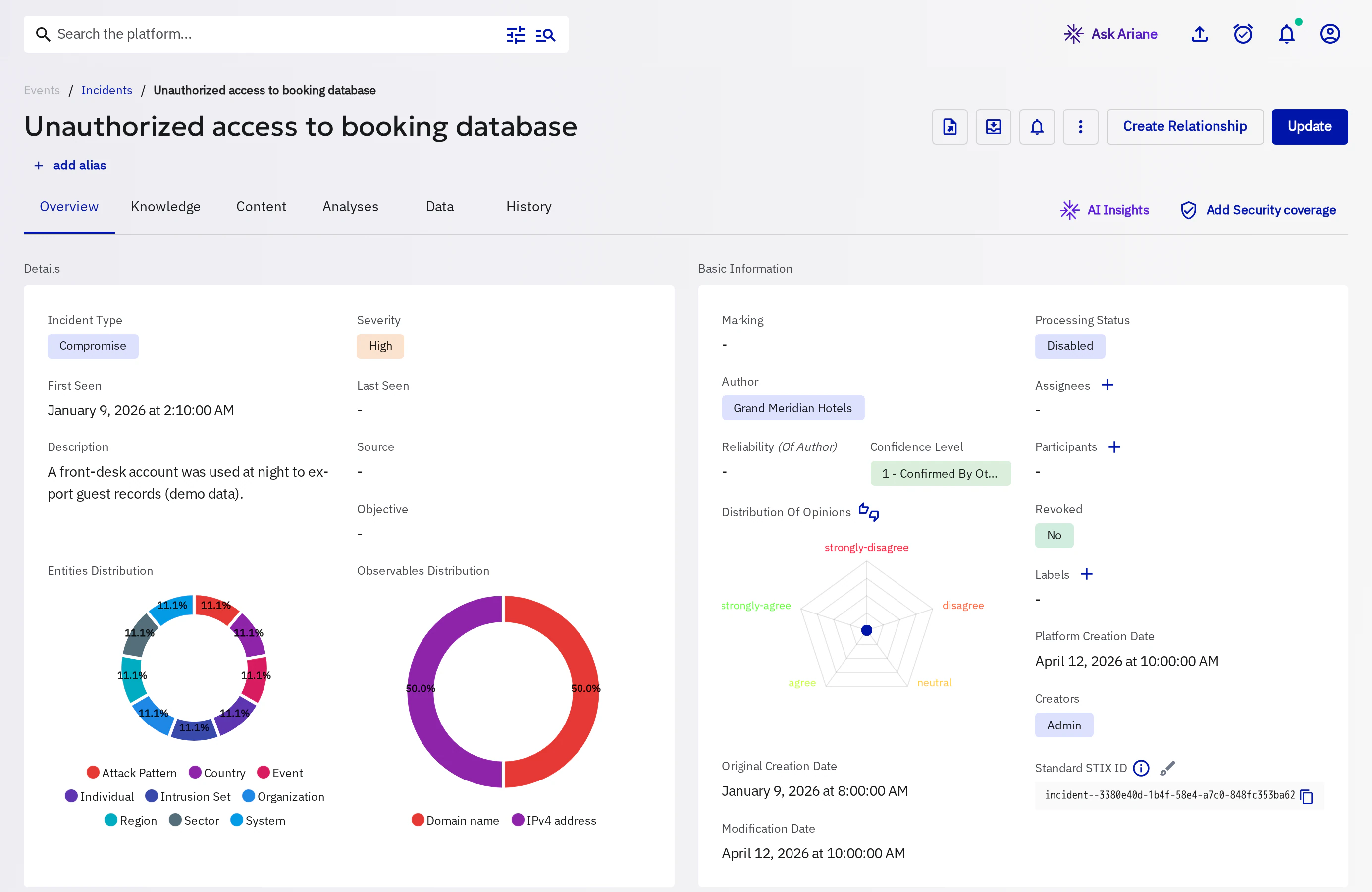
In , Unauthorized access to booking database is a compromise of high severity, first seen at 02:10 on 9 January, reported by Grand Meridian Hotels (step 2). Its sightings tie it to the threat: the domain booking-velvetharbor.example was seen 14 times at the hotel chain between 21:40 on 8 January and 03:15, and 203.0.113.10, Velvet Harbor's command and control server, on the booking database server from 02:10. The analyst attributes the incident to Velvet Harbor, with a confidence that rests on the method until more indicators are sighted.
See who it reached
The page of Paul Garnier in shows what targeted him: Velvet Harbor, Operation Night Desk, Velvet Loader and the spearphishing attachment technique, and the sighting of booking-velvetharbor.example recorded at him at 21:40 on 8 January, the evening he opened the request (step 3). The CISO, Hélène Marchetti, has her own page as the person who reported the incident.
Work it as a case
The analyst on duty opens the incident response Booking system intrusion at a hotel chain, dated to the night of the export, high and P2 (step 4). The incident goes in Origin of the case, the two indicators in Observables, Velvet Harbor in Entities. Correlated containers shows that another member hotel saw the same domain the day before. The tasks split the response: collect the booking platform logs, reset the front-desk accounts, notify the payment card brands.
Replay the attack to check the fix
Once the front-desk accounts are reset, the validation engineer asks for a weekly security coverage of Velvet Harbor in OpenCTI. OpenAEV builds the scenario Coverage of Velvet Harbor, with one inject per technique it has a payload for, such as PowerShell and Web Protocols, and a disabled placeholder for the spearphishing attachment until a payload is added (step 5). Each simulation scores what Meridian EDR prevented and detected, and sends the scores back to the coverage in OpenCTI.
Price the breach again
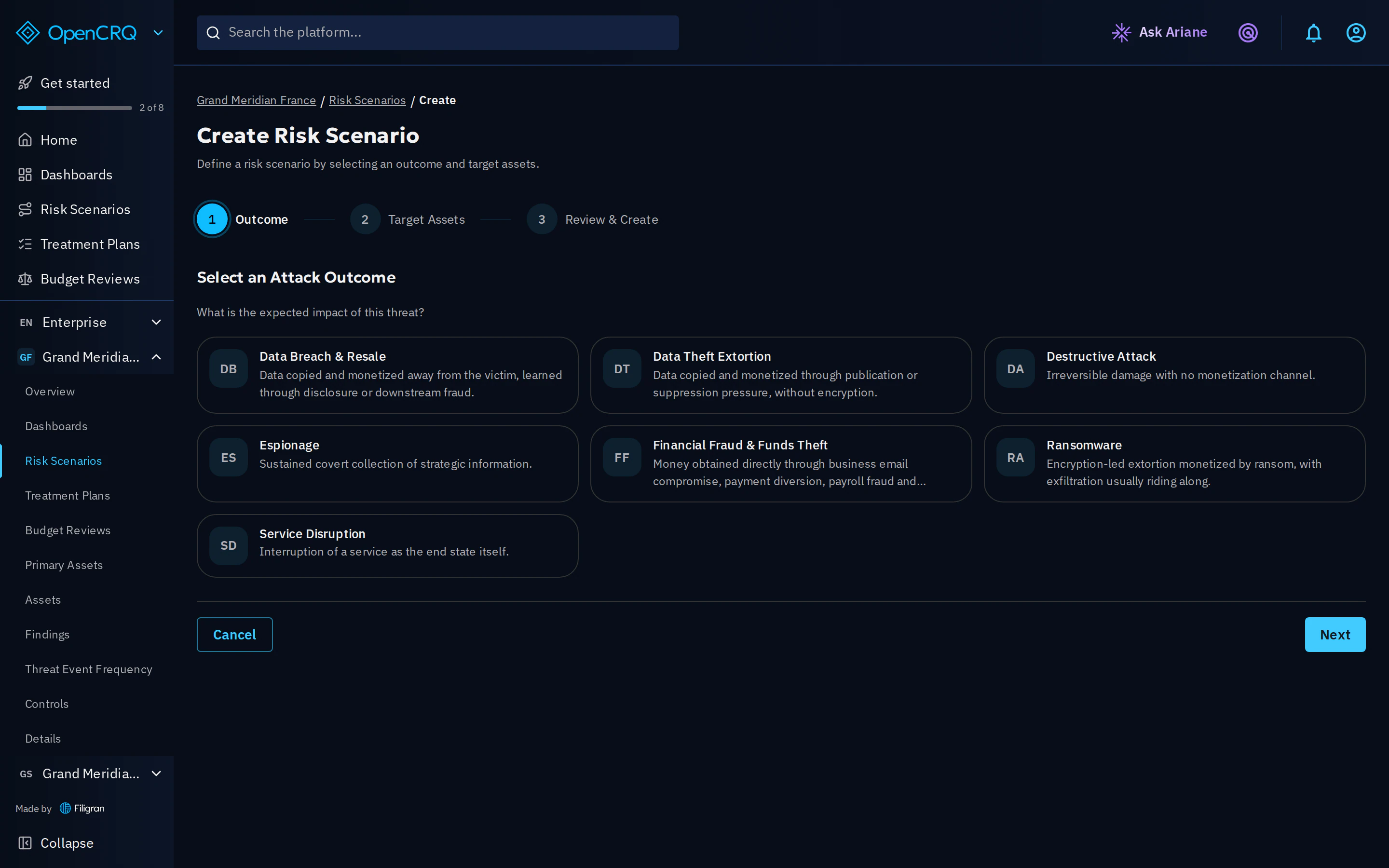
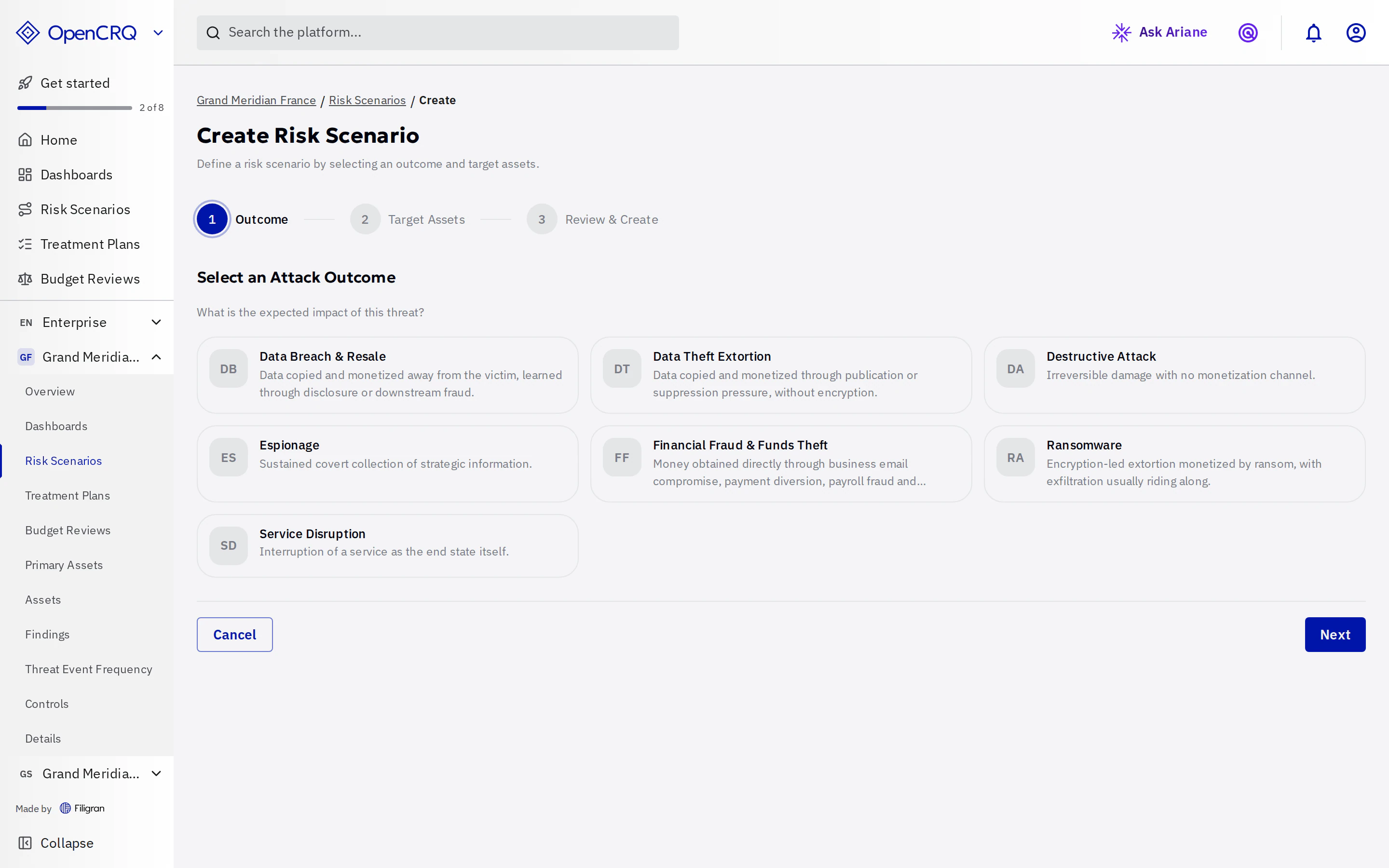
In OpenCRQ, the risk scenario Data Breach on Guest Records of Grand Meridian France was priced at $97K a year on 12 January (step 6). OpenCRQ prices it again on its own when its findings, controls or threats change: its OpenAEV connector reads the finished simulations every hour by default. After multi-factor authentication reaches every front-desk account on 2 March, the next run falls to $33K, and its Simulation History keeps both.
Summarize it for the CISO
Ask Ariane answers "Summarize for the CISO the case Booking system intrusion at a hotel chain: what happened on the night of 9 January, what we did, and what is still open". It reads the case, its tasks and the knowledge it holds with the rights of the person who asks (step 7). AI Insights on the case gives a summary of its content and activity. Check the names and dates of the answer against the case before it goes to the CISO.
The steps
Each step opens its page; the first one starts the journey, and every page of it then shows where you are.
- 1OpenCTIOpenCTIThe event the lure posed asExplore entities · 12 minSee which threats target a sector, an organization, a person, a system or an event in the OpenCTI Entities menu, what was seen there, and how far to trust a source.
- 2OpenCTIOpenCTIThe incident and its sightingsExplore events · 9 minFind out which organizations you follow were hit, by what and by whom, from the incidents, sightings and observed data of the OpenCTI Events menu.
- 3OpenCTIOpenCTIThe people involvedExplore entities · 12 minSee which threats target a sector, an organization, a person, a system or an event in the OpenCTI Entities menu, what was seen there, and how far to trust a source.
- 4OpenCTIOpenCTIWork it as a caseHandle incidents and requests in cases · 9 minOpen an incident response, a request for information or a request for takedown in OpenCTI, put the evidence in it, split the work into tasks and close it.
- 5OpenAEVOpenAEVReplay the attack in OpenAEVTurn an OpenCTI security coverage into a scenario · 8 minLet OpenAEV build a scenario from a threat's security coverage in OpenCTI, aim it at the right assets, fill its gaps, and send the scores of every run back to OpenCTI.
- 6OpenCRQOpenCRQPrice the breach again in OpenCRQBuild and price a risk scenario · 12 minCreate a risk scenario on the primary assets of a risk scope, let OpenCRQ price it as an annualized loss, and read the price on its CRQ tab.
- 7XTM OneXTM OneSummarize with XTM OneXTM One in OpenCTI · 18 minWhat the AI of the XTM platform does in OpenCTI, how OpenCTI hands each request to an XTM One agent, which data an agent reaches with whose rights, and who governs it.
Where to go next
- Check your defenses against the threats you track, to keep testing the threat every week once the case is closed.
- Run a CTEM cycle across the platform, to choose what to fund from the price of the breach.
- Automate threat intelligence: a playbook can open a case with its tasks for every new incident.
- How OpenCTI infers new relationships, to see how a sighting of a valid indicator raises an incident on its own.