Deploy integrations across the platform with XTM Composer
Run XTM Composer next to OpenCTI and OpenAEV, let each team deploy its connectors, collectors and injectors from the catalog, move the ones you run by hand, and follow them all.
At the end of this journey, the teams deploy the integrations they need from the catalog of their own platform, and XTM Composer runs each one as a container on your engine: the CTI team adds a feed to OpenCTI, the validation team adds the collector of its EDR to OpenAEV, and nobody waits for a new Compose service. The platform engineer drives it: one XTM Composer next to OpenCTI and OpenAEV, then the integrations you already run moved under it. The steps below are the pages to follow, in order.
- XTM Composer registered → Connectors deployed: catalog unlocked
- XTM Composer registered → Collectors and injectors: catalog unlocked
- Connectors deployed → Integrations running: instances to run
- Collectors and injectors → Integrations running: instances to run
- Integrations running → Connectors deployed: status and logs
- Integrations running → Collectors and injectors: status and logs
Who takes part
- Platform engineers install XTM Composer, keep its key and its network, move the integrations started by hand, and troubleshoot (steps 1, 6 and 7).
- Administrators prepare the accounts that OpenCTI connectors write as, and give the teams their capabilities (step 2).
- The CTI team lead deploys the OpenCTI connectors (step 3).
- The SOC manager and the validation engineer deploy the OpenAEV collectors and injectors their scenarios need (steps 4 and 5).
Why it spans several modules
An XTM deployment talks to many systems: threat feeds for OpenCTI, the EDR and SIEM that OpenAEV reads, the tools its injects drive. Run by hand, each integration is one more service to configure, update and watch, by the one person who has access to the host.
XTM Composer splits that work. The platforms know which integrations should run, because the teams deploy them from their catalogs; XTM Composer knows how to run containers. It never receives orders: it asks each platform, on a schedule, which integrations should run, and makes the container engine match. One XTM Composer serves OpenCTI and OpenAEV together. Each platform encrypts the secret settings, such as an API key, with the public key of XTM Composer, which alone decrypts them, right before it creates the container. How it registers and reconciles is in XTM Composer architecture; how the integrations then reach their platform is in How integrations run.
What you need
- An Enterprise Edition license on each platform you deploy integrations on: without it, the catalog is read-only.
- A container engine XTM Composer can drive: Docker, Podman or Kubernetes, with a network that reaches the platforms and the tools the integrations call. In an isolated network, a registry for the images and a proxy for the integrations: see Pull integrations from a private registry and Run integrations behind a proxy.
- Capabilities:
- in OpenCTI, Manage ingestion and Connectors API usage: register, ping, export push ... to deploy, and Manage connector state to start, stop and change a connector;
- in OpenAEV, Manage tenant settings to deploy collectors and injectors.
How it unfolds
The story: in April 2026, Grand Meridian Hotels runs OpenCTI and OpenAEV with Docker Compose, and its platform engineer starts every integration by hand. The CTI team waits days for a new feed. The rollout gives the CTI team lead the OpenCTI connectors and the validation team the OpenAEV collectors, while the platform engineer keeps the engine, the network and the images. Meridian EDR, the endpoint detection of the hotels, is CrowdStrike Falcon.
Run XTM Composer next to the platforms
The platform engineer installs XTM Composer on the engine that will run the integrations, with its RSA key and a token for each platform, and checks its logs: one Manager registered line per platform (step 1). OpenAEV keeps a single XTM Composer, so the engineer runs one per OpenAEV. The catalogs of both platforms stop saying that deploying requires the Integration Manager.
Hand the catalogs to the teams
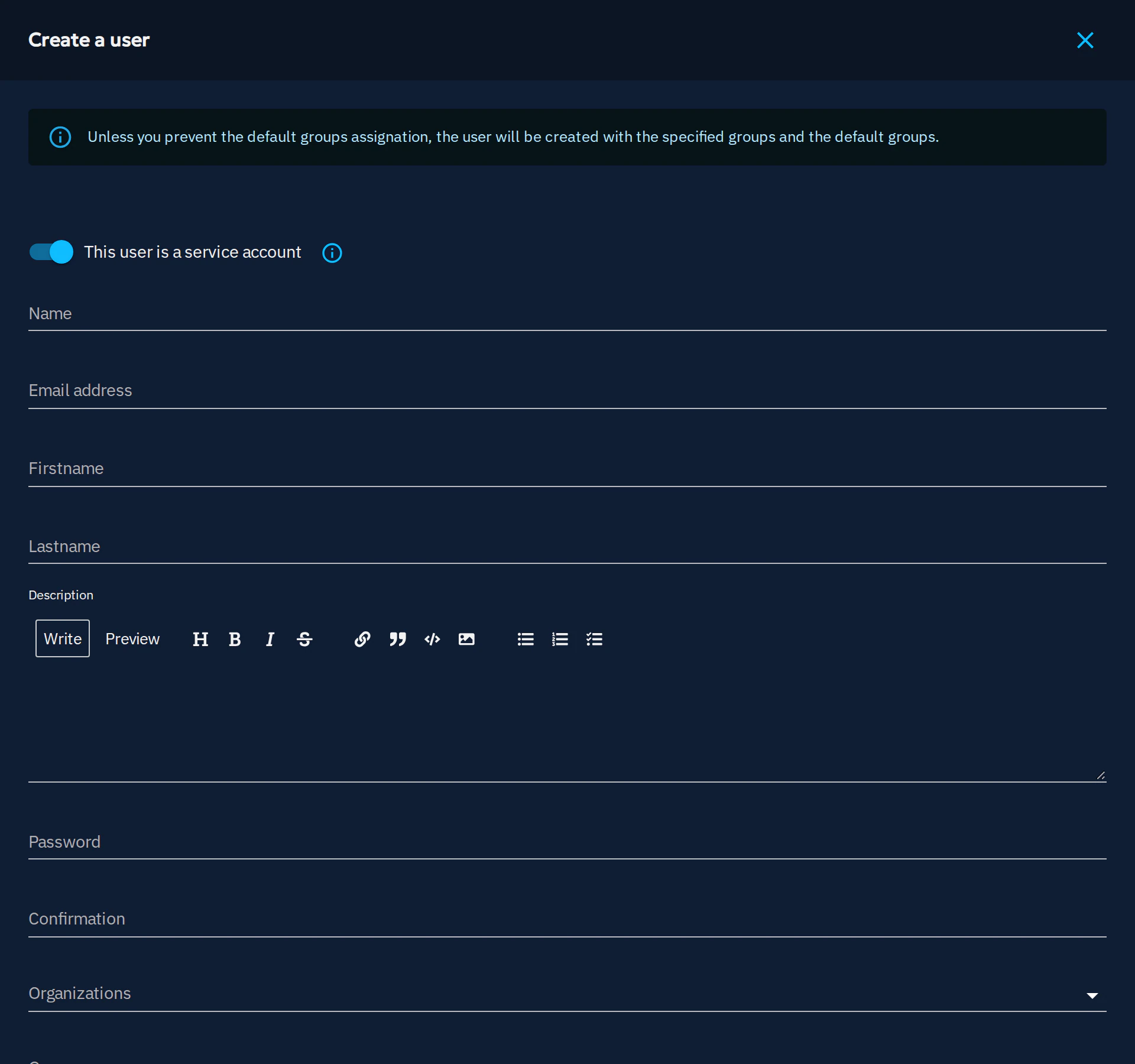
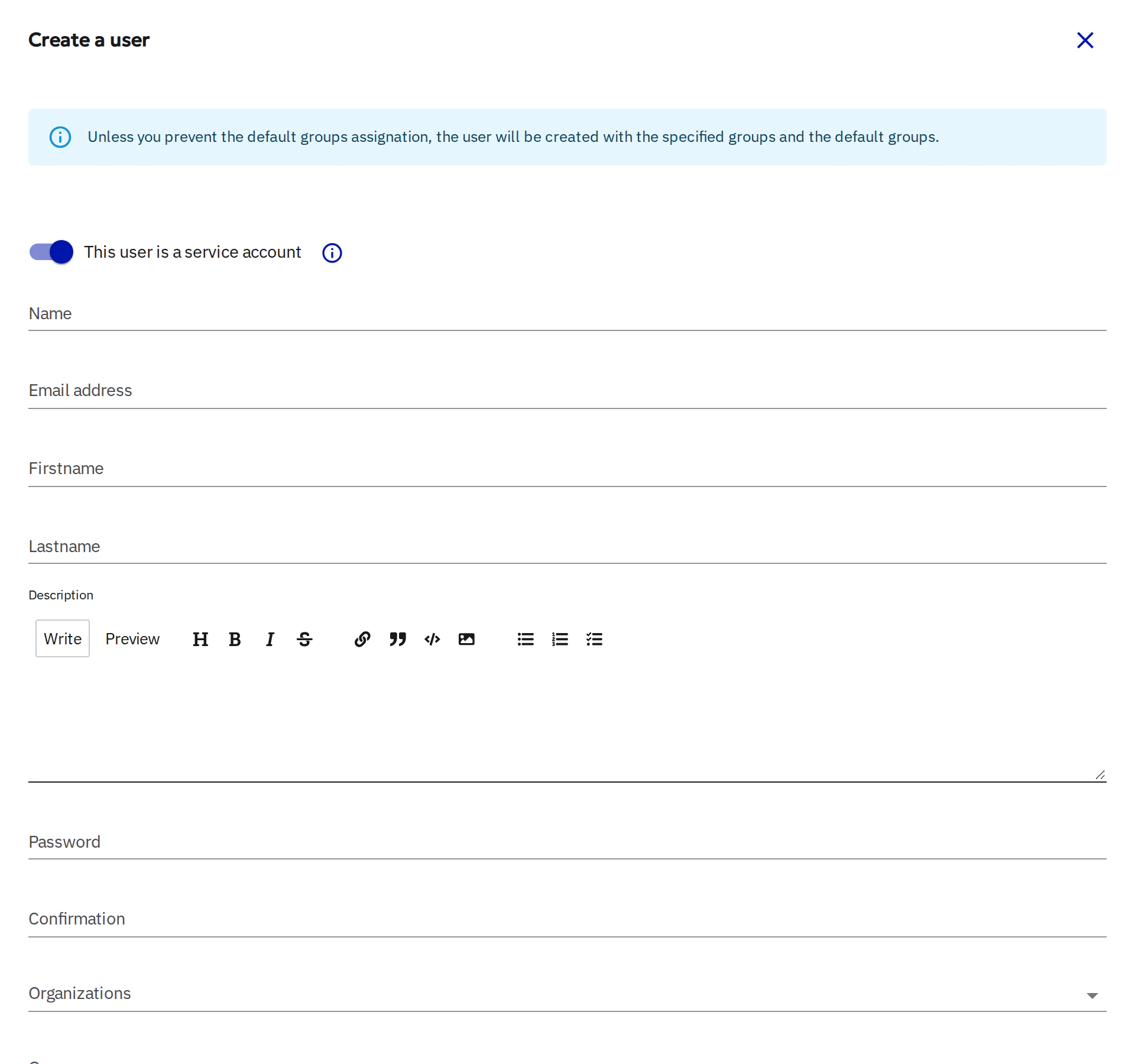
In OpenCTI, each connector writes as one account, whose confidence level, markings and organizations apply to everything it creates. The deployment form can create a service account for each connector; the administrator chooses the group these accounts join (step 2). The CTI team lead then deploys MITRE ATT&CK from the catalog, with an account created for it, and starts it: its first work imports the matrices (step 3).
In the Grand Meridian Hotels tenant of OpenAEV, the validation engineer deploys the CrowdStrike collector with a Falcon API client that reads detections, so that each simulation scores prevention and detection (step 4), and the injectors the scenarios need, such as Nmap for network scans (step 5).
Move what runs by hand, then follow it all
The platform engineer lists the integrations the Compose files start and finds each one in the catalog of its platform. In OpenCTI, a new instance with the same settings replaces the old container and starts from the beginning; in OpenAEV, Migrate keeps the identifier of the collector or injector. Integrations the catalog does not offer keep running by hand (step 6).
From then on, the Deployed tab of each platform shows every integration, its state and its last activity, and its Logs tab the latest lines of its container. A container that restarts in a loop is reported to the platform. So is an image the engine cannot pull: a new integration does not run, one already running keeps its previous container, and the Logs tab says which image failed. When an integration does not start or does not appear, the platform engineer starts from the logs of XTM Composer (step 7).
The steps
Each step opens its page; the first one starts the journey, and every page of it then shows where you are.
- 1Run XTM Composer next to the platformsInstall XTM Composer · 7 minInstall XTM Composer with xtm-docker, Docker, Podman or Kubernetes, with its RSA key, its platform tokens and access to the container engine.
- 2OpenCTIOpenCTIPrepare the accounts connectors write asCreate accounts for integrations · 5 minCreate OpenCTI service accounts for connectors, feeds and scripts, give them an API token and the right groups, and convert users to service accounts.
- 3OpenCTIOpenCTIDeploy the OpenCTI connectorsImport with connectors · 17 minChoose a connector in the OpenCTI catalog, deploy it, check what it imports in its works and errors, and reset, stop or remove it.
- 4OpenAEVOpenAEVDeploy the collector of your EDRHow collectors measure what your security tools saw · 7 minHow OpenAEV collectors read the alerts of your EDR, SIEM and other tools to score detection and prevention, the reference data other collectors import, and how to run them.
- 5OpenAEVOpenAEVDeploy the injectors your scenarios needHow injectors deliver your injects · 4 minWhat an OpenAEV injector does, the built-in, catalog and external injectors, how they get their injects, and where to see each injector and its inject types.
- 6Move the integrations you run by handMigrate to XTM Composer · 3 minMove connectors, collectors and injectors you deployed by hand under the management of XTM Composer.
- 7Fix an integration that does not startTroubleshoot XTM Composer · 12 minFind why XTM Composer does not start, does not register with OpenCTI or OpenAEV, or does not deploy an integration, from the messages it logs.
Where to go next
- Deploy the XTM platform, for the platforms XTM Composer serves.
- Check your defenses against the threats you track, which relies on the collector of your EDR.
- Reuse ready-made content from XTM Hub, to deploy connectors from the XTM Hub library.