You are reading the documentation of OpenCTI 7.260811 LTS · 7.260811.0-lts.1, supported until 2027-09.Latest is 7.261119.0 →
Administer
OpenCTI · Administer: every page of this part of the documentation.
For
ConceptHow access control worksHow OpenCTI decides what each user can do and see, through users, groups, roles, capabilities, organizations and markings, and where to set each of them.OpenCTI7 min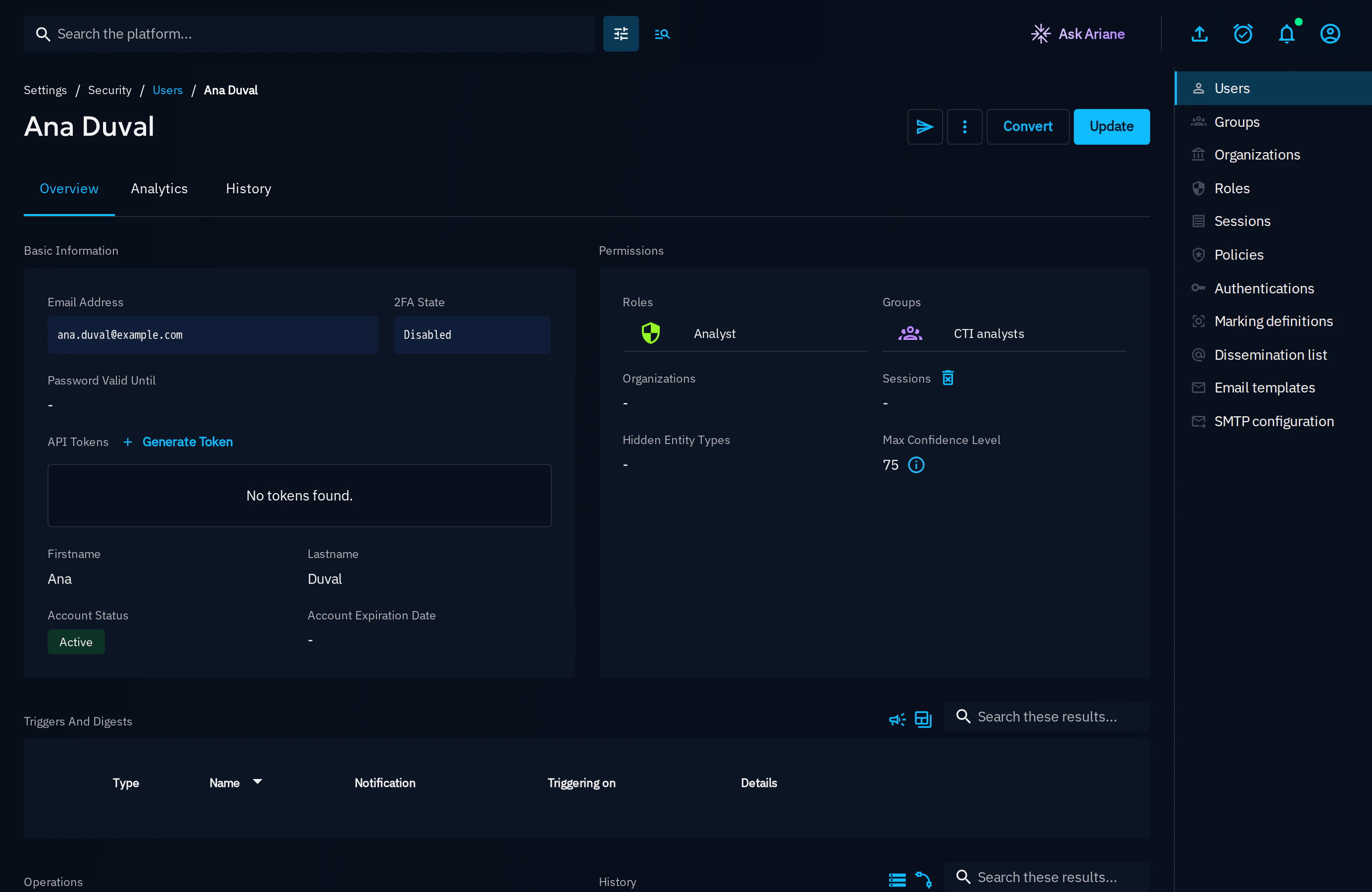
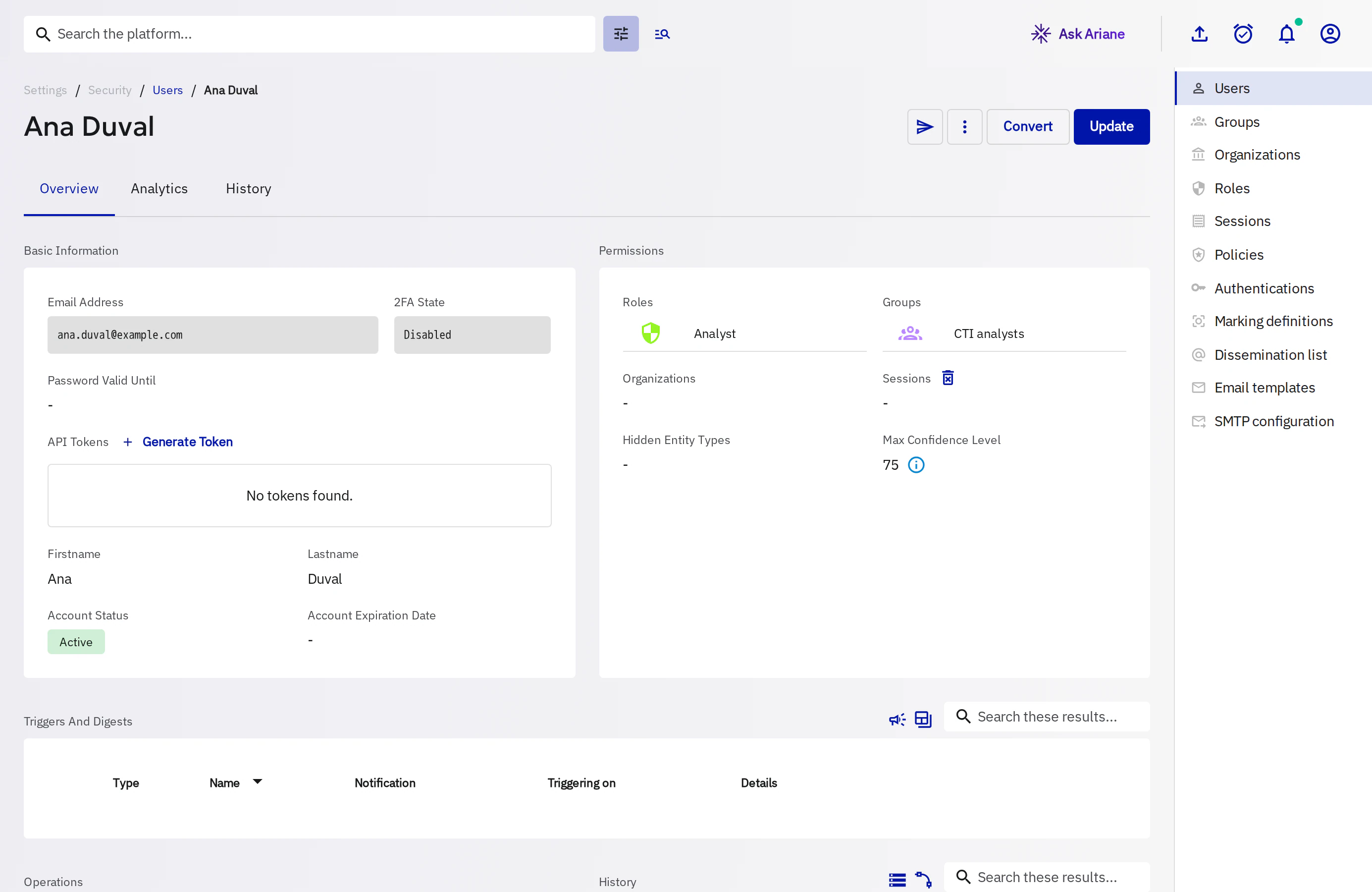 How-to guideManage usersCreate, edit, disable, merge and delete OpenCTI users, read what each user can do and has done, manage their API tokens, and end their sessions.OpenCTI18 min
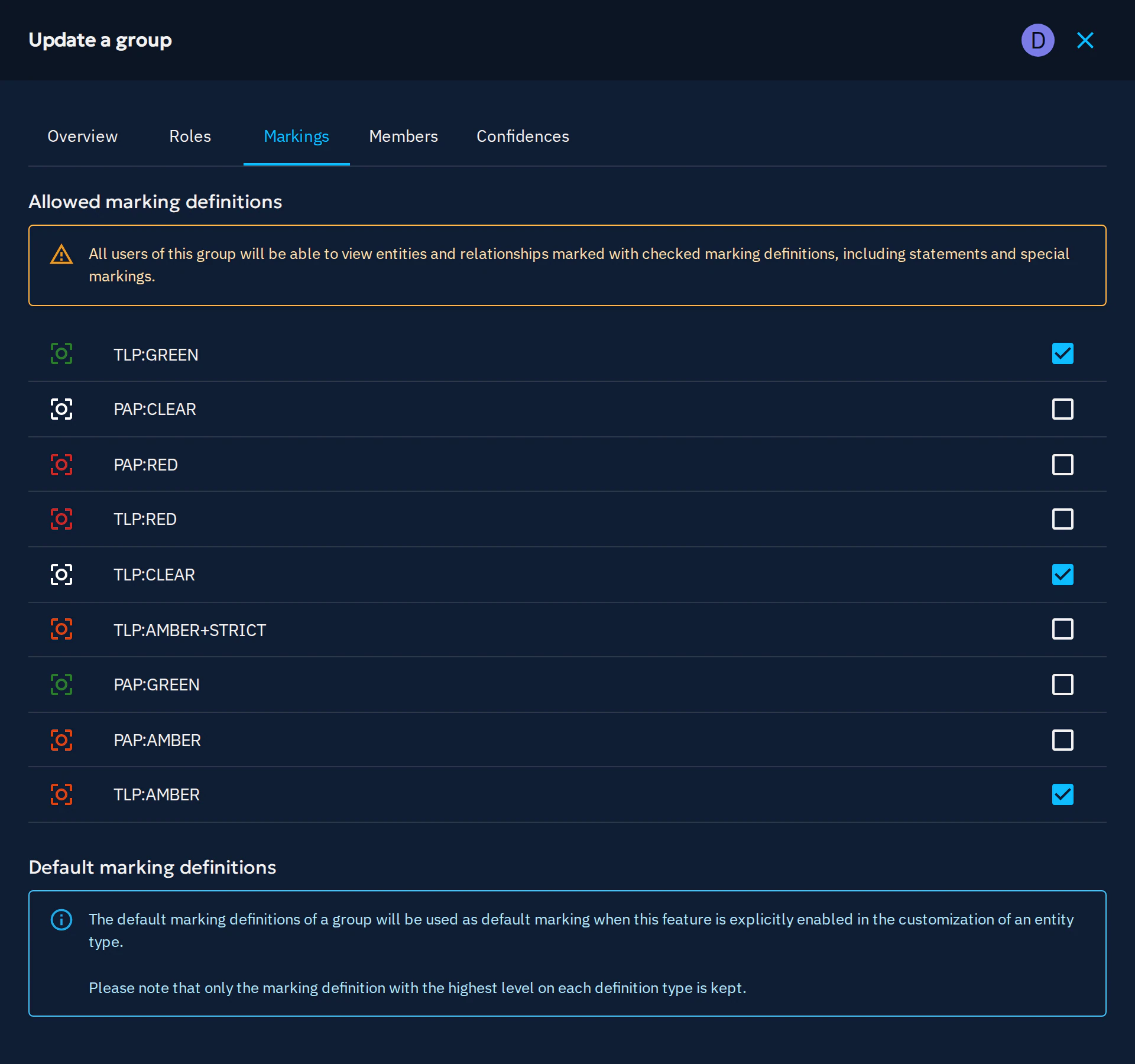
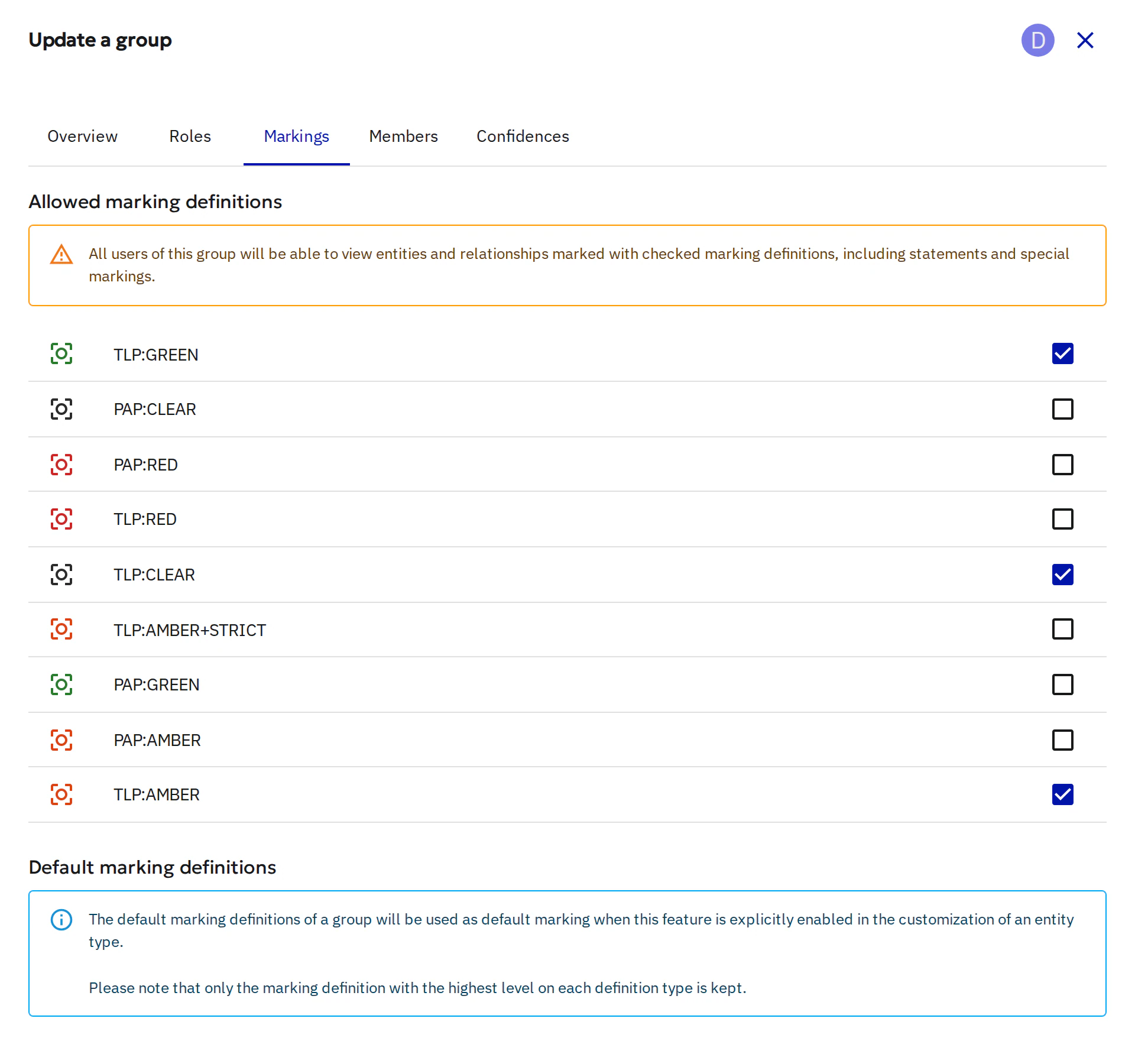 How-to guideOrganize users in groupsCreate an OpenCTI group, give it roles, markings and a confidence level, choose its members, and set the defaults its users get.OpenCTI7 min
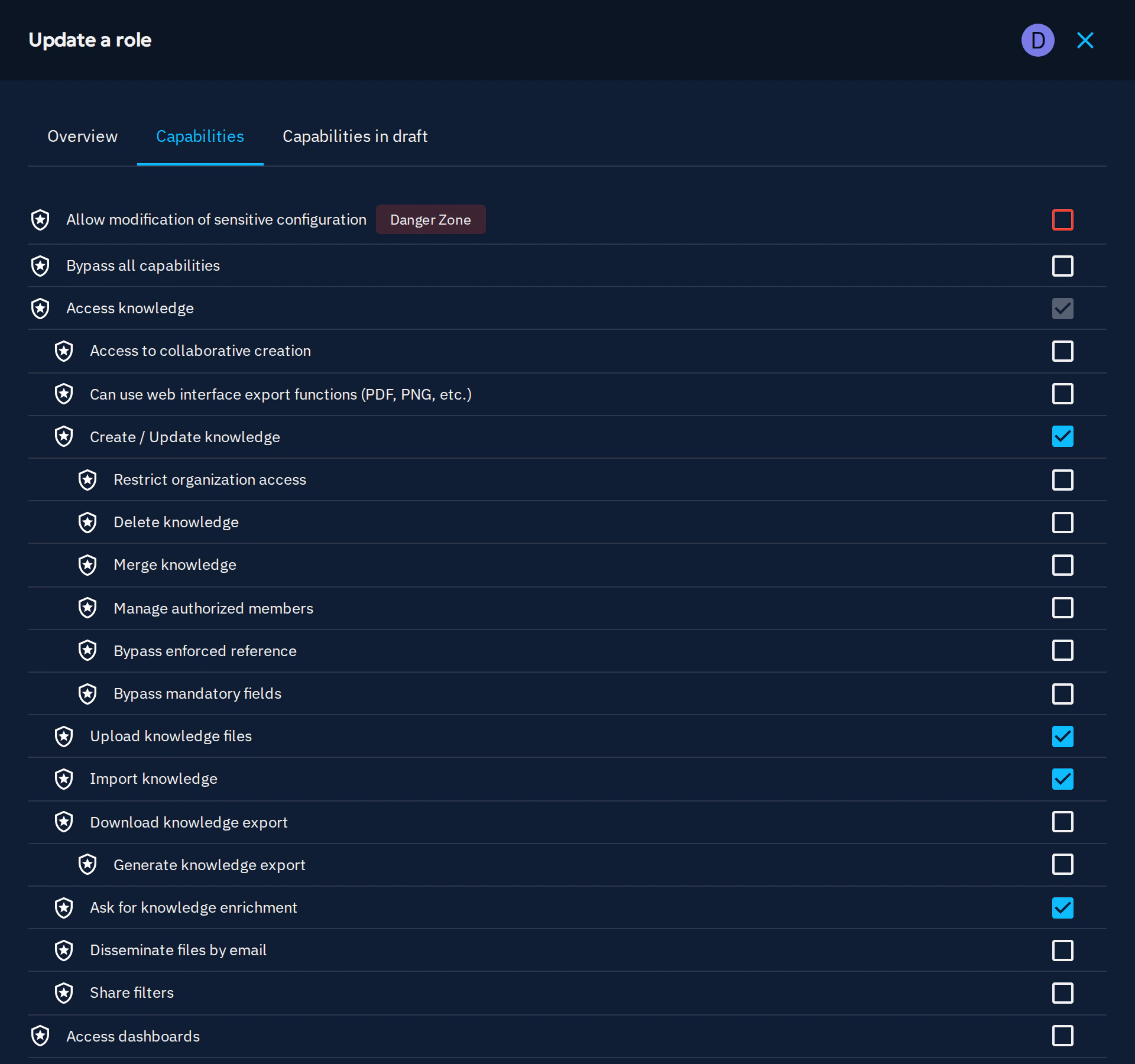
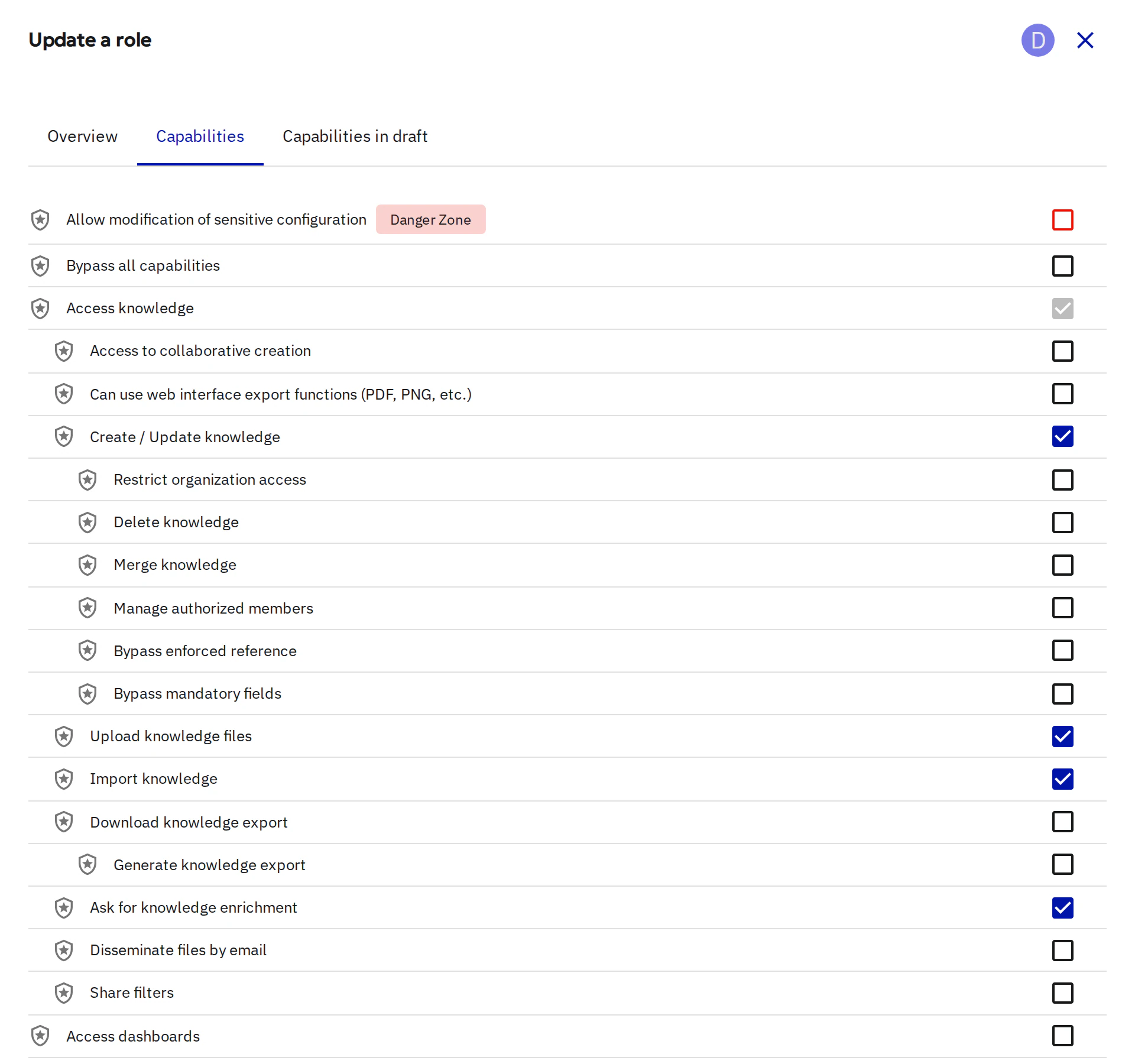 ReferenceGrant rights with rolesHow OpenCTI capabilities nest and add up across roles, how to build a role that grants only what a team needs, the built-in roles, and the capabilities that apply in drafts.OpenCTI8 min
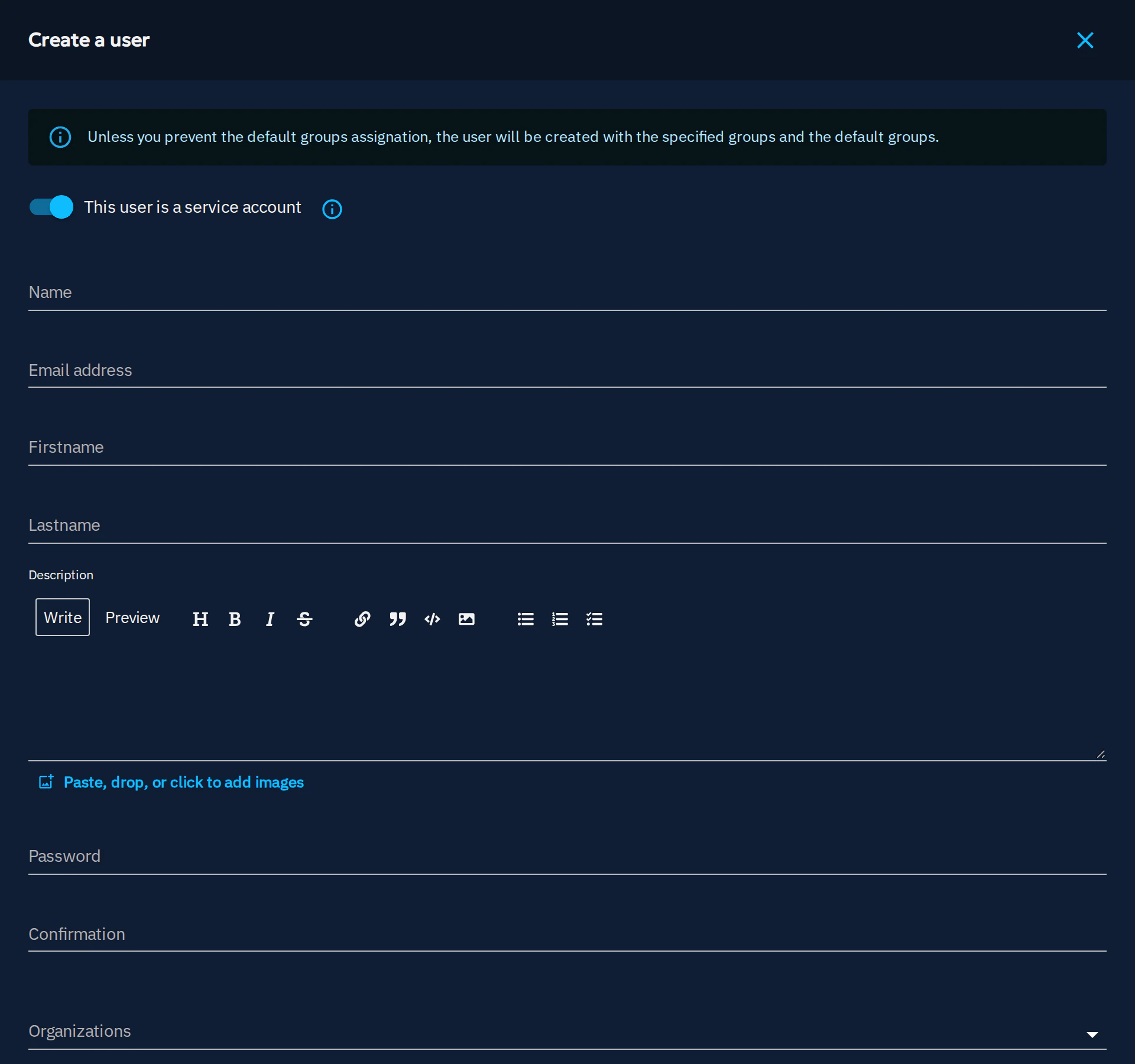
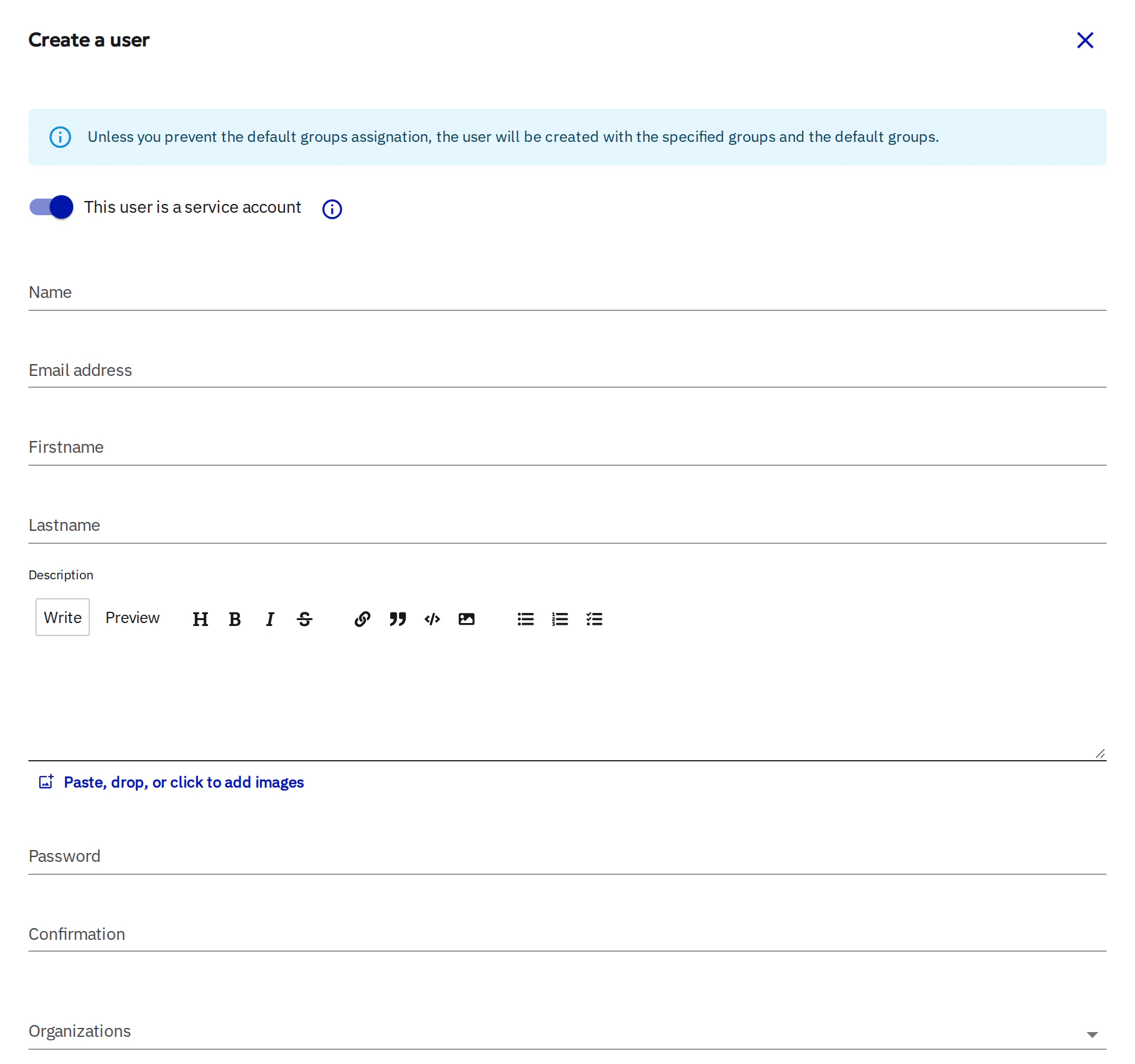 How-to guideCreate accounts for integrationsCreate OpenCTI service accounts for connectors, feeds and scripts, give them an API token and the right groups, and convert users to service accounts.OpenCTI5 minHow-to guideConfigure single sign-onLet people log in to OpenCTI with your identity provider, map its groups to OpenCTI groups, and keep an emergency local access.OpenCTI10 min
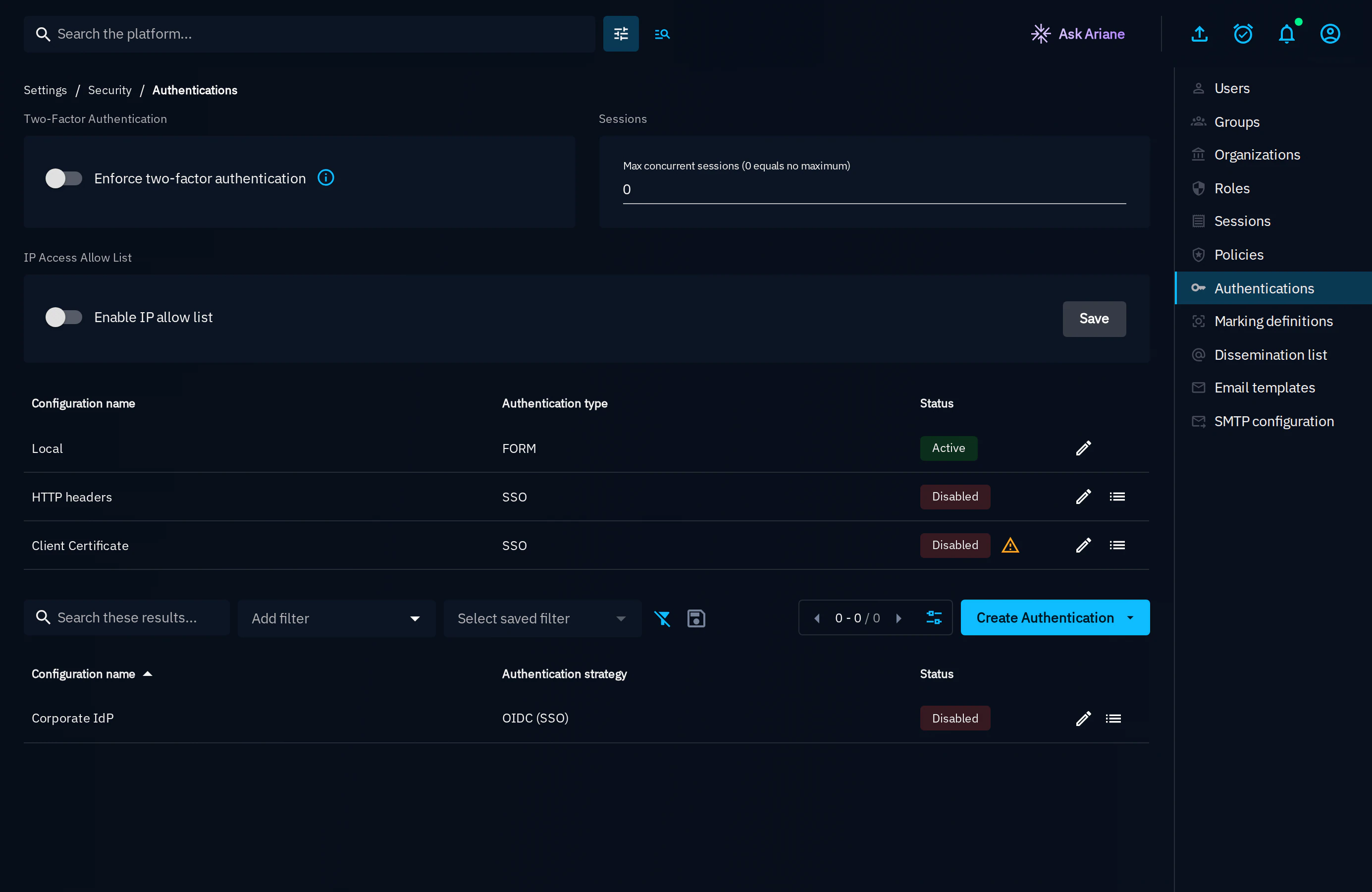
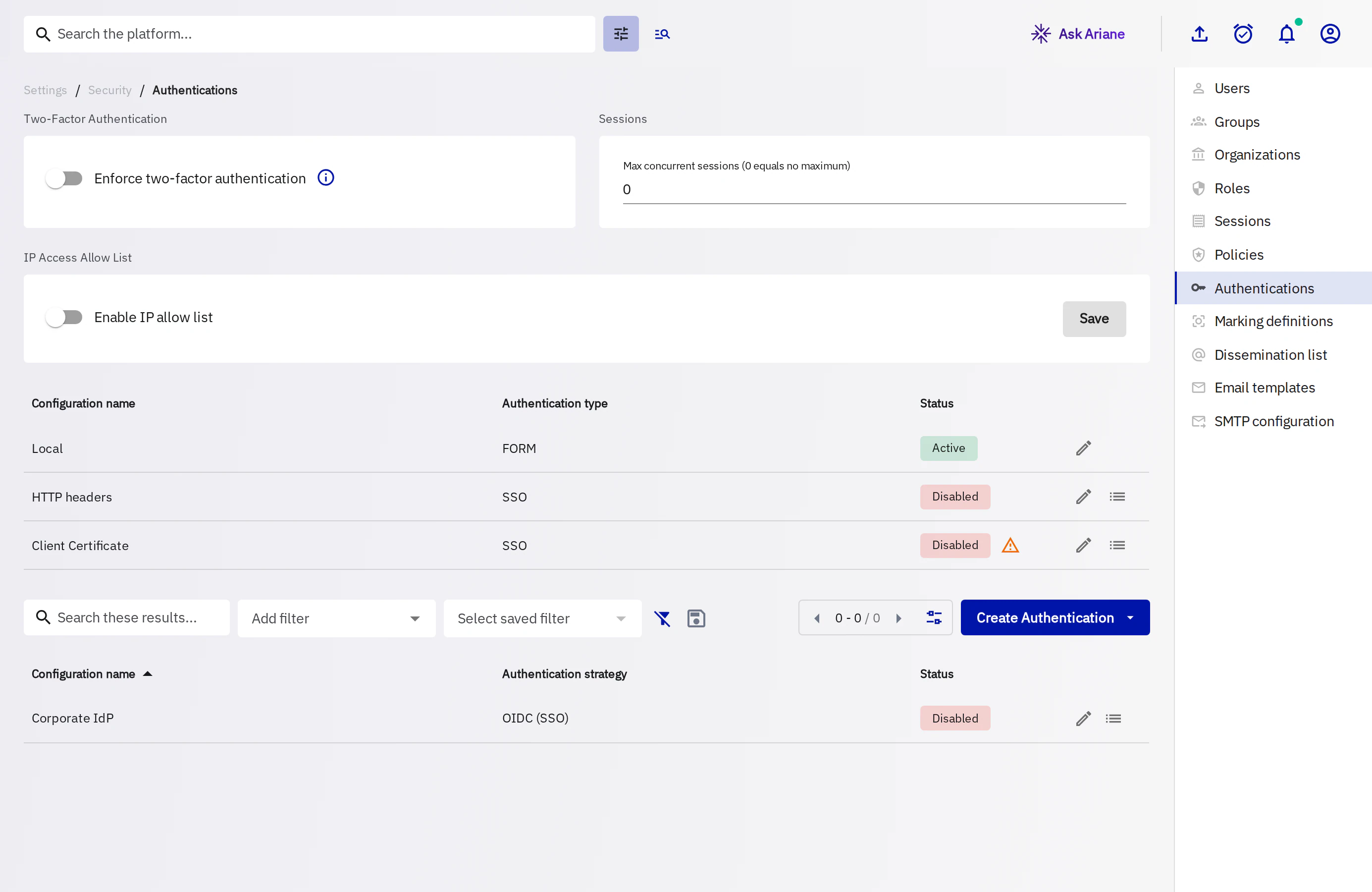 How-to guideManage login providers in the UICreate and edit OpenCTI login providers (OIDC, SAML, LDAP, headers, certificate) in the Authentications screen, map groups, and set password and session policies.OpenCTI23 min
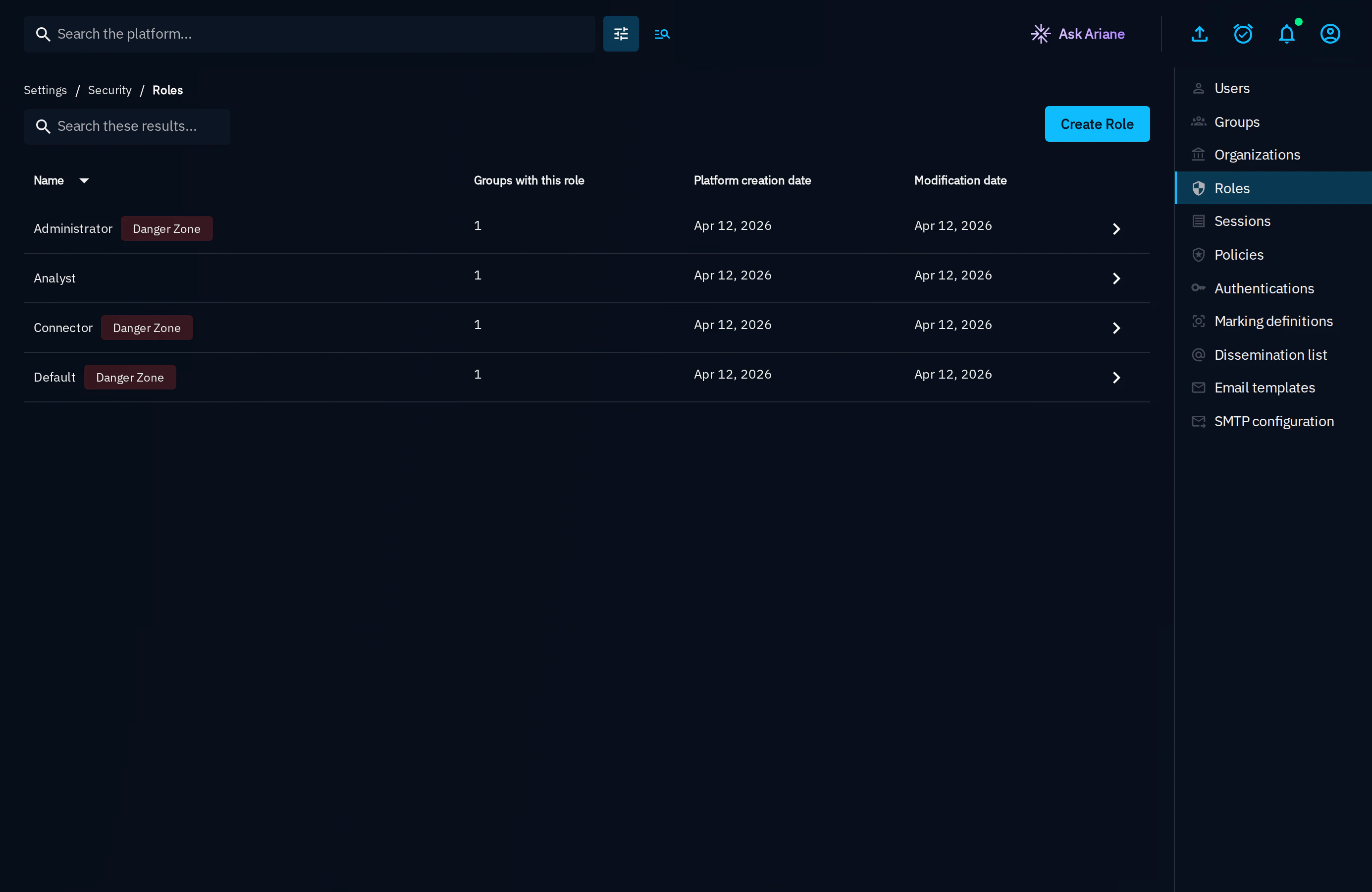
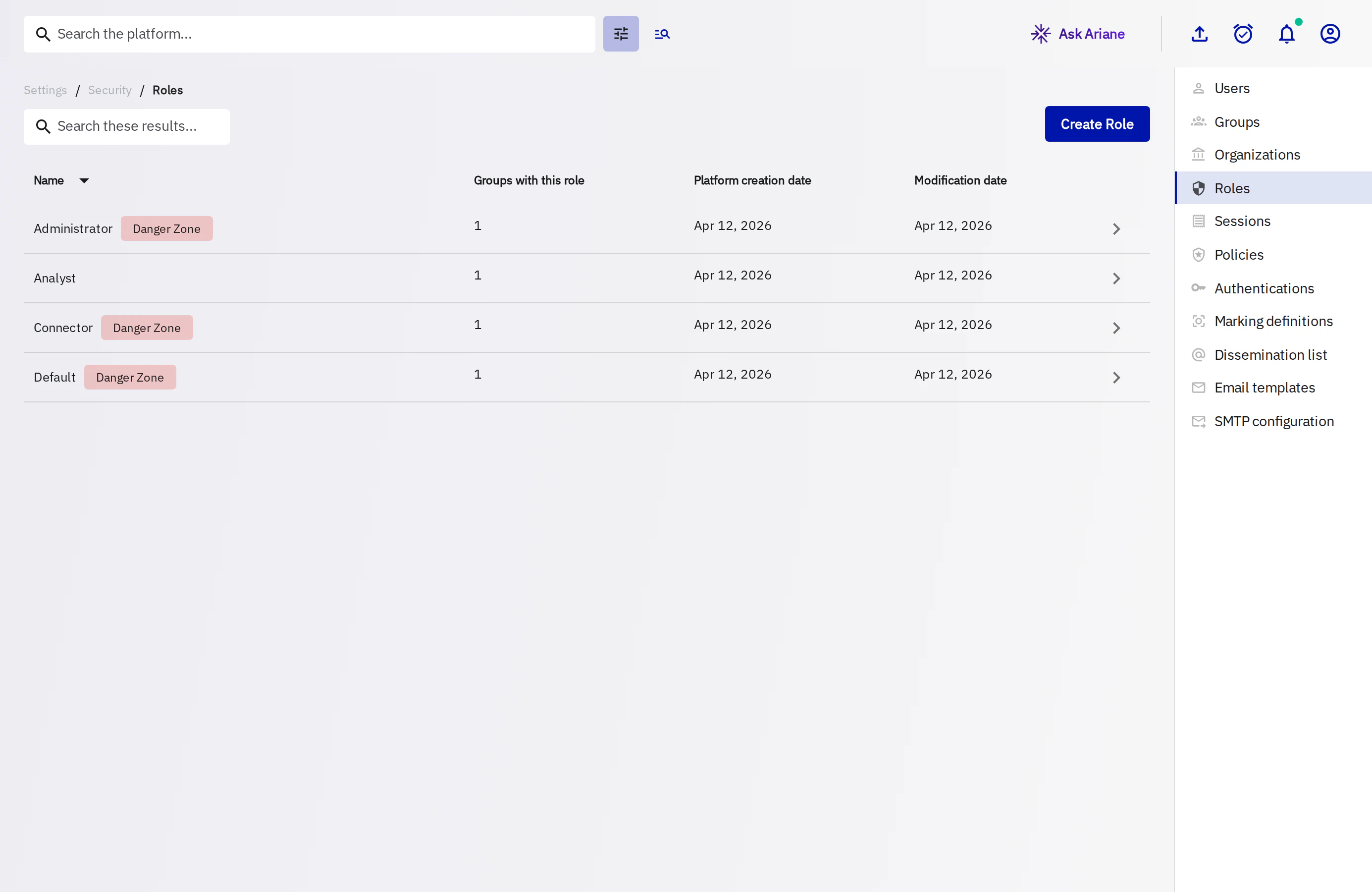 How-to guideProtect sensitive configurationLimit who can change the OpenCTI settings that can break ingestion or hide data, such as built-in roles and groups, TLP markings and the platform organization.OpenCTI5 minConceptHow OpenCTI decides who sees whatHow OpenCTI decides who sees each object of one shared knowledge base, with markings, organization sharing and authorized members, and which one to use.OpenCTI4 min
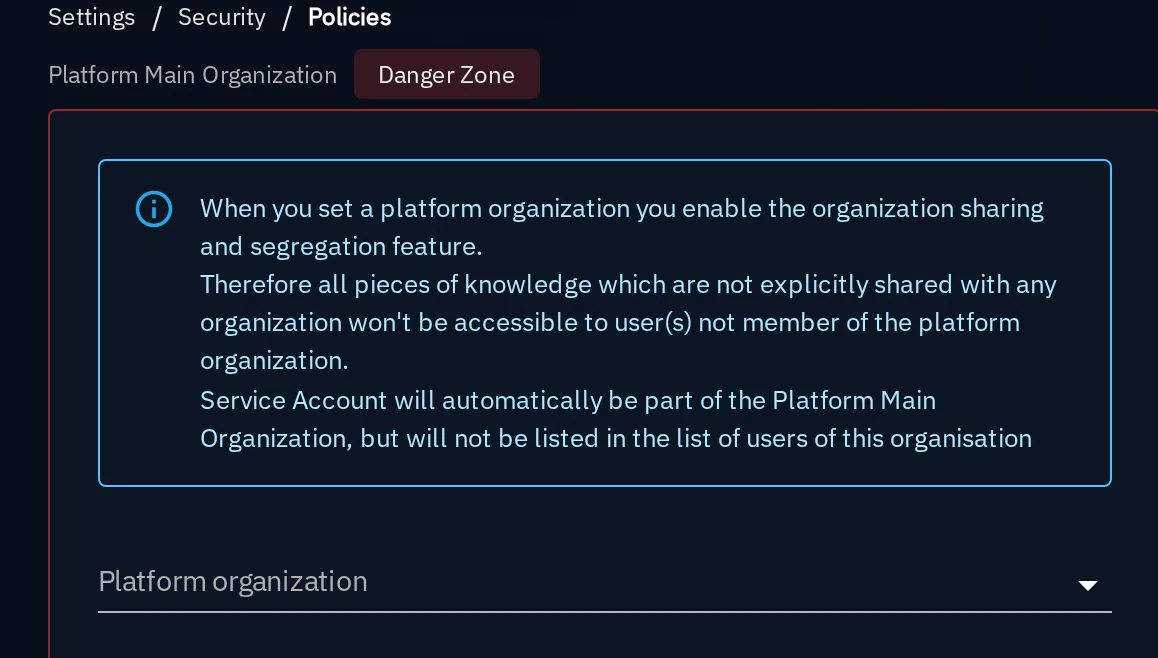
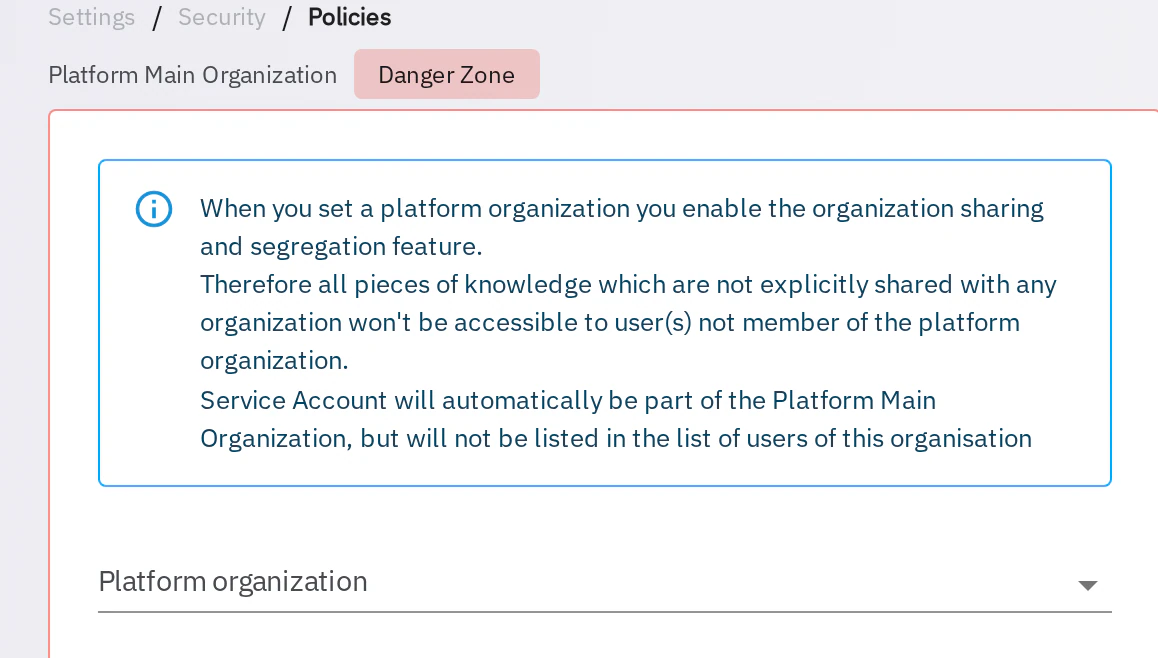 How-to guideSeparate data between organizationsTurn on organization segregation in OpenCTI, delegate user management to organization administrators, and share knowledge with organizations by hand or with playbooks.OpenCTI11 min

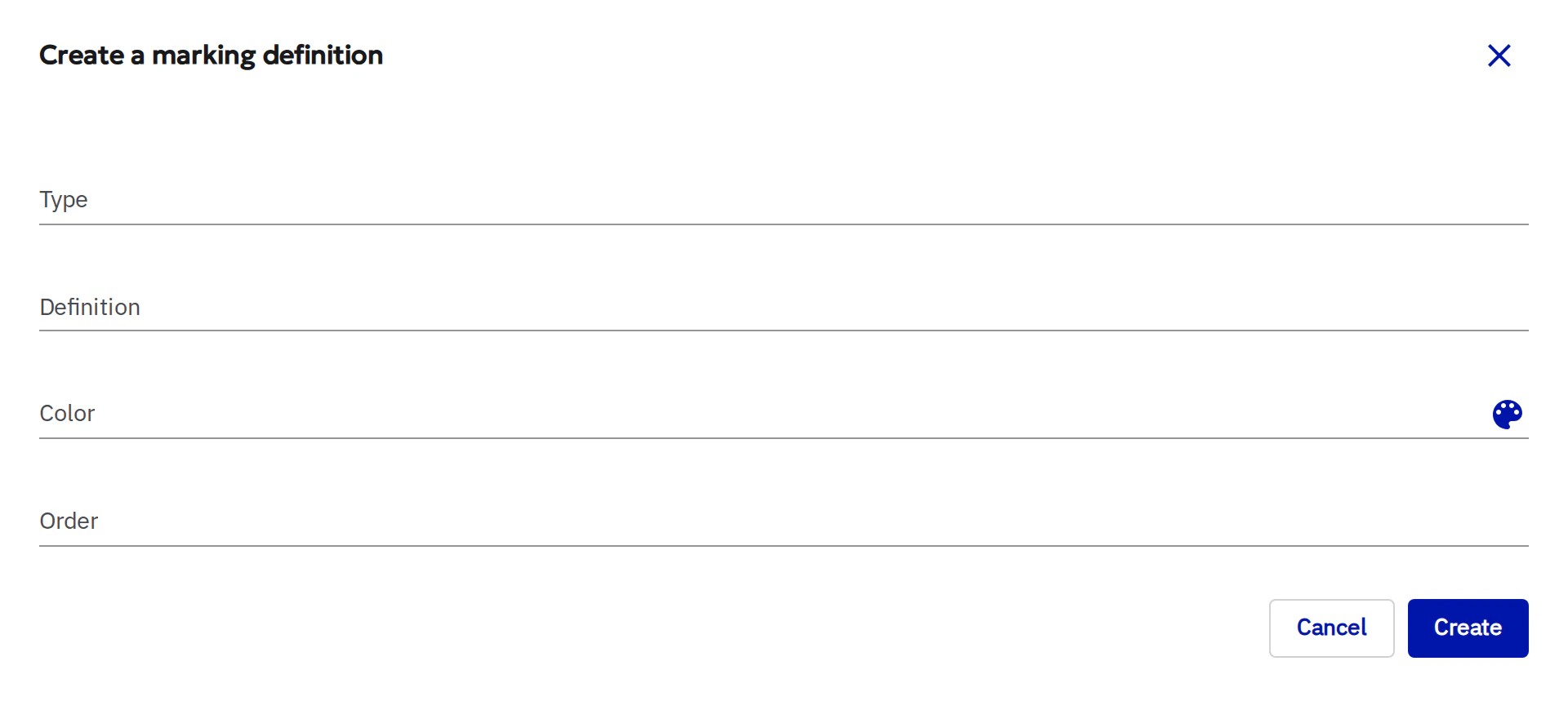 How-to guideRestrict access with markingsCreate marking definitions in OpenCTI, give groups access to them, apply default markings, and limit the markings that can leave the platform.OpenCTI6 minConceptRestrict one object to chosen peopleHow OpenCTI restricts one object, such as a dashboard, a report or an organization, to chosen users, groups or organizations, and when to use it rather than markings.OpenCTI6 min
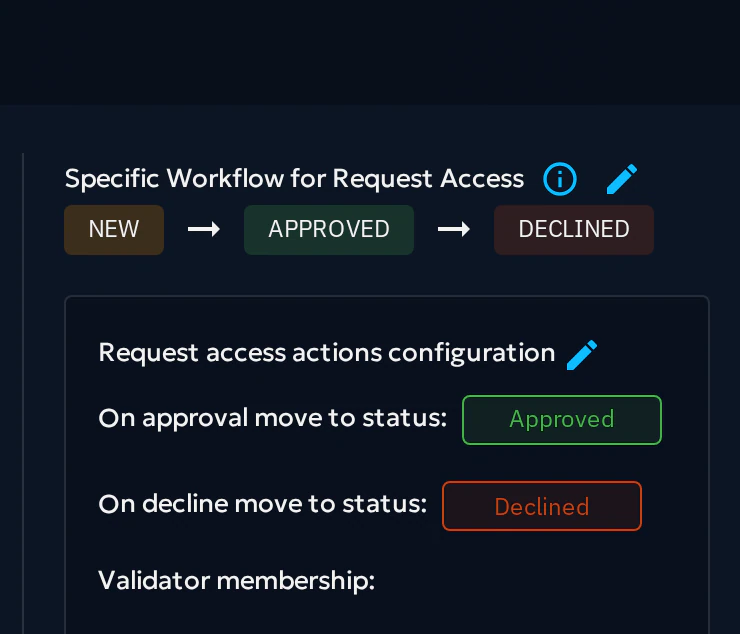
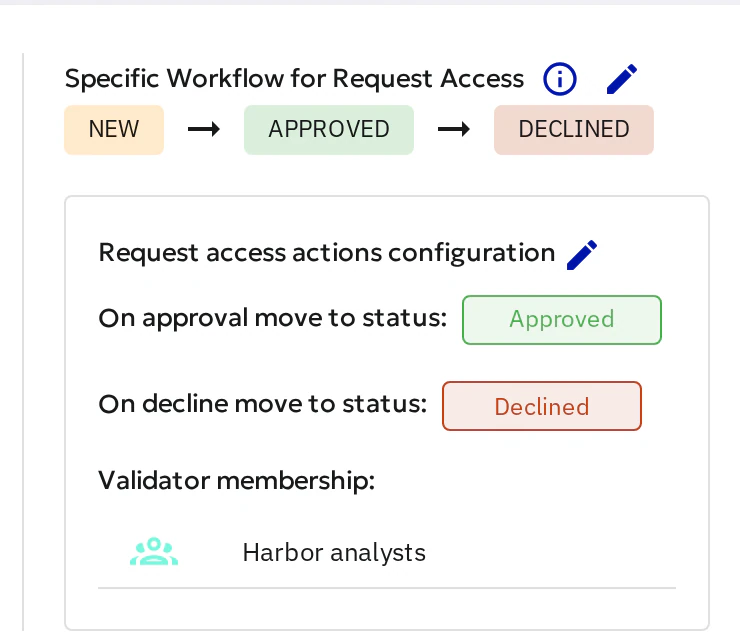 How-to guideLet users request accessLet OpenCTI users ask for knowledge they cannot see because of organization segregation, and set who validates or declines these requests.OpenCTI4 min
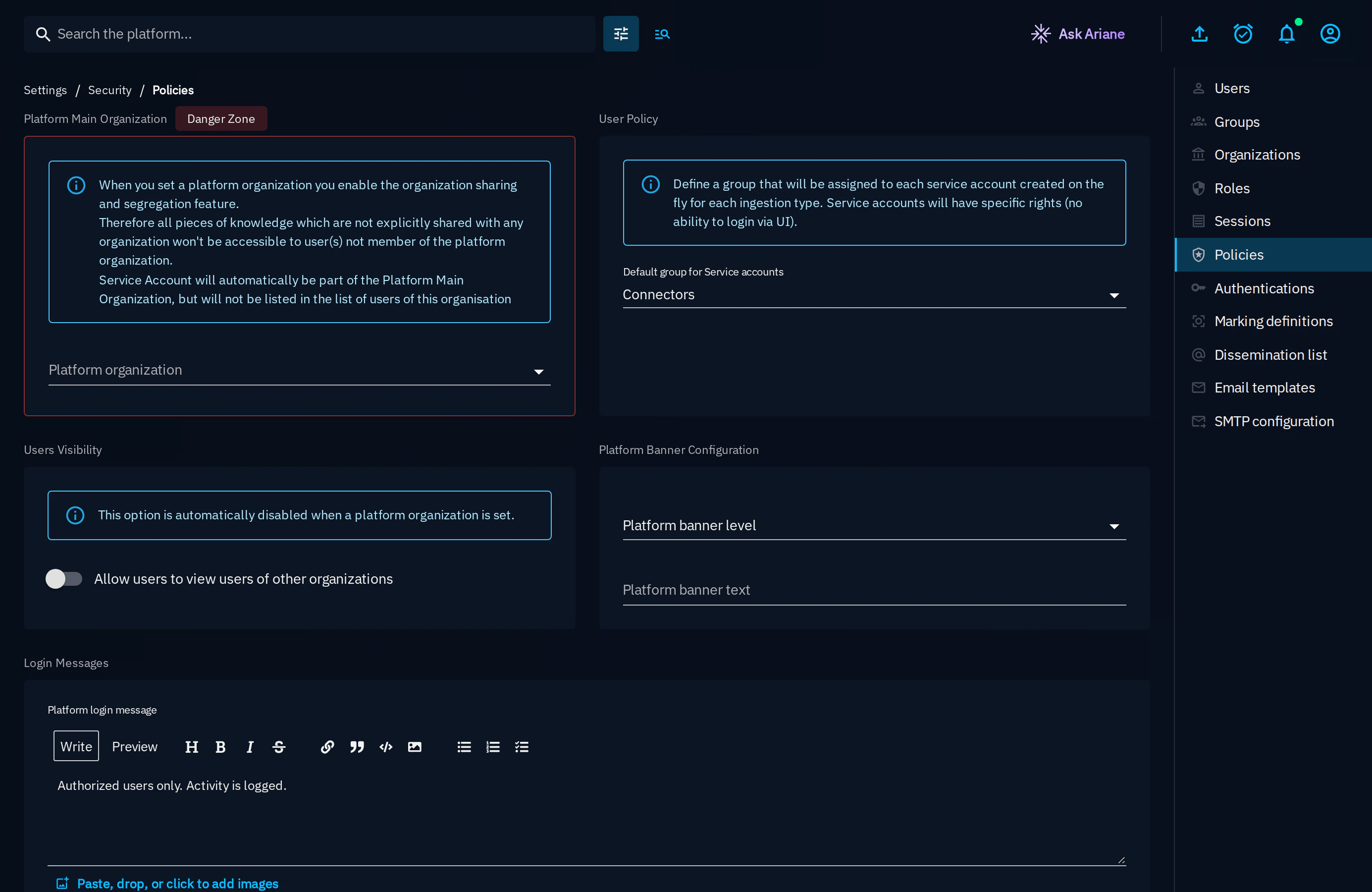
 How-to guideSet platform security policiesSet the platform-wide security policies of OpenCTI, such as the platform main organization, user visibility, the classification banner and the messages shown at login.OpenCTI4 minReferenceCookiesThe two browser cookies OpenCTI sets, what each one does, how long it lives, the configuration keys that control it, and when it is removed.OpenCTI3 min
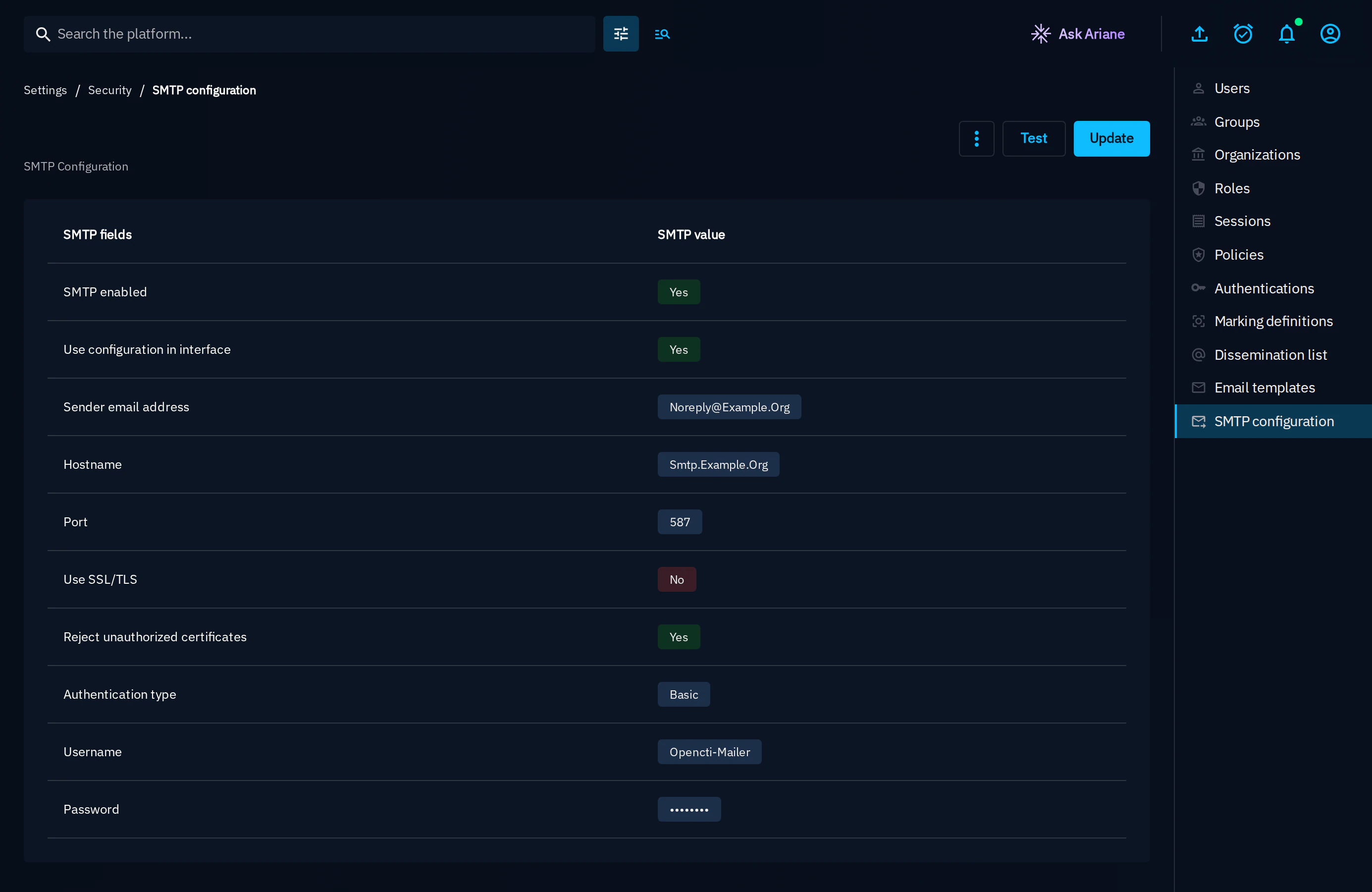
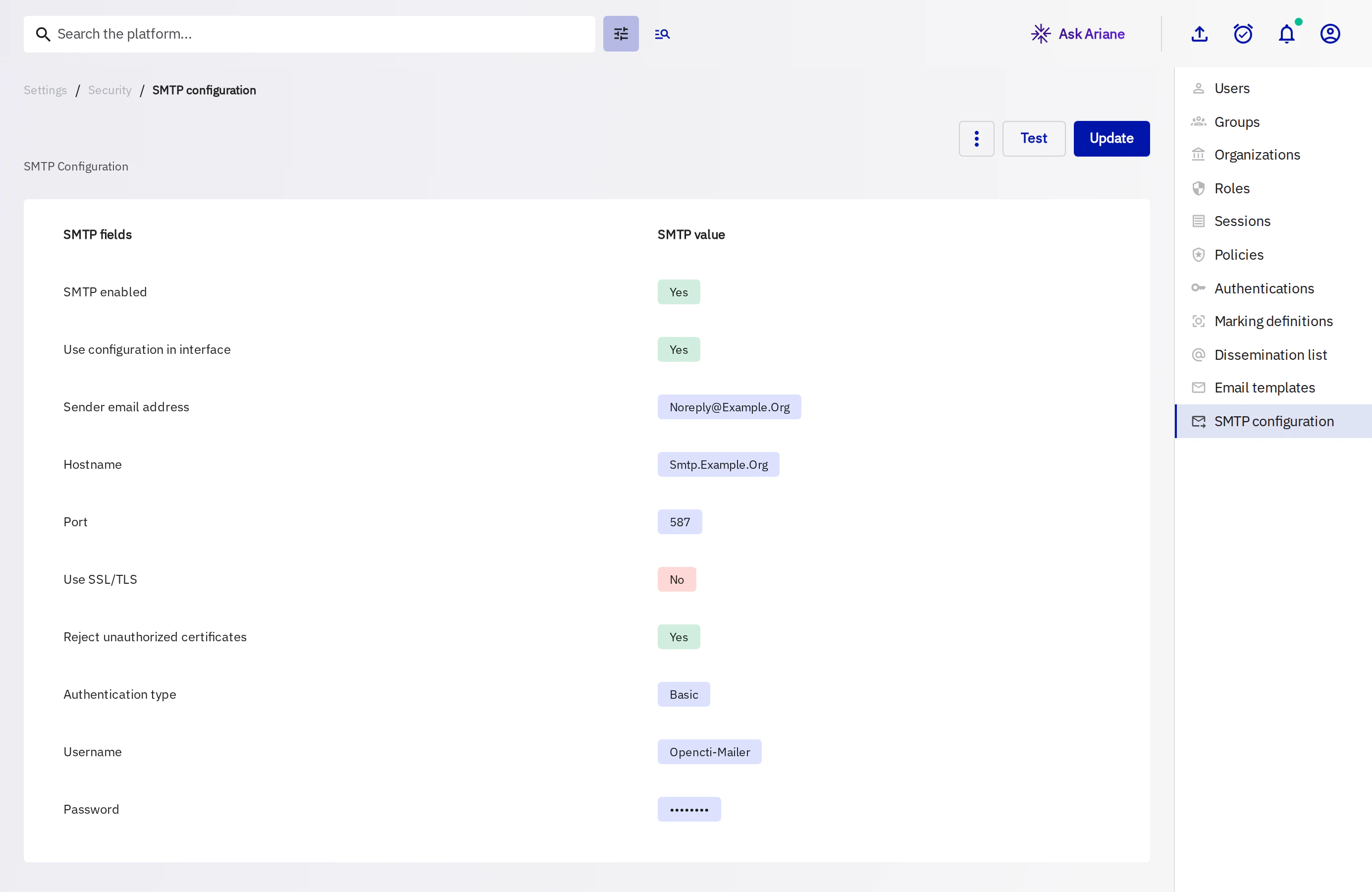 How-to guideSend emails from OpenCTIConfigure the mail server OpenCTI sends emails through from the interface, with basic or OAuth2 authentication, and test it without restarting the platform.OpenCTI8 min
How-to guideManage usersCreate, edit, disable, merge and delete OpenCTI users, read what each user can do and has done, manage their API tokens, and end their sessions.OpenCTI18 minHow-to guideOrganize users in groupsCreate an OpenCTI group, give it roles, markings and a confidence level, choose its members, and set the defaults its users get.OpenCTI7 minReferenceGrant rights with rolesHow OpenCTI capabilities nest and add up across roles, how to build a role that grants only what a team needs, the built-in roles, and the capabilities that apply in drafts.OpenCTI8 minHow-to guideCreate accounts for integrationsCreate OpenCTI service accounts for connectors, feeds and scripts, give them an API token and the right groups, and convert users to service accounts.OpenCTI5 minHow-to guideConfigure single sign-onLet people log in to OpenCTI with your identity provider, map its groups to OpenCTI groups, and keep an emergency local access.OpenCTI10 minHow-to guideManage login providers in the UICreate and edit OpenCTI login providers (OIDC, SAML, LDAP, headers, certificate) in the Authentications screen, map groups, and set password and session policies.OpenCTI23 minHow-to guideProtect sensitive configurationLimit who can change the OpenCTI settings that can break ingestion or hide data, such as built-in roles and groups, TLP markings and the platform organization.OpenCTI5 minConceptHow OpenCTI decides who sees whatHow OpenCTI decides who sees each object of one shared knowledge base, with markings, organization sharing and authorized members, and which one to use.OpenCTI4 minHow-to guideSeparate data between organizationsTurn on organization segregation in OpenCTI, delegate user management to organization administrators, and share knowledge with organizations by hand or with playbooks.OpenCTI11 minHow-to guideRestrict access with markingsCreate marking definitions in OpenCTI, give groups access to them, apply default markings, and limit the markings that can leave the platform.OpenCTI6 minConceptRestrict one object to chosen peopleHow OpenCTI restricts one object, such as a dashboard, a report or an organization, to chosen users, groups or organizations, and when to use it rather than markings.OpenCTI6 minHow-to guideLet users request accessLet OpenCTI users ask for knowledge they cannot see because of organization segregation, and set who validates or declines these requests.OpenCTI4 minHow-to guideSet platform security policiesSet the platform-wide security policies of OpenCTI, such as the platform main organization, user visibility, the classification banner and the messages shown at login.OpenCTI4 minReferenceCookiesThe two browser cookies OpenCTI sets, what each one does, how long it lives, the configuration keys that control it, and when it is removed.OpenCTI3 minHow-to guideSend emails from OpenCTIConfigure the mail server OpenCTI sends emails through from the interface, with basic or OAuth2 authentication, and test it without restarting the platform.OpenCTI8 min