Brief a sector on its threats
Turn what targets the members of a sector into a monthly brief in OpenCTI, send it to their security contacts under the right marking, and summarize it with XTM One.
At the end of this journey, the members of the sector you serve receive, every month, a brief on the threats that target them: who is after the sector, what hit a member, and what to block or check, under the marking their sharing agreement allows. You read the threat picture of the sector in OpenCTI, write the brief as a report, send it by email to the members' security contacts, who need no OpenCTI account, and let XTM One summarize it. A CTI analyst of a sector CERT drives it: the steps below are the pages to follow, in order.
- Sector threat picture → Monthly brief written: threats and incidents
- Monthly brief written → Brief sent: PDF under TLP
- Brief sent → Member hotels: email
- Monthly brief written → Brief summarized: the report
- Brief summarized → Brief sent: short version
Who takes part
- CTI analysts read what targets the sector, write the brief, generate its document and send it (steps 1 to 3), then ask XTM One for a summary (step 4).
- CTI team leads decide who receives what: the dissemination lists, and the highest marking each list may receive. They review the brief before it leaves.
- An OpenCTI administrator sets up the mail server and the templates the brief is generated from.
- The security contacts of the member organizations receive the brief by email, in blind copy.
Why it spans several modules
OpenCTI holds everything the brief says, and keeps each fact tied to its source: the sector and its members, the threats that target it, the incidents and sightings at its members, and the reports they come from. The brief is one more report, so its content stays linked to the knowledge, and the next brief starts from it. OpenCTI then fills a template with the report and its objects, leaves out what is marked above the limit you set, and sends the document to a list of addresses.
XTM One writes what the brief cannot: a summary in a few lines for the people who will not read it all, such as the general managers of the member hotels, or a first draft from the knowledge of the report. Its agents read OpenCTI with the rights of the person who asks, so a summary holds nothing that person may not see. Without XTM One, AI Insights and Ask AI use the language model set in the platform configuration instead.
Why knowledge stays tied to the report it came from is in Containers; how OpenCTI hands an AI request to an agent is in XTM One in OpenCTI.
What you need
- OpenCTI with an Enterprise Edition license: sending by email and generating a document from a template are Enterprise Edition.
- A mail server the platform sends with: see Send emails from OpenCTI.
- A template for reports, set by an administrator in entity type customization, and its look in Brand your PDF reports.
- A dissemination list of the members' security contacts.
- For the summary, XTM One registered with OpenCTI. AI Insights, Ask AI and Ask Ariane require the Enterprise Edition, and Ask Ariane stays off until an administrator accepts the Filigran AI Terms. See Connect the modules to each other.
- Capabilities in OpenCTI:
- Access knowledge to read the sector, and Create / Update knowledge to write the brief;
- Generate knowledge export and Upload knowledge files to generate its document;
- Disseminate files by email to send it, and Manage dissemination lists to create and change the lists.
How it unfolds
The story: Example CERT serves the hotel chains of the hospitality sector, and the hospitality Information Sharing and Analysis Center (ISAC) shares up to TLP:GREEN with its members. On 9 January 2026, Velvet Harbor stole the guest records of Grand Meridian Hotels, a member chain. The January brief must tell every member what happened and what to do.
Read the threat picture of the sector
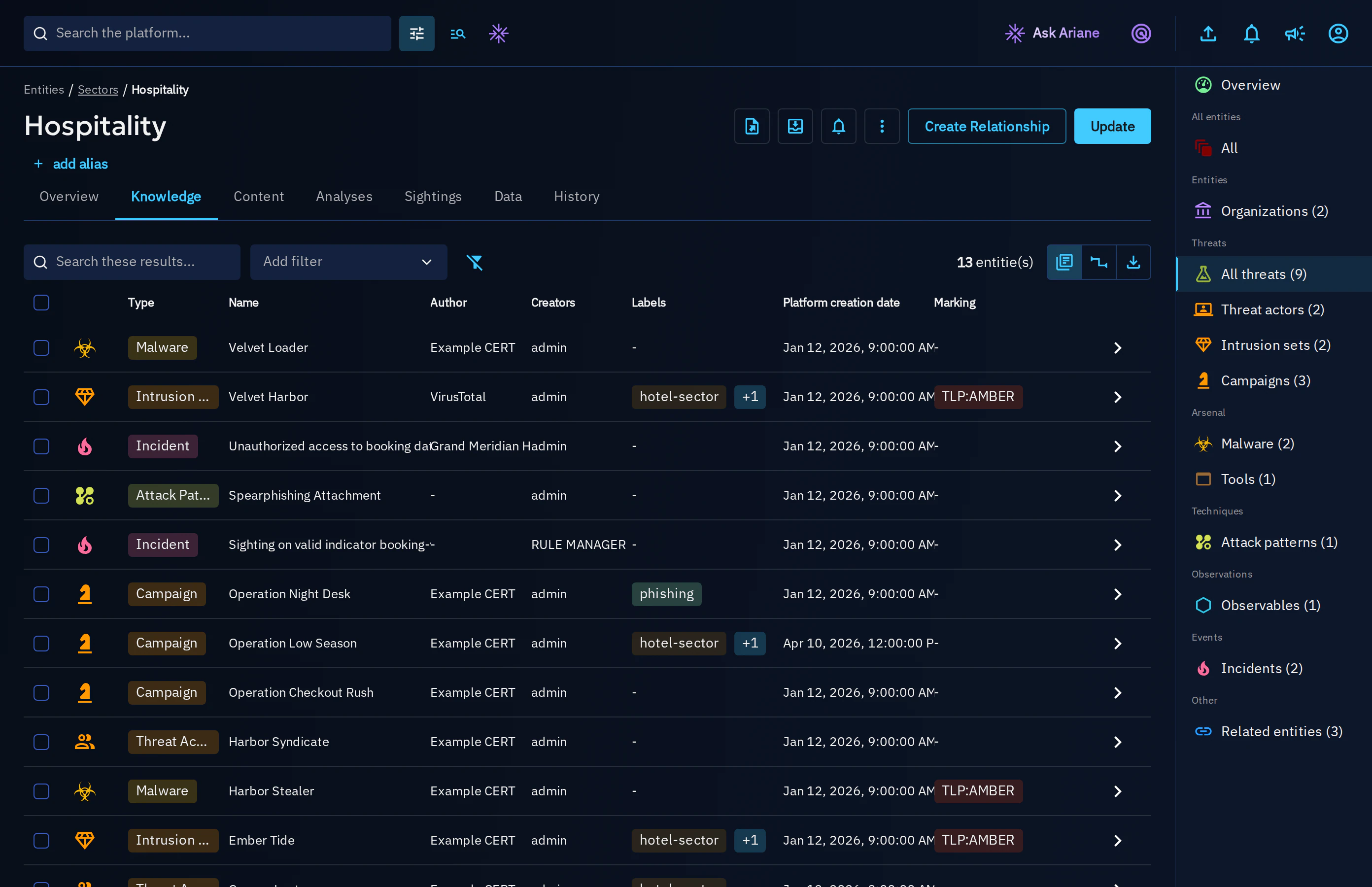
The analyst opens the Hospitality sector in , then its Knowledge tab (step 1). Top 10 threats targeting this entity lists the intrusion sets Velvet Harbor and Ember Tide, the groups Copper Lantern and Harbor Syndicate, the campaigns Operation Night Desk, Operation Checkout Rush and Operation Low Season, and the malware Velvet Loader and Harbor Stealer. Incidents lists the intrusion at Grand Meridian Hotels, and Sightings shows the domain booking-velvetharbor.example seen 6 times in the sector between 5 and 9 January. Distribution of reports shows a single author, Example CERT: the brief says so.
Write the brief
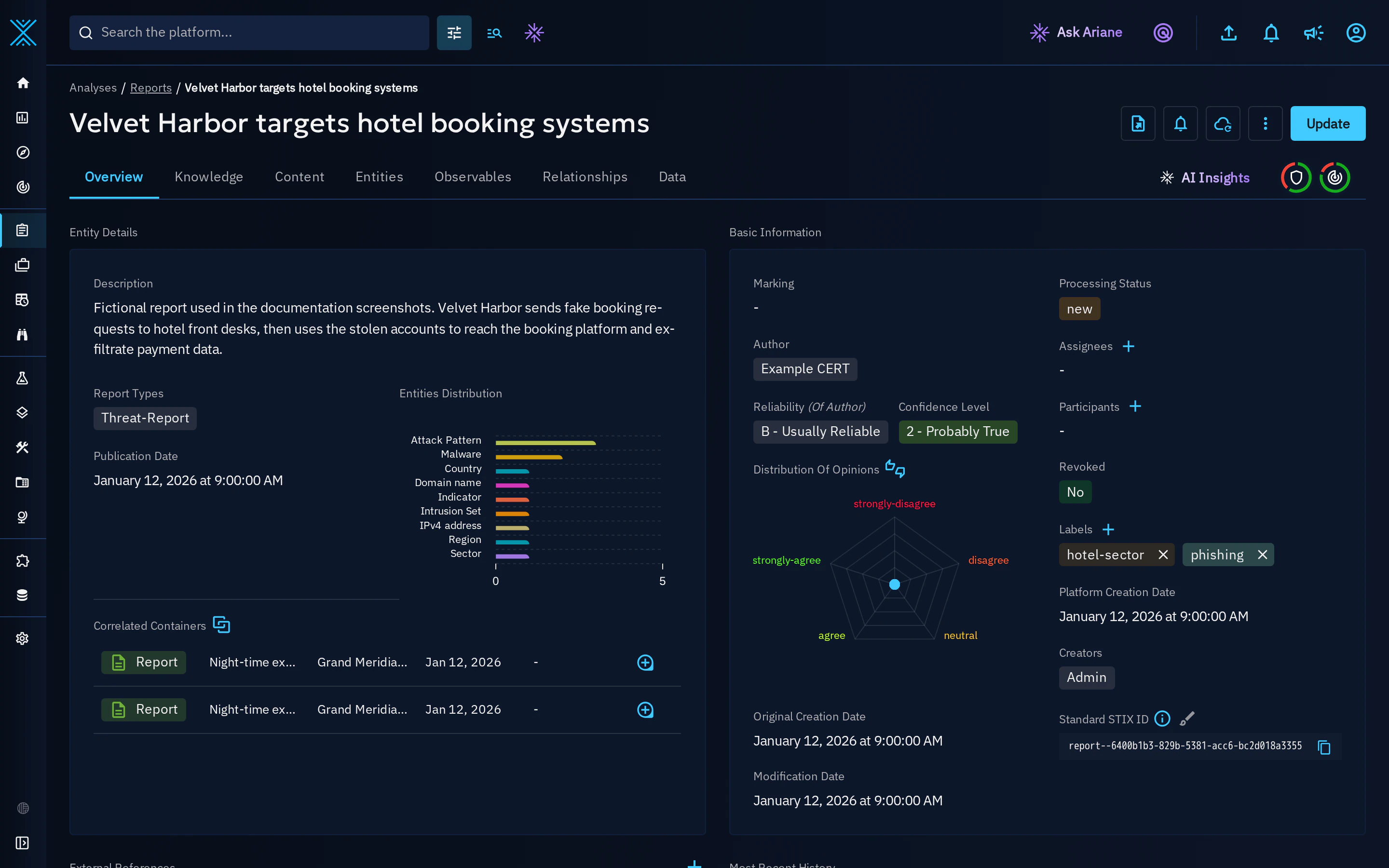
In , the analyst gathers the reports of the month that contain Velvet Harbor: the threat report "Velvet Harbor targets hotel booking systems" of 12 January, and the incident report of Grand Meridian Hotels (step 2). From them, Example CERT writes the threat report "Hospitality threat brief, January 2026", published on 20 January. It holds the sector, Grand Meridian Hotels, the European Hospitality Summit 2026 the lure posed as, Velvet Harbor, Ember Tide and Operation Night Desk, and tells the members to block booking-velvetharbor.example, check the AnyDesk sessions on their front desks and review night-time exports. Writing a report is described in Create knowledge manually.
Send it to the members
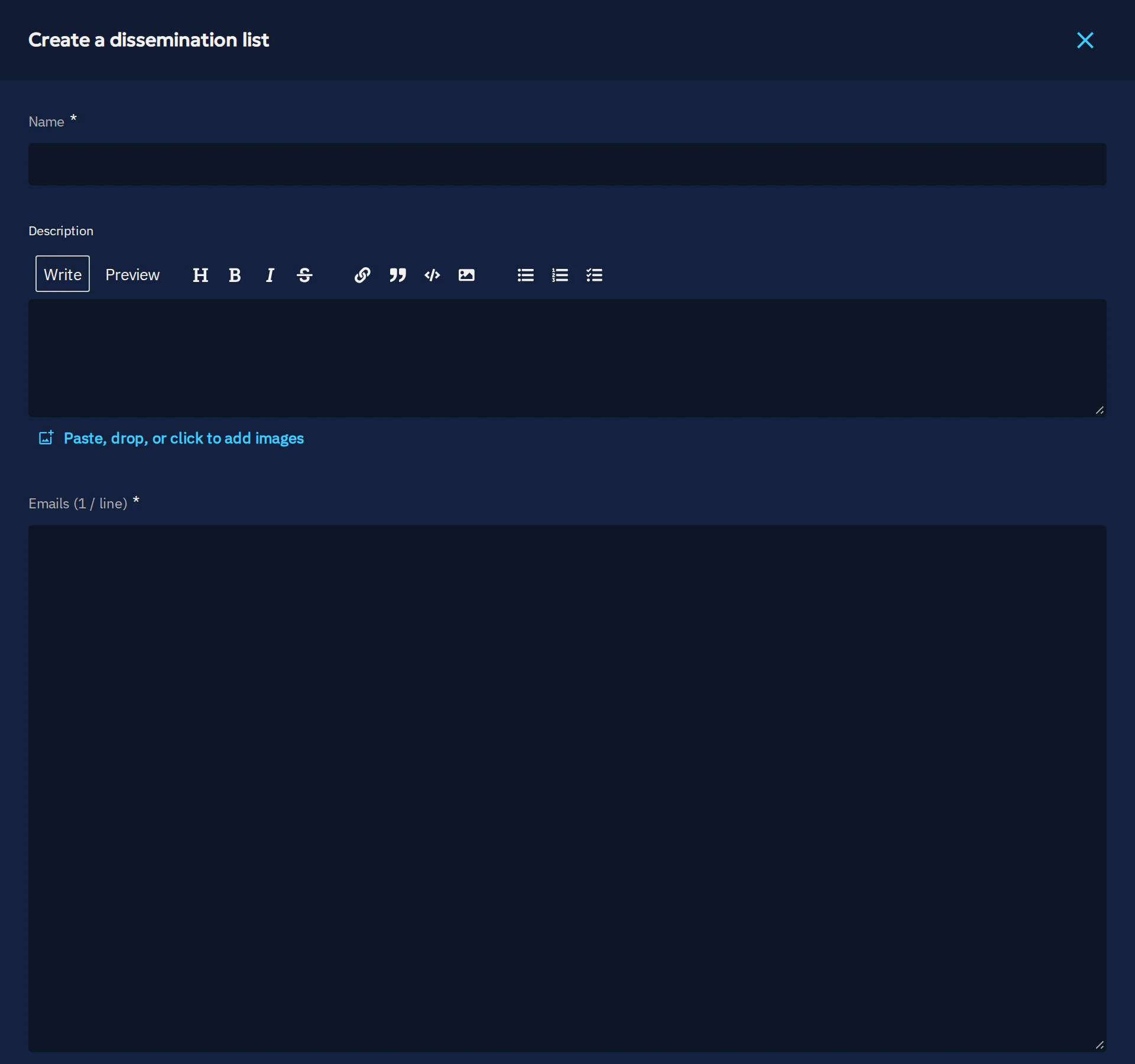
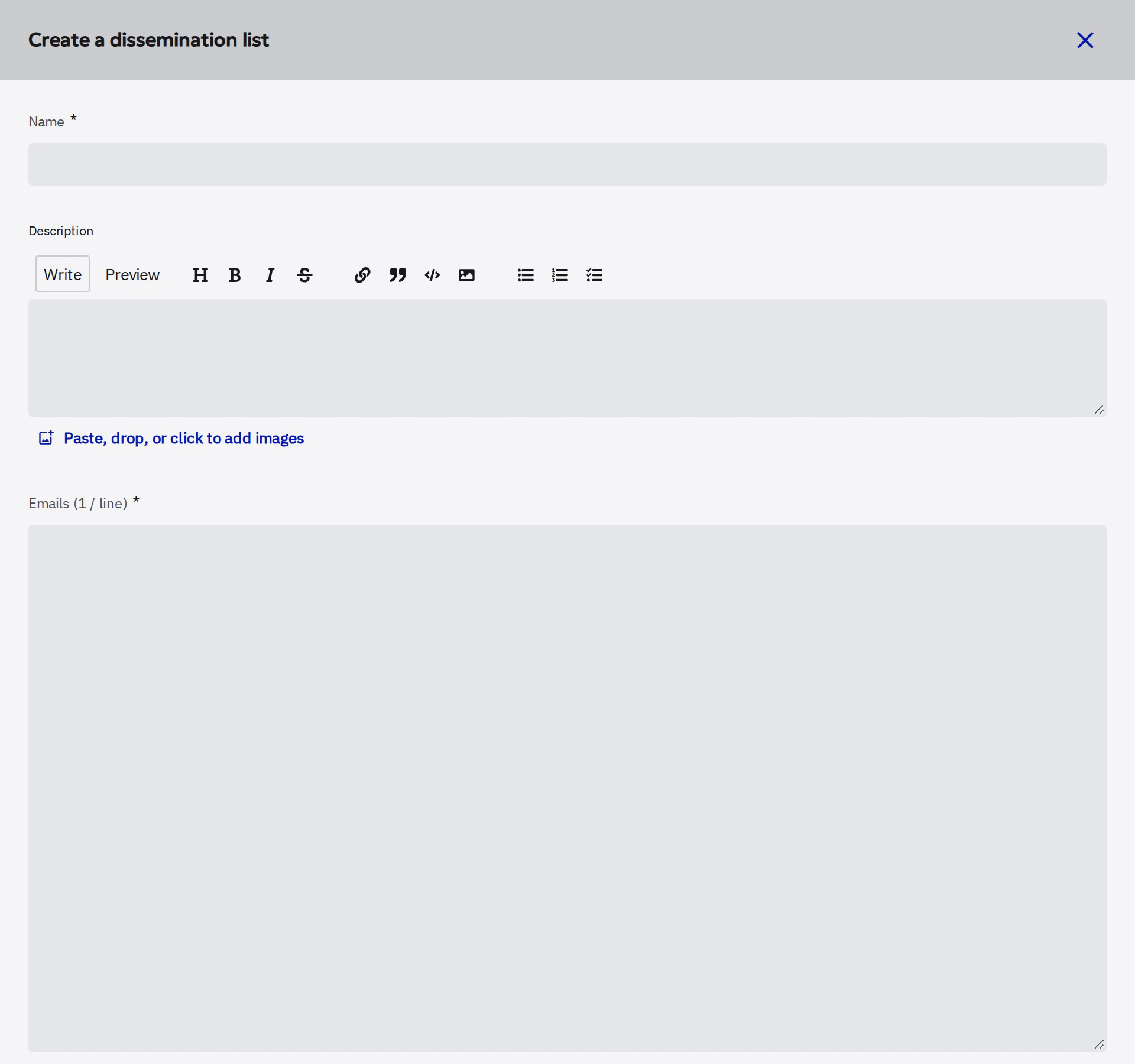
From the brief, the analyst generates a PDF from the advisory template with Content max marking definition levels at TLP:GREEN, so that what is marked TLP:AMBER or TLP:RED stays out of the document (Export knowledge to a file). In its Content tab, Disseminate sends the PDF to the list Hotel sector ISAC, with the subject [TLP:GREEN] Hospitality threat brief, January 2026 (step 3). Each security contact receives it in blind copy, the analyst gets a copy, and the sending is logged in the activity of the platform with the report, the list and the file.
Summarize it with XTM One
On the brief, AI Insights gives a summary of its content (step 4). In Ask Ariane, the analyst asks: "Summarize the report Hospitality threat brief, January 2026 in five lines for the general managers of the member hotels." The agent reads the report and its objects as the analyst, and the answer becomes the Email body of the sending to the general managers' list. Check the names and dates of the answer against the report before it leaves.
The steps
Each step opens its page; the first one starts the journey, and every page of it then shows where you are.
- 1OpenCTIOpenCTIThe threat picture of the sectorExplore entities · 12 minSee which threats target a sector, an organization, a person, a system or an event in the OpenCTI Entities menu, what was seen there, and how far to trust a source.
- 2OpenCTIOpenCTIGather the reports behind the briefExplore analysis · 11 minFind the reports on a threat, read a report as a graph, timeline or ATT&CK matrix, turn its text into knowledge, and record your assessment in notes and opinions.
- 3OpenCTIOpenCTISend it to the membersSend intelligence by email · 6 minSend a finished intelligence document from an OpenCTI report or case to a list of recipients outside the platform, in blind copy, and keep the lists of recipients up to date.
- 4XTM OneXTM OneSummarize with XTM OneXTM One in OpenCTI · 18 minWhat the AI of the XTM platform does in OpenCTI, how OpenCTI hands each request to an XTM One agent, which data an agent reaches with whose rights, and who governs it.
Where to go next
- Automate threat intelligence, so that every new report on the sector is triaged before the next brief.
- Investigate an incident, to work the intrusion at a member as a case.
- Reliability and confidence, to say in the brief how far each source can be trusted.
- Share knowledge with your security tools, to send the indicators of the brief to the members' tools rather than in a document.