Put XTM One agents to work on your intelligence
Let XTM One agents label and summarize each new OpenCTI report inside a playbook, keep a weekly brief running, and review everything they did, in both modules.
At the end of this journey, XTM One AI agents do part of your CTI team's reading: inside an OpenCTI playbook, one agent labels each new report that is about your sector and another writes its summary for the team, while an assignment writes a brief every week. Every agent works with the rights of a real account, only the agents an administrator bound can be called, and every run leaves a trace in both modules. The CTI team lead drives it, with the AI agent builder who prepares the agents. The steps below are the pages to follow, in order.
- Agents ready → Bound to intents: shared and bound
- Bound to intents → Triage playbook: agents offered
- Triage playbook → Agents ready: STIX bundle
- Agents ready → Labelled and summarized: label and summary
- Triage playbook → Execution traces: every run
- Agents ready → Weekly brief: every Monday
Who takes part
- CTI team leads own the playbook: they build it, choose the account it runs as, start it and watch its runs (steps 5 and 6).
- AI agent builders build the summary agent and its weekly assignment, share it with the CTI team, and, as XTM One administrators, bind it so that playbooks can call it (steps 2 to 4).
- CTI analysts receive the labelled and assigned reports and the summaries, and rate the weekly brief (step 7).
- An XTM One administrator registers OpenCTI with XTM One once (step 1).
Why it spans several modules
OpenCTI holds the intelligence and decides when work starts: a playbook listens to new reports, filters them and changes them. XTM One holds the agents: their instructions, their tools, their language models and who may use them. A playbook step hands its Structured Threat Information Expression (STIX) bundle to an agent and, for a transformation, carries on only with a valid STIX 2.1 bundle back.
Each side keeps its own control. In XTM One, an intent says which job a module asks for and a binding says which agent answers it: Transform with AI agent asks for cti.stix_transformer, Send to AI agent for cti.stix_consumer, and the built-in CTI STIX Transformer and CTI STIX Consumer answer them by default. In OpenCTI, the Run as account of the step gives the agent its rights, never rights of its own. Read XTM One in OpenCTI for everything XTM One does in OpenCTI, and Choose which agent answers each AI feature for how bindings work.
What you need
- OpenCTI 7.260811 or later, with an Enterprise Edition license: playbooks and their AI agent steps require it.
- XTM One in the Enterprise Edition, with AI switched on, and OpenCTI registered with it. The AI agent steps only show in the playbook editor once OpenCTI is configured with the address and token of XTM One. See Connect the modules to each other and Configure XTM One.
- A service account the agents work as, such as
playbook-automation: left empty, Run as makes the agent act as the platform's initial administrator. See Create accounts for integrations. - Capabilities: in OpenCTI, Manage Playbooks for the team lead; in XTM One, an administrator account for the bindings.
How it unfolds
The story: since Velvet Harbor reached the front desks of Grand Meridian Hotels on 9 January 2026, Example CERT and other partners publish several reports a day on the hospitality sector. By April 2026, Camille Roux, CTI analyst, misses the ones that arrive without the hotel-sector label. Sophie Laurent, the AI engineer, builds the agents; the CTI team lead owns the playbook.
Prepare the agents in XTM One
Once OpenCTI is registered, Ask Ariane shows in its top bar and the AI agent steps in its playbook editor (step 1). The labelling needs no new agent: the built-in CTI STIX Transformer returns a valid bundle and follows the instructions the playbook gives it. Sophie builds Hotel report digest, with the OpenCTI integration narrowed to the tools that search, read and create notes, and gives her Velvet Harbor watcher the assignment Weekly Velvet Harbor brief, every Monday morning (step 2). She shares the digest agent with the CTI team group, because XTM One refuses to bind a private agent for everyone (step 3), and binds it to cti.stix_consumer for the cti vertical (step 4).
Hand the triage to the playbook
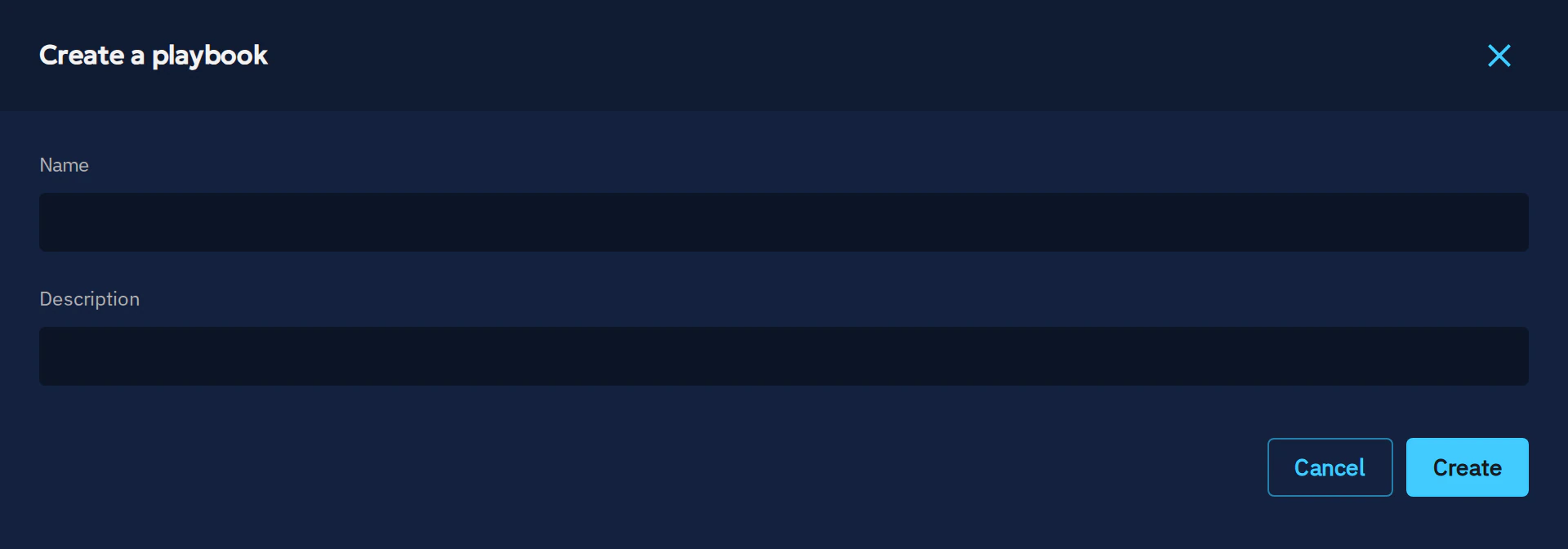
The team lead builds Triage of hotel reports (step 5): it listens to new reports, lets the transformer add hotel-sector when a report is about hotels, keeps only the labelled reports, sets them in progress and assigns them to Camille, and ends with Send to AI agent, which hands the report to Hotel report digest for a five-line summary added as a note. Both AI steps run as playbook-automation.
When a partner publishes a report on a phishing kit that mimics hotel booking confirmations, without a label, the transformer adds hotel-sector, the report is assigned to Camille, and the digest agent writes its summary. When the transformer cannot run, or returns no valid bundle within five minutes, the report leaves by unmodified and the branch ends: nothing is lost, and nothing is labelled by mistake.
Check what the agents did
Each part leaves its trace where it runs. A playbook step calls its agent as a chat message of its Run as account, so its record is in OpenCTI: the execution traces of the playbook show the bundle each step received and the output it took (step 6). The weekly brief is an assignment, so its record is in XTM One: Operations lists each of its runs with its result, and Camille rates a result to tell the agent's managers (step 7). Each run uses the XTM One quota of the account it runs as: the team lead watches the first week of runs before widening the playbook to other sectors.
The steps
Each step opens its page; the first one starts the journey, and every page of it then shows where you are.
- 1XTM OneXTM OneConnect XTM One to OpenCTIXTM One in OpenCTI · 18 minWhat the AI of the XTM platform does in OpenCTI, how OpenCTI hands each request to an XTM One agent, which data an agent reaches with whose rights, and who governs it.
- 2XTM OneXTM OneBuild the agent and its weekly assignmentCreate an agent · 29 minBuild an XTM One AI agent end to end with the wizard - persona, guardrails, model, read-only OpenCTI tools, a knowledge base - then share it with a team and test it in the chat.
- 3XTM OneXTM OneShare it with the CTI teamShare agents and resources · 9 minShare an agent, a knowledge base or a connection with people and groups at the right level, know what sharing lends with it, and read who can use what.
- 4XTM OneXTM OneLet playbooks call itChoose which agent answers each AI feature · 8 minBind your agents to the intents OpenCTI, OpenAEV and OpenCRQ declare, per vertical and by priority, so that each AI feature of the XTM platform reaches the agent you chose.
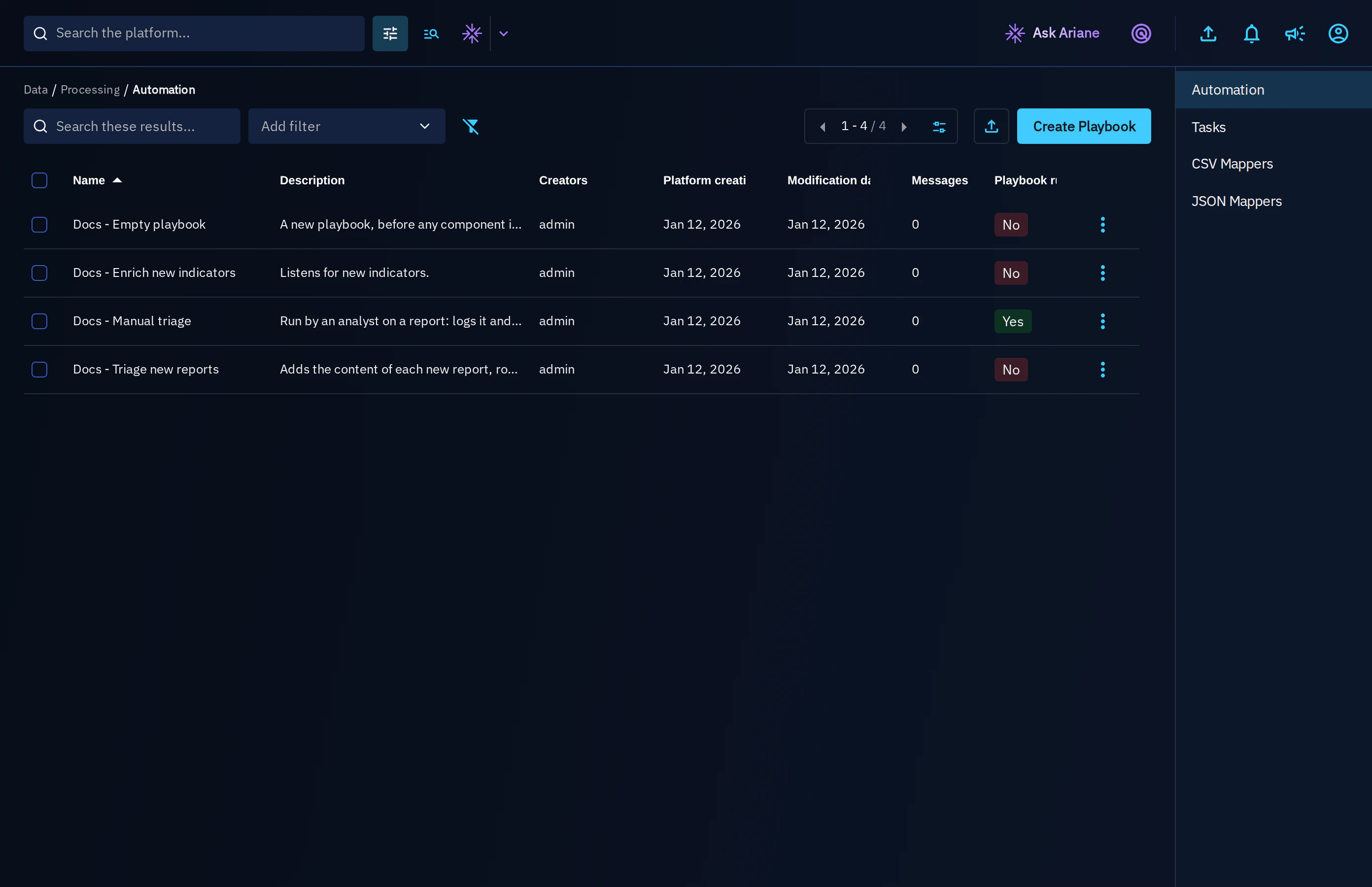
- 5OpenCTIOpenCTIHand the triage to the agentsCreate a playbook · 12 minBuild an OpenCTI playbook that triages new reports for the team, test it, offer it on chosen entities, and duplicate, export or import playbooks, including from the XTM Hub.
- 6OpenCTIOpenCTICheck each run of the playbookMonitor and troubleshoot playbooks · 5 minCheck that the OpenCTI playbooks of your team run, read their execution traces, and fix the most common reasons a playbook stops early or does not change data.
- 7XTM OneXTM OneReview the weekly briefReview what agents did · 19 minFollow the runs of XTM One agents in Operations, answer a run that waits for you, read and rate a result, and follow delegated work, partners' tasks and the work items agents queue.
Where to go next
- Automate threat intelligence, for the playbooks that filter, enrich and share intelligence without an agent.
- Build an AI agent your team can trust, to build your own agents with knowledge bases, skills and budgets.
- Let an agent act later, at a time you choose, for work to do once, such as "check the open incidents on Friday at 17:00".